Meet out teachers Web Page Design


A Portrait-Led Composition With a Layered Staff Heading
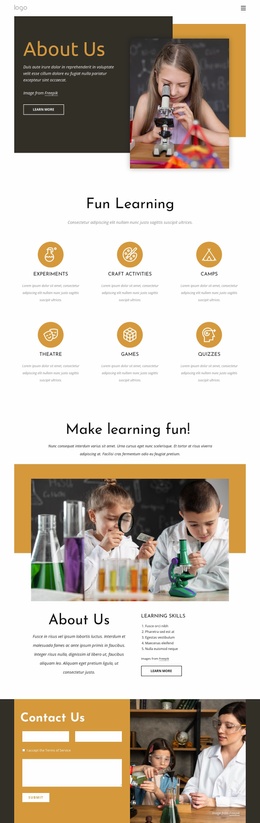
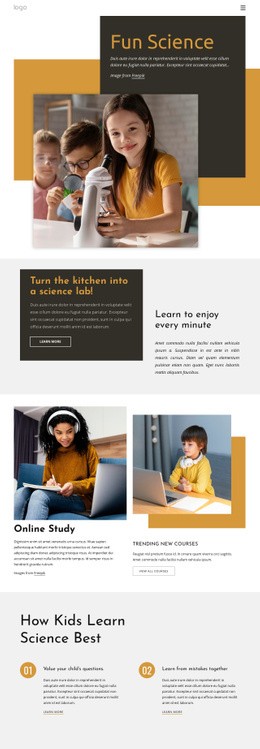
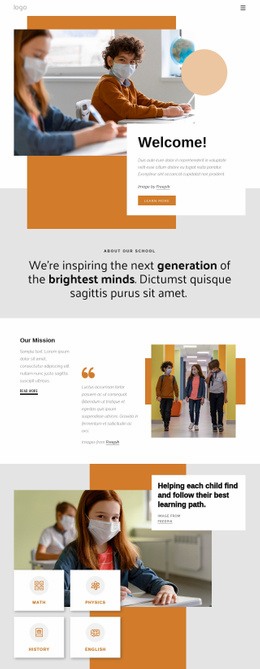
The portrait establishes the section’s main visual anchor on the left, while the supporting paragraph creates a quieter information area on the right. This division gives the block a readable page composition: visitors encounter the human image first, then move toward explanatory text and the attribution line. The heading “Meet Our Teachers & Staff” is not placed as ordinary text above the column; its large white rectangular card overlaps the arrangement, adding depth and making the section identity visible across the split.
Mustard-gold rectangular and circular shapes frame the portrait and help connect the image area to the otherwise open white background. Their geometric placement balances the photograph’s organic subject without introducing another content group. Generous whitespace keeps the image and text from becoming a dense two-column cluster, while the subtle card shadow separates the heading from the elements behind it.
Within one web page, this block can act as a visually distinct team introduction between neighboring sections. Its value comes from the relationship of image scale, text placement, overlay, and decorative framing, not from page-wide navigation or site architecture. The static arrangement remains easy to read as one composed unit while contributing a strong transition in the page’s visual rhythm.
Customize with Nicepage
Open this ready-made template in the Web Page Design Builder and customize it visually in the Nicepage editor. Replace demo content, edit page sections, and adapt the design to your project without rebuilding the template from scratch.
Edit Template Offline
2. Create a new page or select existing
3. Click Add new block, search for id 343314 and click enter
Edit Template Online
Create Awesome Websites


Free Nicepage Builder
Keywords
Design a Web Page With This Block as One Section
Place the Block in the Page Composition
Use Block Designs to combine individual sections into a complete page. The analyzed block contributes one part of that composition, while other sections can handle the introduction, services, proof, portfolio, pricing, contact, or other page-level needs.
Refine the Elements Inside the Block
Use Web Page Elements such as Text, Image, Hyperlink, Grid, Gallery, and other elements to refine the section's content. Adjust the existing elements without assuming that one block must carry the entire page structure.
Balance the Section With Neighboring Content
After the block is placed, refine its spacing, image scale, text density, alignment, and background treatment so the transition into and out of the section feels intentional. Reorder Blocks at the page level when necessary while keeping the internal composition of each section coherent.
This workflow treats the block as one compositional unit in a web page: internally designed, visually distinct, and coordinated with the sections around it.