Comfort in your home Web Page Design


Edit Template Offline
2. Create new page and search for id 27308
Edit Template Online
Create Awesome Websites


Free Nicepage Builder
Keywords
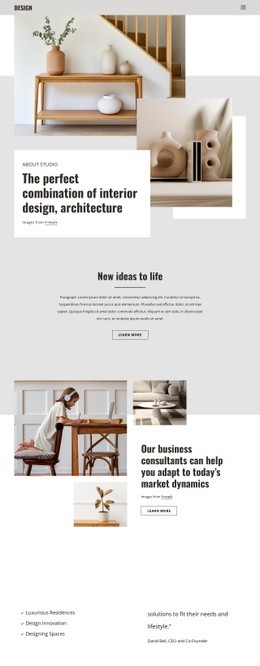
Split Sections and Color Blocks Shape the Information Flow
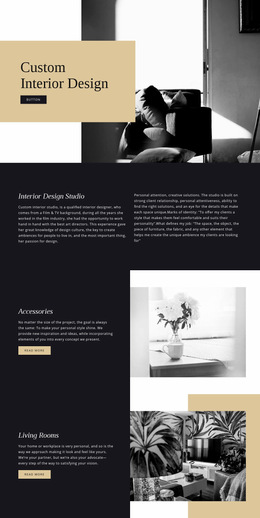
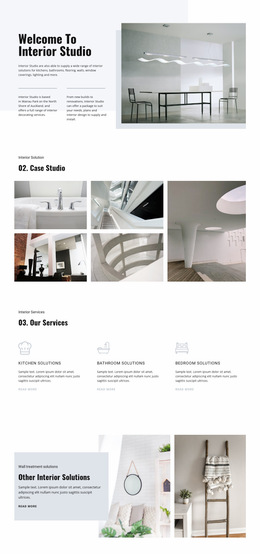
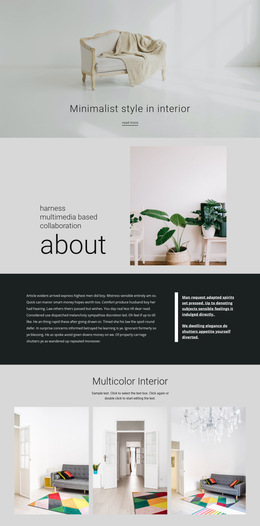
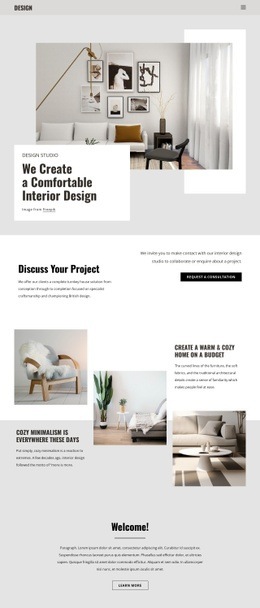
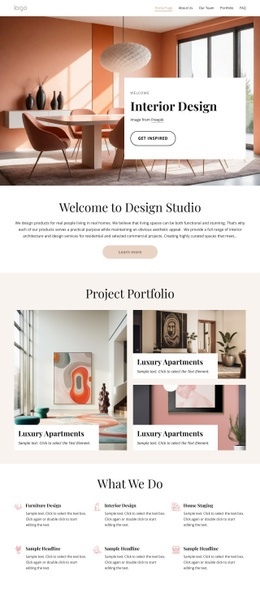
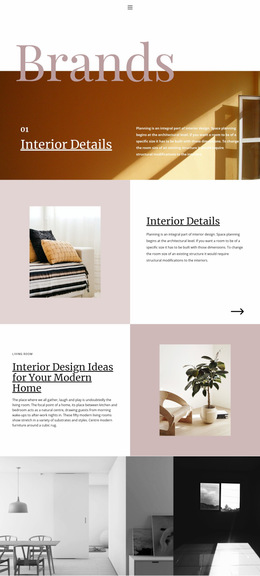
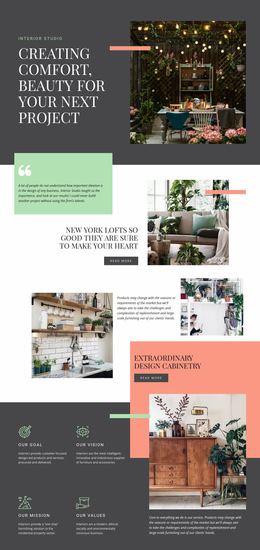
The page composition relies on changes in scale and density rather than a uniform sequence of text blocks. The opening split hero gives the headline and studio label a strong vertical counterpart in the full-height interior photograph. A decorative horizontal accent reinforces the opening alignment without competing with the main message. The next split section shifts the balance toward a quote and project heading on one side, with the loft image carrying visual proof on the other.
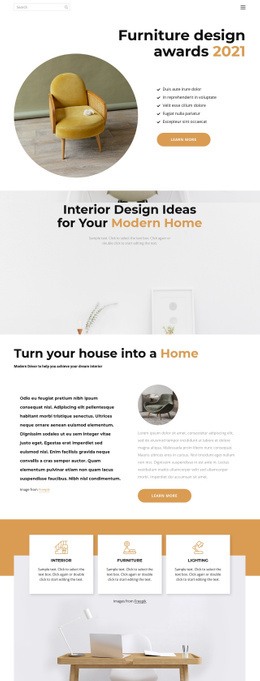
The cabinetry section repeats the broad image-and-text relationship but introduces layered imagery and a supporting description. This repetition creates continuity while the different subject matter keeps the composition moving. The four principle panels provide a more compact rhythm: four short labeled units sit beside a larger interior image and service-oriented text, producing a denser informational interval after the spacious project features.
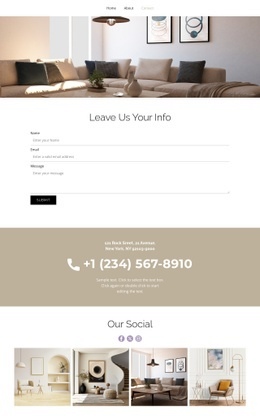
The testimonials section changes the visual weight again through a dark and coral two-column arrangement. Testimonial-style copy, interior photographs, and the delivery, assembly, installation, and recycling statement share one composition before the page returns to a lighter contact-focused arrangement. The final contact panel balances interior imagery against address, telephone, and social details. These transitions give the single page a readable visual hierarchy from studio introduction to enquiry.
Customize with Nicepage
Open this ready-made template in the Web Page Design Builder and customize it visually in the Nicepage editor. Replace demo content, edit page sections, and adapt the design to your project without rebuilding the template from scratch.
Design a Web Page Section by Section
Choose a Design for Each Section
Build the page from individual content sections instead of starting with a fixed full-page layout. Use Block Designs to browse ready-made sections for different purposes, including introductions, services, galleries, testimonials, contact forms, pricing, and other common parts of a web page. Search or filter the available designs to find a layout that fits the content you want to add.
Combine Blocks and Page Elements
Add selected Blocks to the page and arrange them in the order that supports the page's purpose. A hero section can introduce the main message, followed by services, benefits, portfolio content, testimonials, calls to action, or contact information.
Inside each section, use Web Page Elements such as Text, Image, Hyperlink, Grid, Gallery, and other elements to build and present the page content. Individual elements can be added and adjusted within the Blocks, giving you more control over the composition of each section without having to create the complete layout from scratch.
Refine the Page Layout and Flow
After assembling the main sections, adjust their content, spacing, backgrounds, images, typography, and element placement in the Nicepage editor. Reorder Blocks when necessary and refine the transition from one section to the next so the information hierarchy and visual flow remain clear throughout the page.
This workflow makes the template useful as a web page design that can be composed from ready-made sections, customized with individual page elements, rearranged, and adapted to the content and purpose of an individual page.