Women’s Quran Classes One Page Template


Edit Template Offline
2. Create new page and search for id 6659963
Edit Template Online
Create Awesome Websites


Free Nicepage Builder
Keywords
Prayer, Programs, and Class Times Create Distinct Stops on One Continuous Page
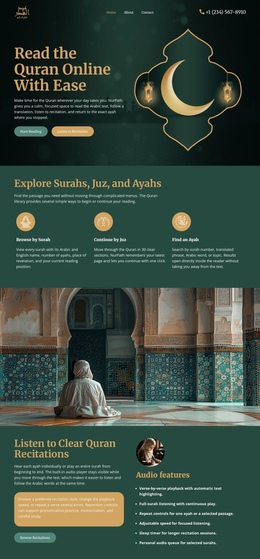
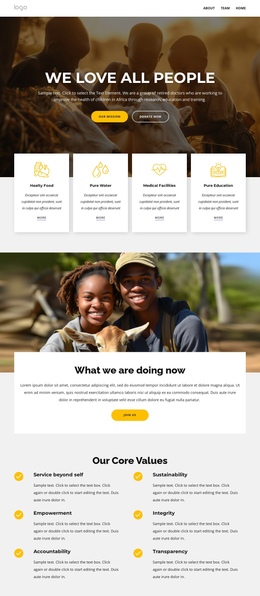
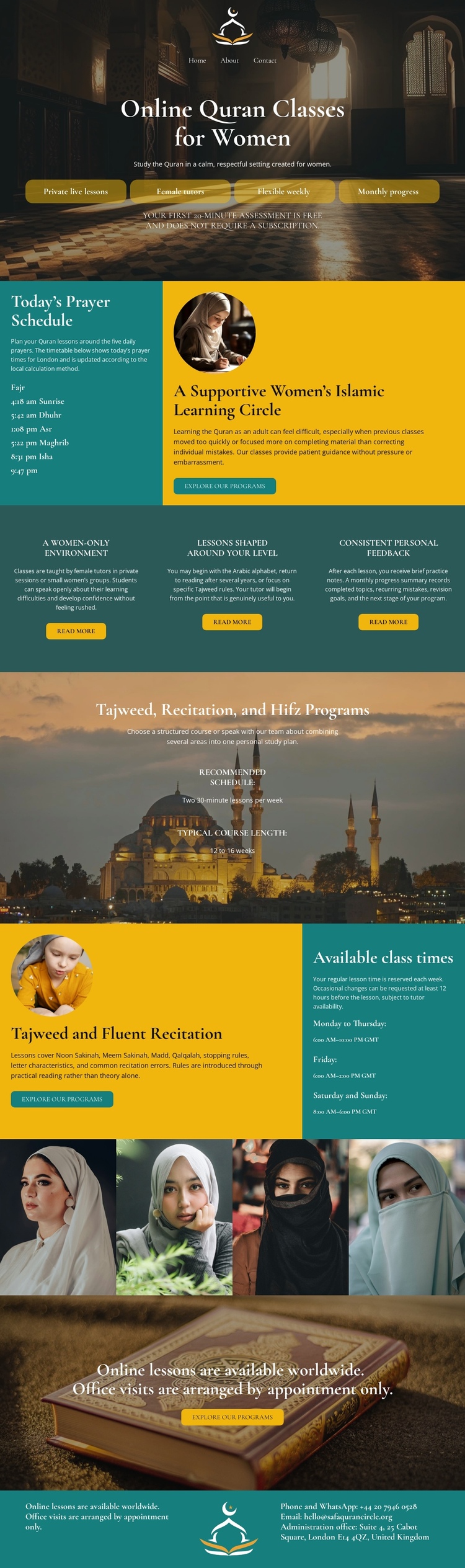
The design has enough major content groups to support a clear one-page journey without treating every block as the same kind of information. The opening mosque-backed section serves as the starting point for online Quran classes for women and introduces enrollment actions. The prayer schedule creates a second destination where visitors can review timing information beside a portrait-led learning invitation. Three feature columns then offer a compact explanation of the environment, lesson suitability, and personal feedback.
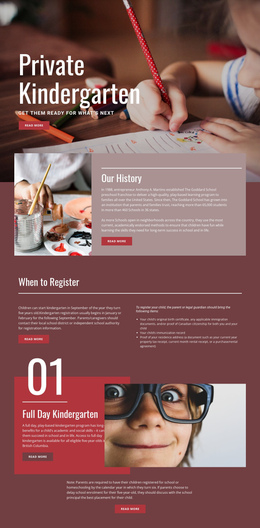
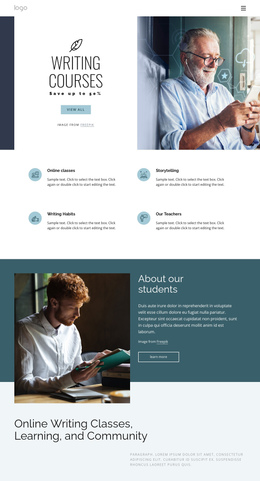
The later sequence continues with a dedicated introduction to Tajweed, recitation, and Hifz, followed by a separate class-time area. That order matters: visitors encounter the program categories before reaching the timetable that explains availability. The four-image portrait strip acts as a visual pause between practical class information and the final response section. The worldwide lesson invitation and booking button then provide a final destination before the teal footer closes the document.
This arrangement supports navigation by meaningful content areas: introduction, prayer schedule, learning benefits, program areas, class times, portraits, and booking. The analysis verifies the sections themselves but does not verify anchor links, so the page should be understood as a continuous multi-section structure rather than a claim that section-based menu navigation already exists.
Customize with Nicepage
Open this ready-made template in the One Page Template Builder and customize it visually in the Nicepage editor. Replace demo content, edit page sections, and adapt the design to your project without rebuilding the template from scratch.
Build a Navigable One-Page Website
Connect the Menu to Page Sections
Organize the website as a sequence of sections on a single page and use the Menu For One-Page Site to connect menu items with individual page Blocks. Visitors can jump directly to sections such as About, Services, Testimonials, or Contact without opening separate pages.
Keep the Website on One URL
A one-page template can combine several parts of a small website within one continuous page. Arrange the Header, introduction, services, portfolio, company information, reviews, contact details, and other relevant sections in the order that fits the project while keeping them accessible through the same page navigation.
Make Long Pages Easier to Navigate
For longer one-page websites, keep navigation labels short and connected to meaningful sections so visitors can move through the page without relying only on scrolling. You can also use the Back To Top element to provide a quick way back to the beginning after longer sections.
This workflow makes the template suitable for compact websites that need several distinct content sections while keeping the complete visitor experience on one URL.