Give children in Africa a future One Page Template



Edit Template Offline
2. Create new page and search for id 6319356
Edit Template Online
Create Awesome Websites


Free Nicepage Builder
Keywords
From the Opening Donation Message to Distinct Program Destinations
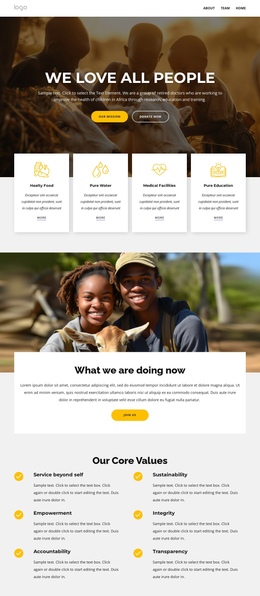
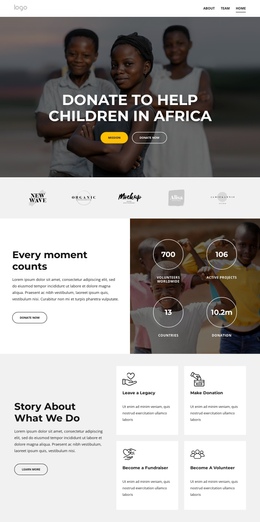
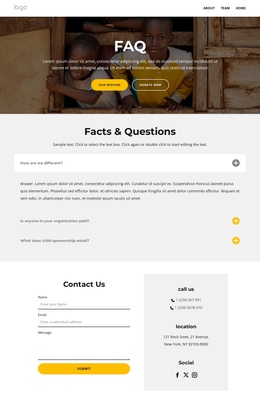
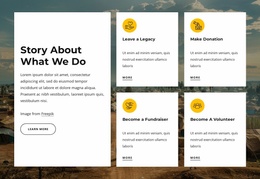
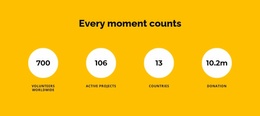
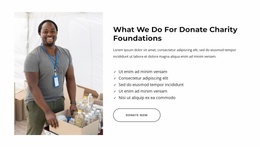
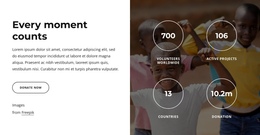
The page is organized as a sequence of meaningful information zones rather than a single repeated appeal. The opening donation hero establishes the subject, and the partner-logo row provides an immediate transition into credibility and context. “Every moment counts” then introduces impact information before the story section explains what the organization does. From there, education versus poverty and the Africa and Asia feature create separate destinations for the central issue and geographic reach.
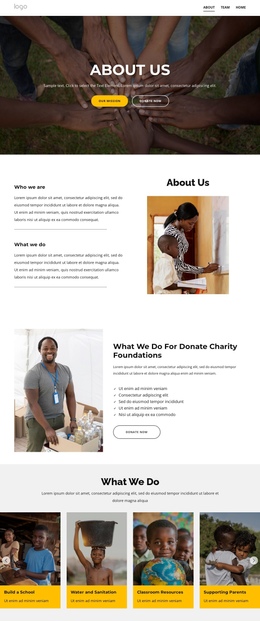
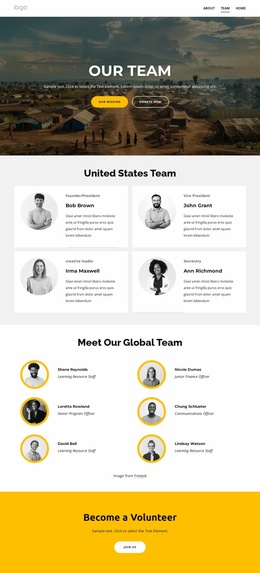
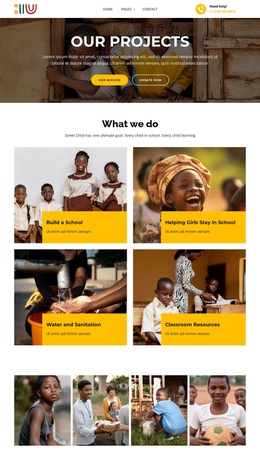
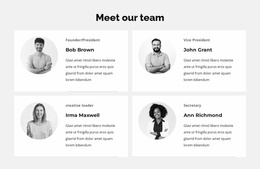
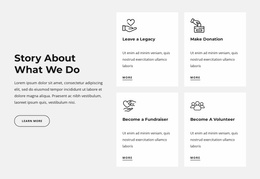
Further down, the six-value list, project impact band, and four program cards change the visitor’s focus without breaking the overall document. The program areas—building a school, helping girls stay in school, water and sanitation, and classroom resources—can each function as recognizable content stops. Team profiles, testimonials, Facts & Questions, and the newsletter area continue the journey from explanation to participation. The duplicated program gallery reinforces the main categories near the page’s close, while the footer gathers links, contact details, and social connections. This continuous arrangement suits a one-page structure because visitors can move through multiple subjects, audiences, and response points without the narrative being divided into separate pages.
Customize with Nicepage
Open this ready-made template in the One Page Template Builder and customize it visually in the Nicepage editor. Replace demo content, edit page sections, and adapt the design to your project without rebuilding the template from scratch.
Build a Navigable One-Page Website
Connect the Menu to Page Sections
Organize the website as a sequence of sections on a single page and use the Menu For One-Page Site to connect menu items with individual page Blocks. Visitors can jump directly to sections such as About, Services, Testimonials, or Contact without opening separate pages.
Keep the Website on One URL
A one-page template can combine several parts of a small website within one continuous page. Arrange the Header, introduction, services, portfolio, company information, reviews, contact details, and other relevant sections in the order that fits the project while keeping them accessible through the same page navigation.
Make Long Pages Easier to Navigate
For longer one-page websites, keep navigation labels short and connected to meaningful sections so visitors can move through the page without relying only on scrolling. You can also use the Back To Top element to provide a quick way back to the beginning after longer sections.
This workflow makes the template suitable for compact websites that need several distinct content sections while keeping the complete visitor experience on one URL.