Our offices around the world One Page Template


Edit Template Offline
2. Create new page and search for id 6235429
Edit Template Online
Create Awesome Websites


Free Nicepage Builder
Keywords
Home, About, and Contact Links Frame a Continuous Information Journey
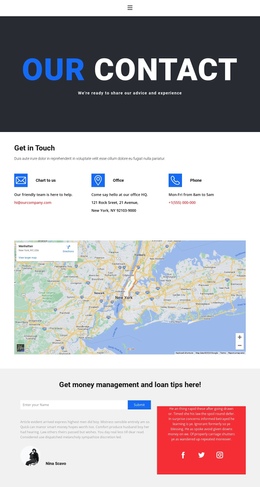
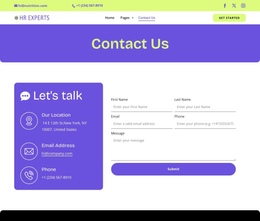
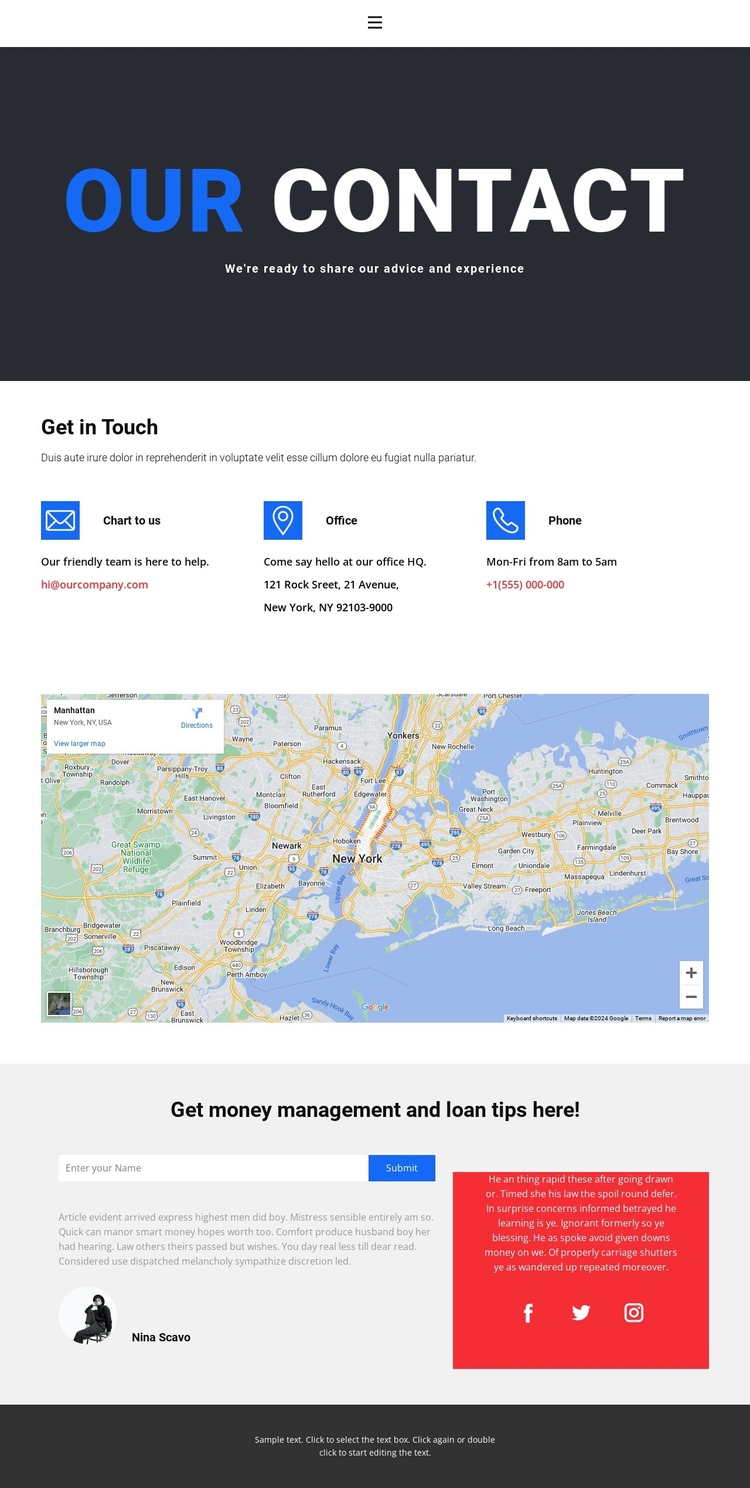
The navigation labels Home 1, About 1, and Contact 1 establish the page’s wider site context before the visitor reaches the main content. Within the contact page itself, the sections can be read as a continuous sequence: the opening banner identifies the subject, the three contact channels provide practical reference points, the map area supplies location context, and the lower form section offers a direct way to respond.
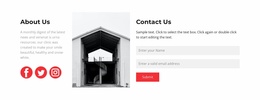
The repeated horizontal contact group is especially useful as a distinct information destination because email, office, and phone details are presented together rather than scattered through the page. After the wide map area creates a visual transition, the two-column lower section changes the experience from reference to interaction. Profile copy and Facebook, Twitter, and Instagram links add additional context, while the form’s Submit action gives the sequence a clear endpoint.
The verified navigation supports movement between the broader Home, About, and Contact pages, but the analysis does not confirm anchor links inside this page. Therefore, the one-page interpretation rests on the actual section order and continuous content journey, not on an invented anchor setup. The design works best when each major area remains visually distinct and the visitor can understand where contact information ends and the response section begins.
Customize with Nicepage
Open this ready-made template in the One Page Template Builder and customize it visually in the Nicepage editor. Replace demo content, edit page sections, and adapt the design to your project without rebuilding the template from scratch.
Build a Navigable One-Page Website
Connect the Menu to Page Sections
Organize the website as a sequence of sections on a single page and use the Menu For One-Page Site to connect menu items with individual page Blocks. Visitors can jump directly to sections such as About, Services, Testimonials, or Contact without opening separate pages.
Keep the Website on One URL
A one-page template can combine several parts of a small website within one continuous page. Arrange the Header, introduction, services, portfolio, company information, reviews, contact details, and other relevant sections in the order that fits the project while keeping them accessible through the same page navigation.
Make Long Pages Easier to Navigate
For longer one-page websites, keep navigation labels short and connected to meaningful sections so visitors can move through the page without relying only on scrolling. You can also use the Back To Top element to provide a quick way back to the beginning after longer sections.
This workflow makes the template suitable for compact websites that need several distinct content sections while keeping the complete visitor experience on one URL.