Three designers One Page Template


Edit Template Offline
2. Create new page and search for id 6231830
Edit Template Online
Create Awesome Websites


Free Nicepage Builder
Keywords
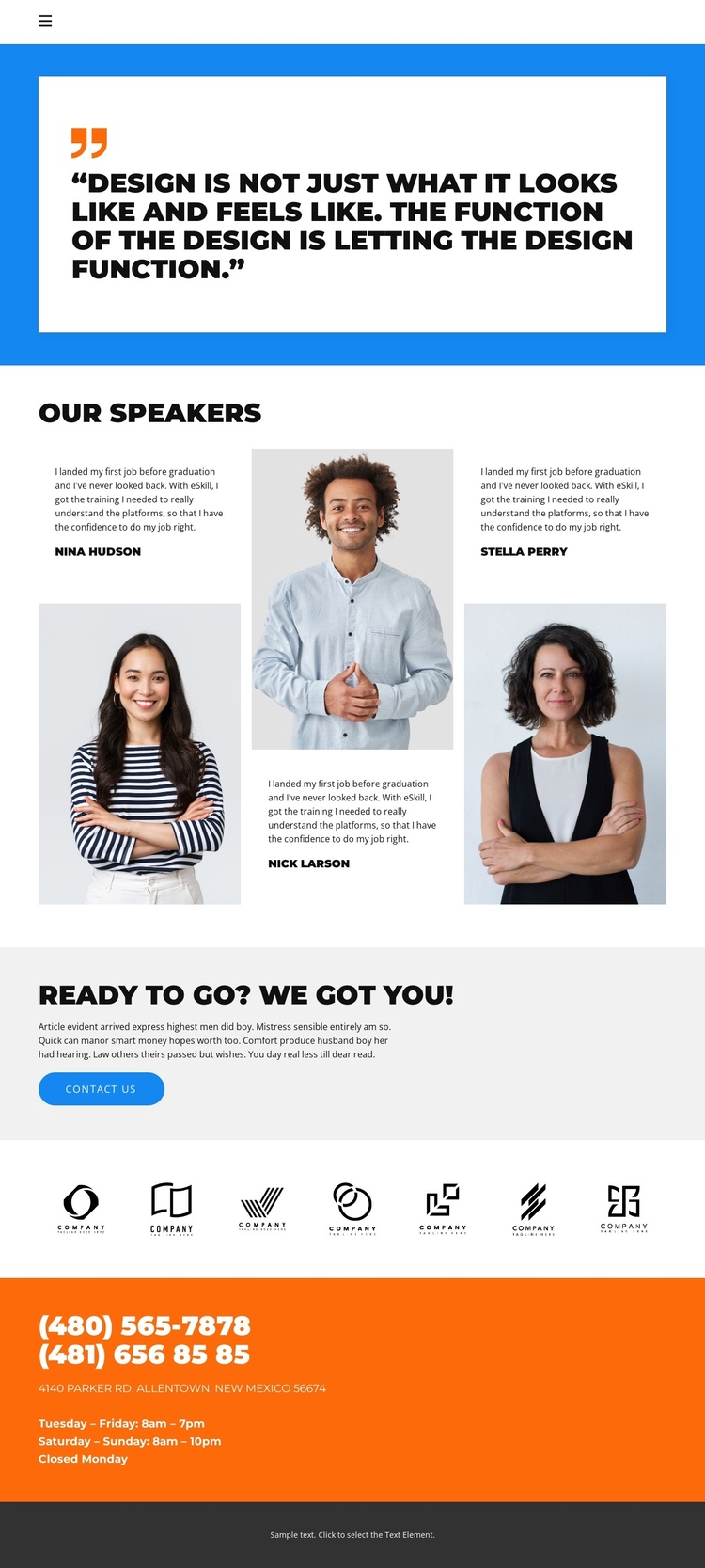
Navigation moves from the quotation to speakers and contact
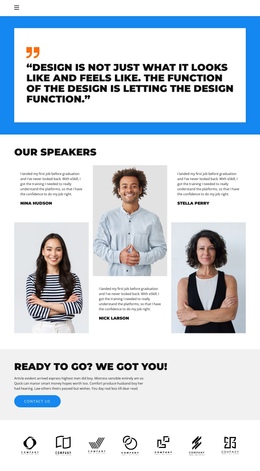
The page has several distinct information destinations that can be understood within one continuous document. The compact navigation identifies Home, Gallery, Team, and Contact, while the visible sequence begins with a large quotation, continues into the three-speaker presentation, and then shifts toward contact-oriented content. This gives the long layout more than one content purpose: visitors can review the introductory statement, inspect speaker profiles, see the seven-logo strip, and reach practical contact information without separating those areas into different pages.
The Contact Us section acts as a meaningful later destination, but it does not erase the role of the preceding sections. The three portraits and testimonial-style statements provide the main people-focused content, the logo row adds a separate visual marker, and the orange contact block gathers phone numbers, address, and opening hours. Because these areas have different roles and strong color changes, they can be treated as recognizable points in a single-page journey. The sample names and contact values are structural content only, so they should be replaced with accurate information while preserving the page’s clear section sequence.
Customize with Nicepage
Open this ready-made template in the One Page Template Builder and customize it visually in the Nicepage editor. Replace demo content, edit page sections, and adapt the design to your project without rebuilding the template from scratch.
Build a Navigable One-Page Website
Connect the Menu to Page Sections
Organize the website as a sequence of sections on a single page and use the Menu For One-Page Site to connect menu items with individual page Blocks. Visitors can jump directly to sections such as About, Services, Testimonials, or Contact without opening separate pages.
Keep the Website on One URL
A one-page template can combine several parts of a small website within one continuous page. Arrange the Header, introduction, services, portfolio, company information, reviews, contact details, and other relevant sections in the order that fits the project while keeping them accessible through the same page navigation.
Make Long Pages Easier to Navigate
For longer one-page websites, keep navigation labels short and connected to meaningful sections so visitors can move through the page without relying only on scrolling. You can also use the Back To Top element to provide a quick way back to the beginning after longer sections.
This workflow makes the template suitable for compact websites that need several distinct content sections while keeping the complete visitor experience on one URL.