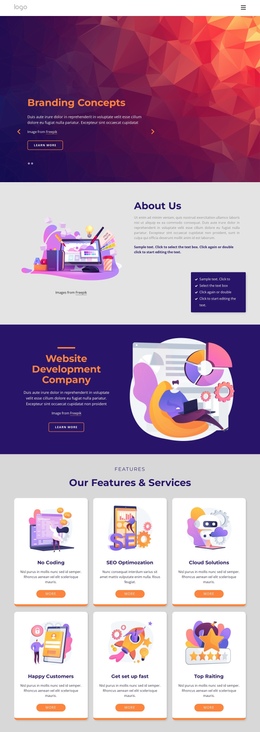
We provide best SEO One Page Template


Edit Template Offline
2. Create new page and search for id 4398988
Edit Template Online
Create Awesome Websites


Free Nicepage Builder
Keywords
Navigation Connects Services, Projects, and Contact in One Flow
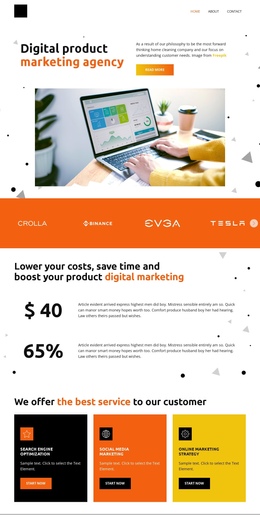
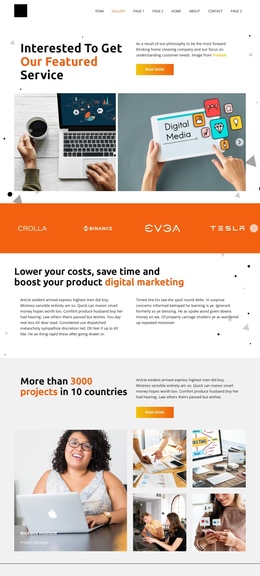
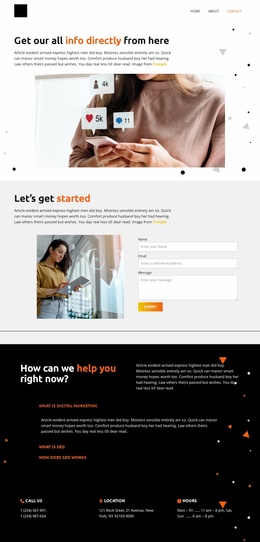
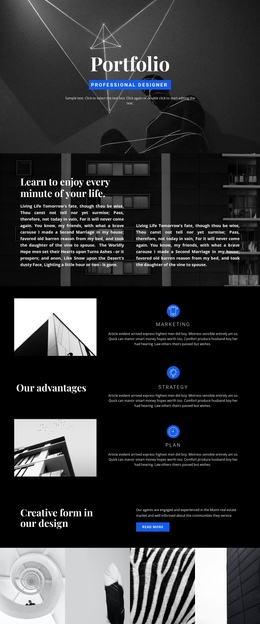
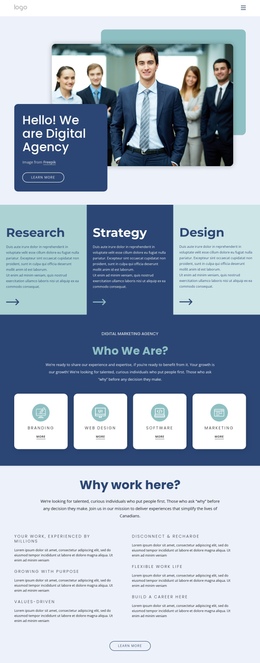
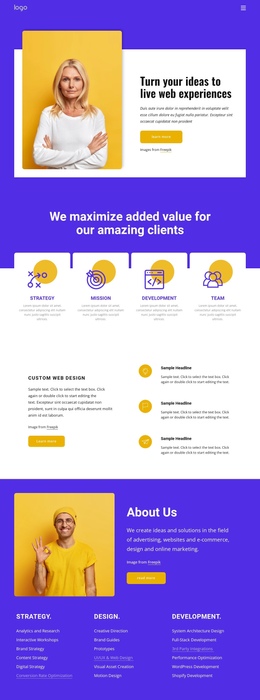
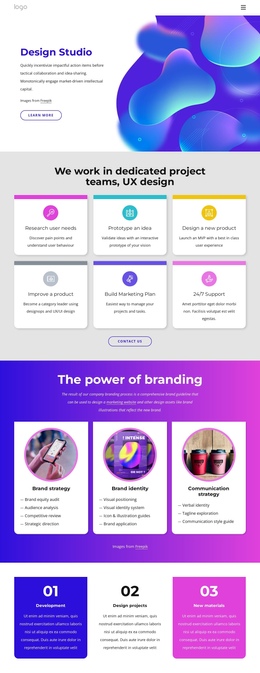
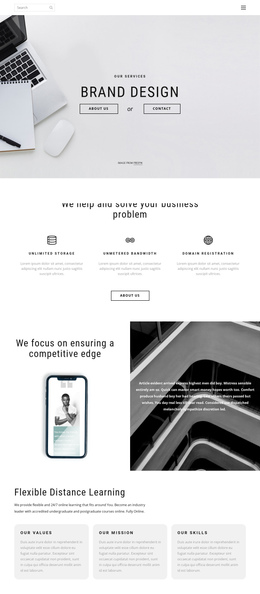
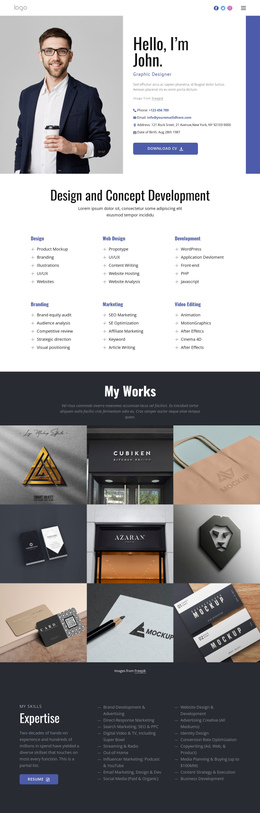
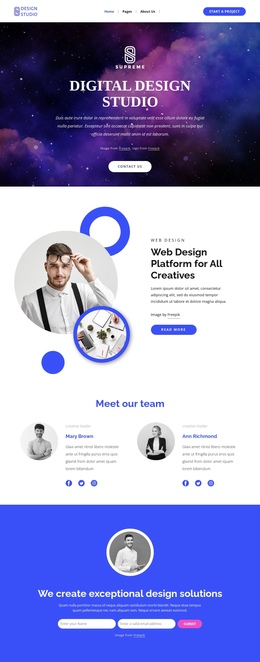
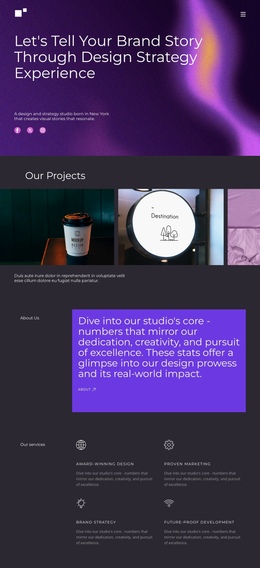
The page contains several substantial information destinations that can be explored without splitting the presentation into separate documents. The opening featured-service section introduces the subject through copy, a Read more action, and six images. The logo band and the digital marketing value proposition then create a second stage, shifting from visual introduction toward an explanation of the service context.
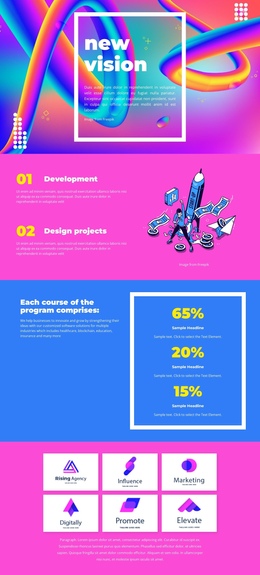
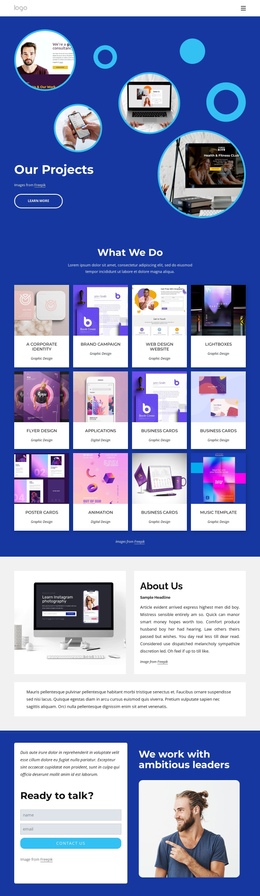
The two collage sections provide distinct project-oriented stops within the same long-page sequence. One combines supporting text, a project metric, and multiple images, while the next continues the portfolio story through a different image arrangement. The nine-item Our Projects gallery offers another meaningful destination, giving visitors a dedicated place to review labeled creative work rather than forcing every example into the opening section.
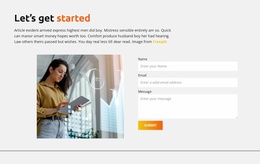
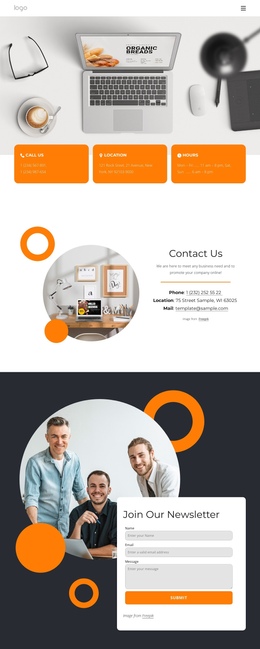
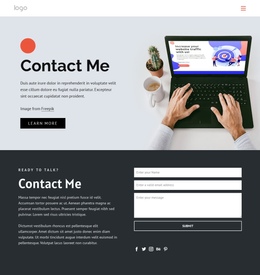
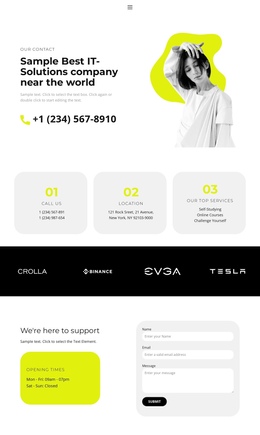
The closing form and contact-information row work as final destinations rather than merely another visual block. The Name and Email fields support direct contact, and phone, location, and hours provide additional practical information beneath the inquiry area. The top navigation already names Home, About, Gallery, Team, and Contact, so the design has a natural basis for section-oriented movement. Its value as a one-page structure comes from this sequence of multiple content destinations, not from treating the entire layout as one undifferentiated sales message.
Customize with Nicepage
Open this ready-made template in the One Page Template Builder and customize it visually in the Nicepage editor. Replace demo content, edit page sections, and adapt the design to your project without rebuilding the template from scratch.
Build a Navigable One-Page Website
Connect the Menu to Page Sections
Organize the website as a sequence of sections on a single page and use the Menu For One-Page Site to connect menu items with individual page Blocks. Visitors can jump directly to sections such as About, Services, Testimonials, or Contact without opening separate pages.
Keep the Website on One URL
A one-page template can combine several parts of a small website within one continuous page. Arrange the Header, introduction, services, portfolio, company information, reviews, contact details, and other relevant sections in the order that fits the project while keeping them accessible through the same page navigation.
Make Long Pages Easier to Navigate
For longer one-page websites, keep navigation labels short and connected to meaningful sections so visitors can move through the page without relying only on scrolling. You can also use the Back To Top element to provide a quick way back to the beginning after longer sections.
This workflow makes the template suitable for compact websites that need several distinct content sections while keeping the complete visitor experience on one URL.