Digital design agency One Page Template



Edit Template Offline
2. Create new page and search for id 1124787
Edit Template Online
Create Awesome Websites


Free Nicepage Builder
Keywords
From cosmic introduction to grouped contact content
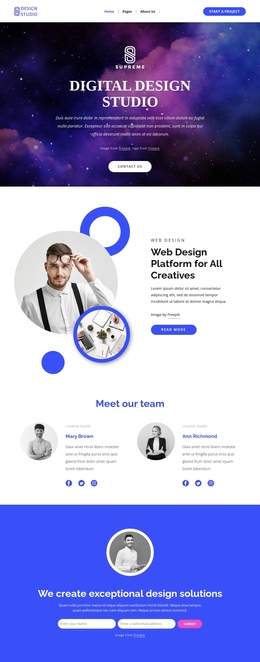
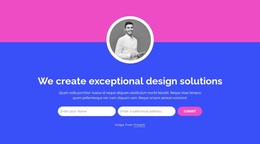
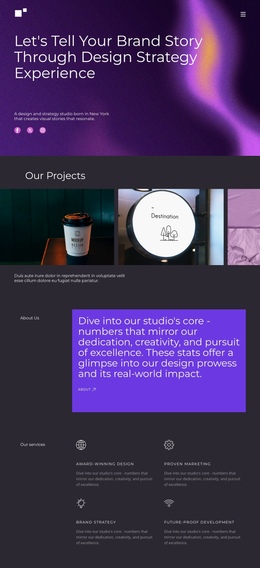
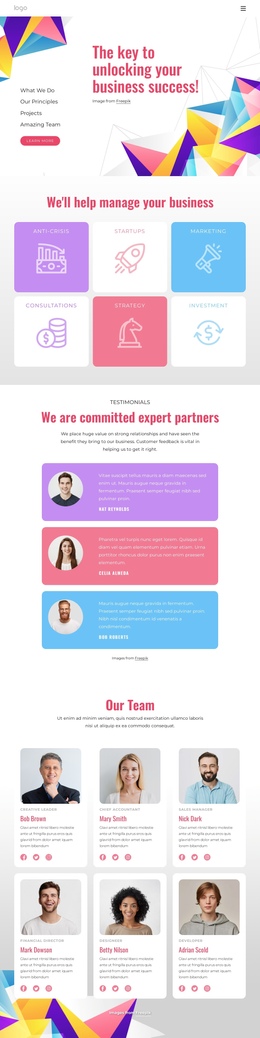
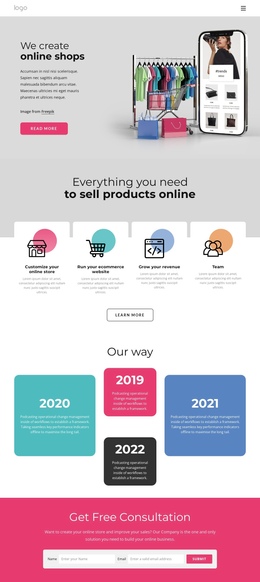
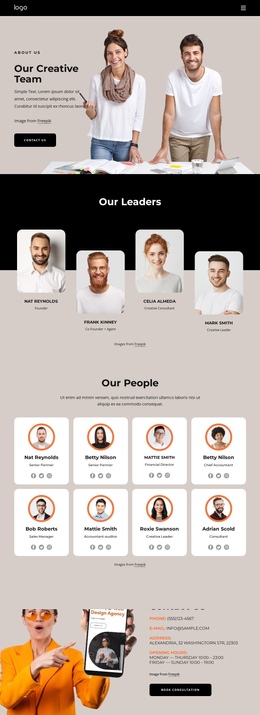
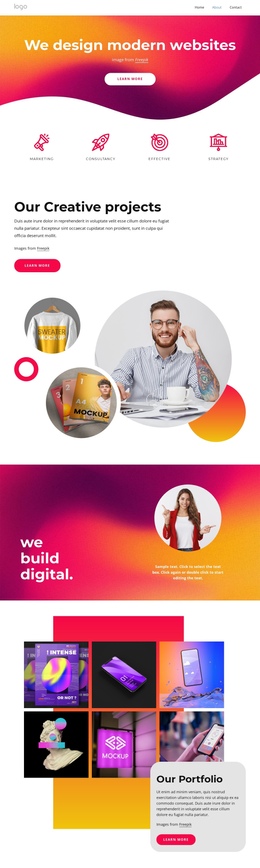
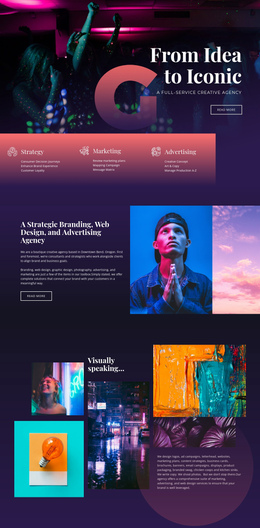
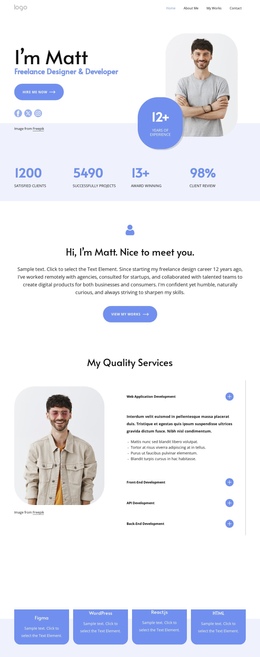
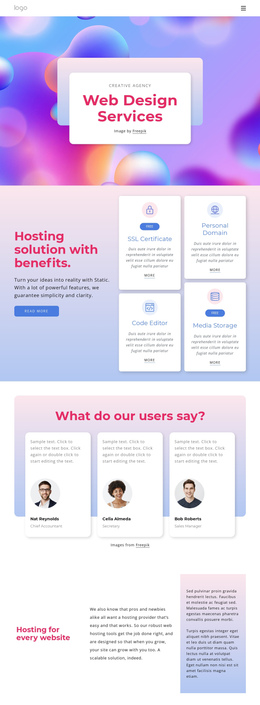
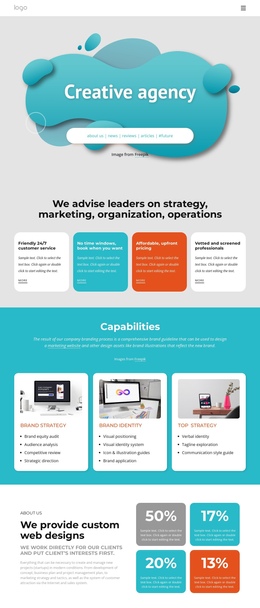
The page’s section order creates several distinct destinations within one continuous document. The cosmic hero introduces the Digital Design Studio, while the next split section narrows the subject to a web design platform for creatives. Visitors can then move into the two-profile team section, the blue design-solutions band, or the About Us area with Creative Agency, Founder, and Mission tabs. Each zone adds a different kind of information without requiring the underlying presentation to be divided into separate pages.
The later sequence continues that layered journey. Testimonials provide a client-focused pause after the studio explanation, and the “The Secrets Great Design” split section returns to capability-led content. The four metric cards then condense work-related information into a horizontal group, creating a visual change from the portrait-led and text-led sections above. This progression makes the long page easier to understand as a set of meaningful content stops rather than an uninterrupted stream of copy.
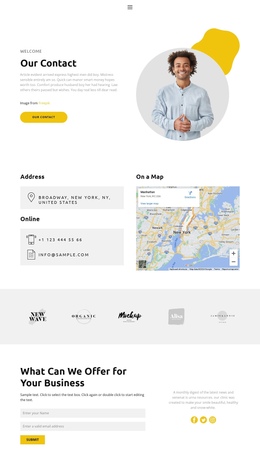
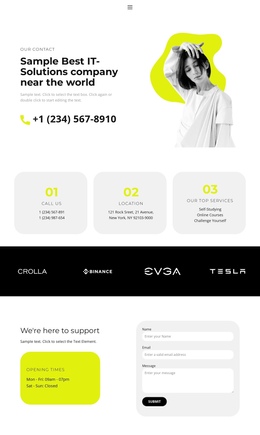
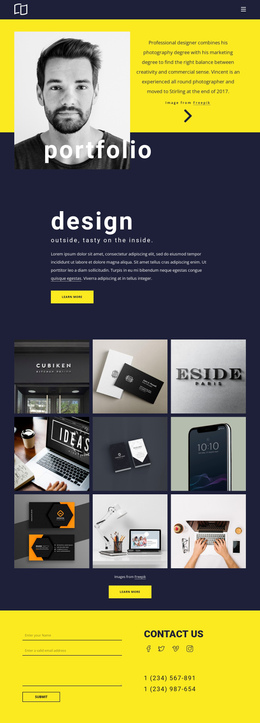
The final Contact Us section gives the sequence a practical destination, combining the contact form with call, location, and service details. The dark footer extends navigation with quick links, services, and contact information, while its signup control remains a separate informational option. Together, these sections support a single-page structure in which visitors can explore studio identity, people, capabilities, proof, and contact content in order.
Customize with Nicepage
Open this ready-made template in the One Page Template Builder and customize it visually in the Nicepage editor. Replace demo content, edit page sections, and adapt the design to your project without rebuilding the template from scratch.
Build a Navigable One-Page Website
Connect the Menu to Page Sections
Organize the website as a sequence of sections on a single page and use the Menu For One-Page Site to connect menu items with individual page Blocks. Visitors can jump directly to sections such as About, Services, Testimonials, or Contact without opening separate pages.
Keep the Website on One URL
A one-page template can combine several parts of a small website within one continuous page. Arrange the Header, introduction, services, portfolio, company information, reviews, contact details, and other relevant sections in the order that fits the project while keeping them accessible through the same page navigation.
Make Long Pages Easier to Navigate
For longer one-page websites, keep navigation labels short and connected to meaningful sections so visitors can move through the page without relying only on scrolling. You can also use the Back To Top element to provide a quick way back to the beginning after longer sections.
This workflow makes the template suitable for compact websites that need several distinct content sections while keeping the complete visitor experience on one URL.