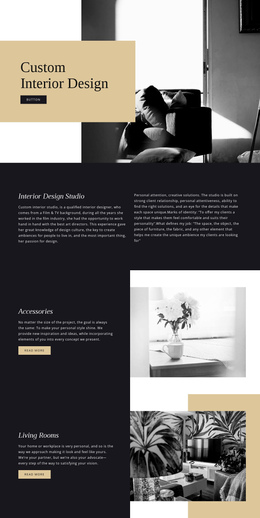
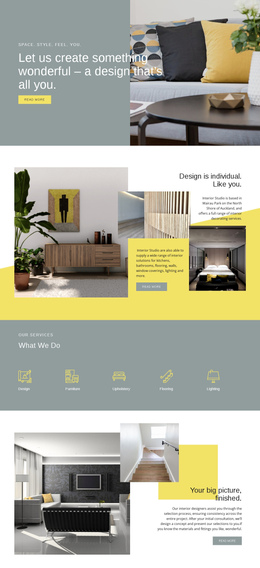
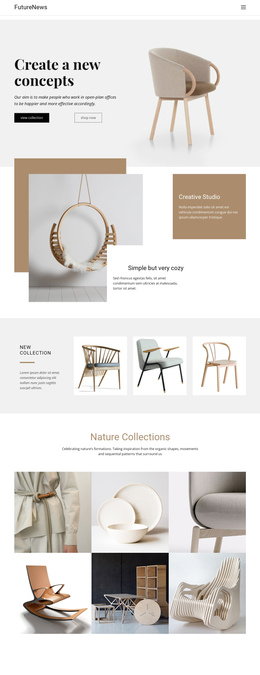
Thai home styling interior One Page Template


Edit Template Offline
2. Create new page and search for id 38003
Edit Template Online
Create Awesome Websites


Free Nicepage Builder
Keywords
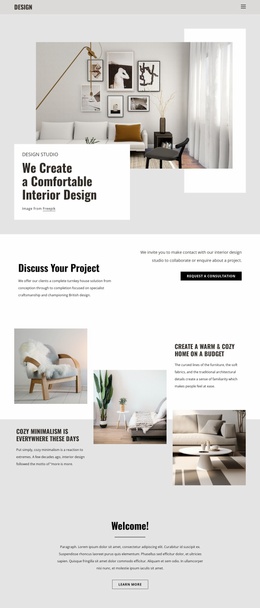
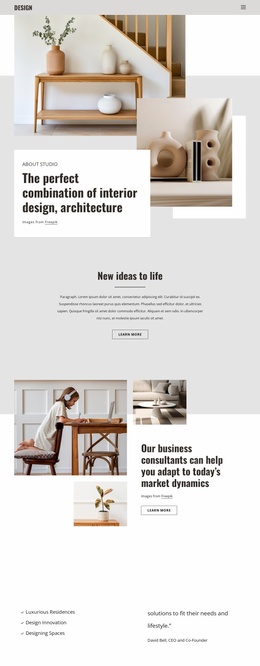
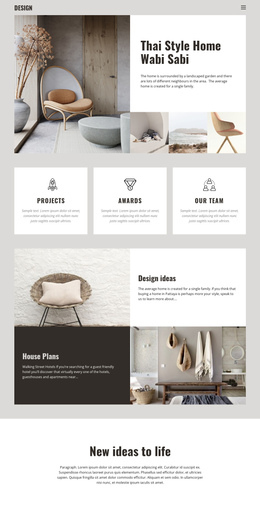
Design ideas and house plans create distinct destinations on one page
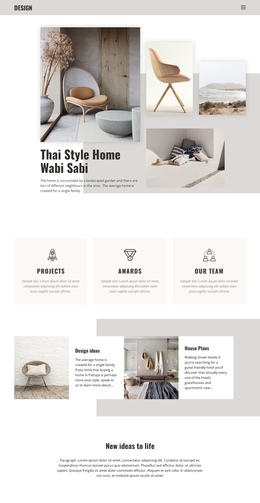
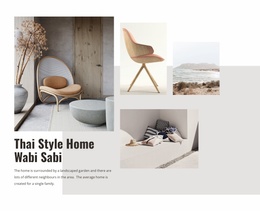
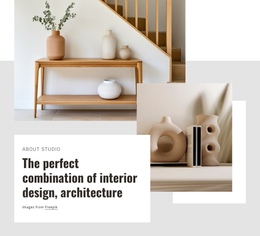
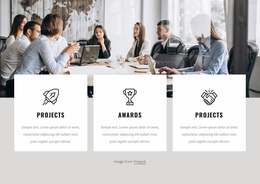
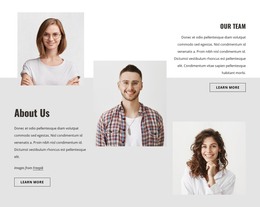
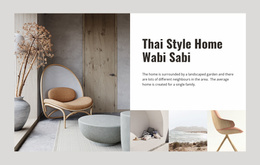
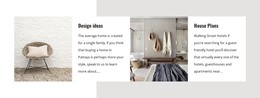
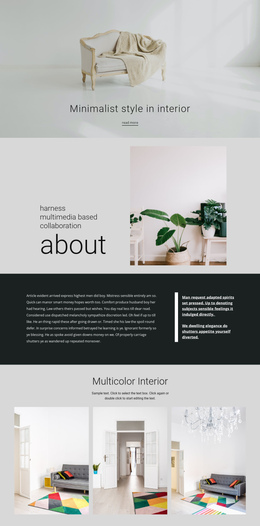
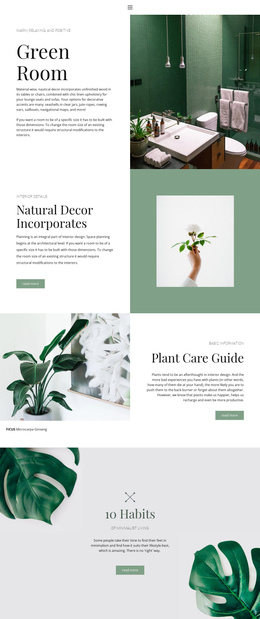
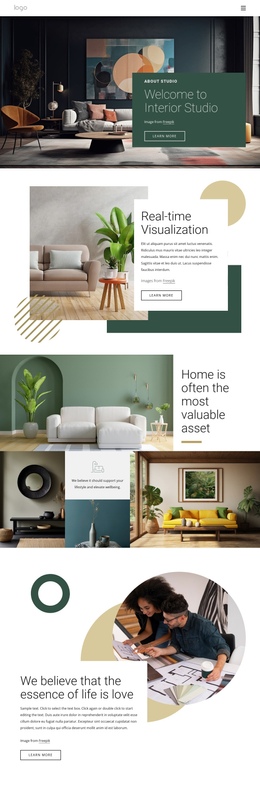
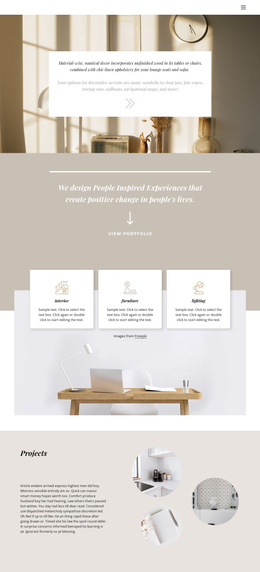
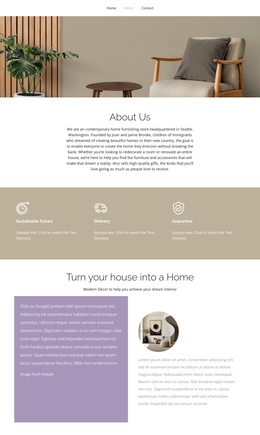
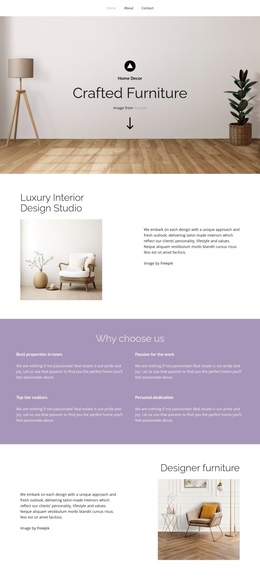
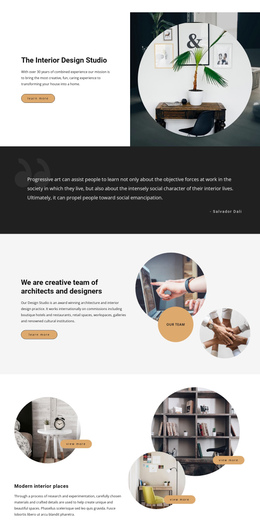
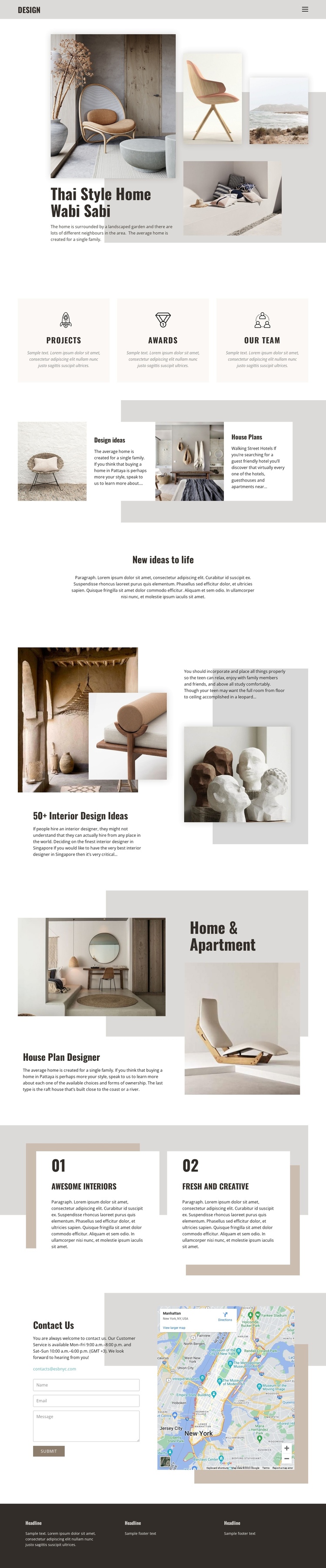
The page contains several recognizable information zones that can be explored in sequence without separating the experience into multiple URLs. The opening Thai Style Home Wabi Sabi section works as the introduction, while the three equal panels give Projects, Awards, and Our team their own compact destination-like roles. The next Grid divides Design ideas and House Plans into two related but distinguishable content areas, allowing visitors to move from visual inspiration toward practical residential planning.
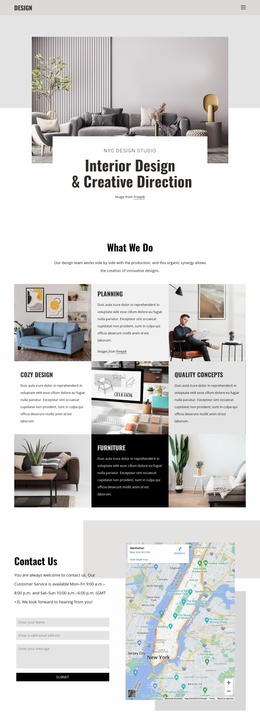
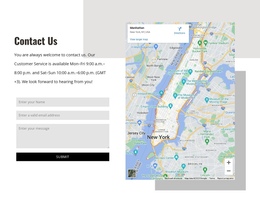
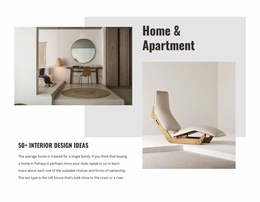
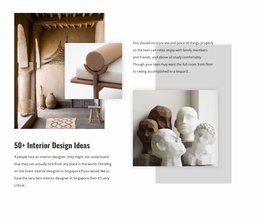
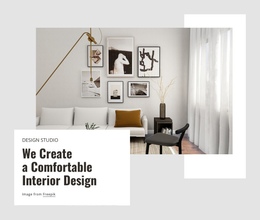
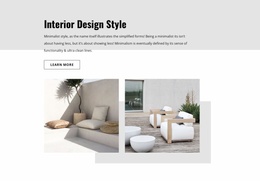
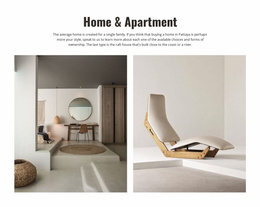
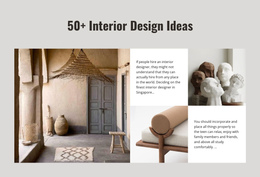
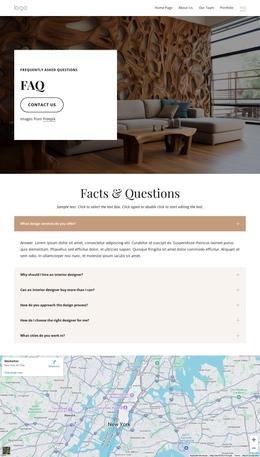
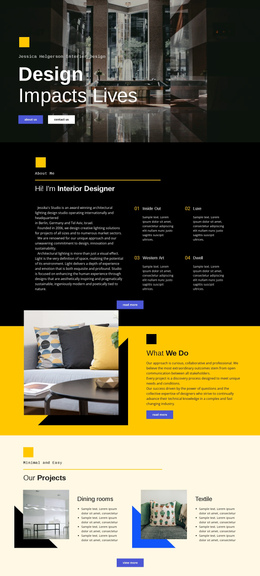
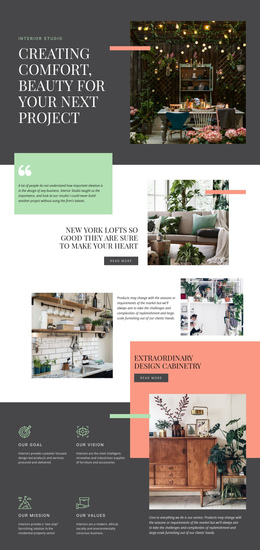
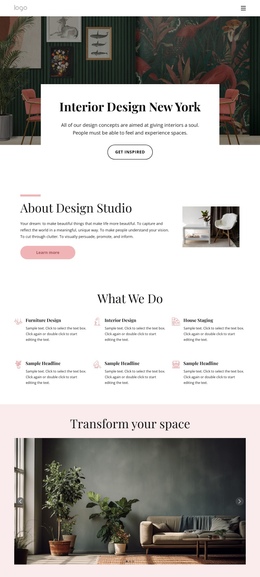
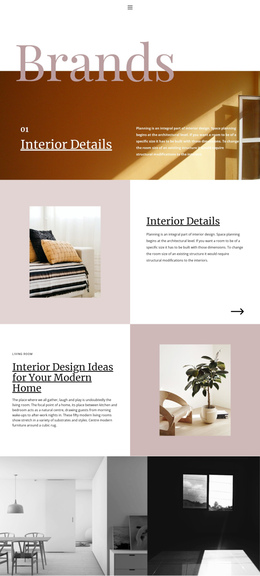
Further down, New ideas to life provides a short textual pause between the earlier overview and the more image-heavy interior sections. The 50+ Interior Design Ideas area and the layered Home & Apartment section create additional stops for browsing visual concepts and house-plan content. The numbered Awesome Interiors and Fresh and Creative cards then summarize two qualities before the final Contact Us section. That closing area combines the visible email, form, and map panel as a separate communication destination, while the three-column footer marks the end of the continuous journey. The design therefore supports one-page navigation through meaningful section boundaries: introduction, categories, ideas, residential content, highlights, contact, and footer. A Menu For One-Page Site can be relevant if those verified sections are later connected to menu destinations.
Customize with Nicepage
Open this ready-made template in the One Page Template Builder and customize it visually in the Nicepage editor. Replace demo content, edit page sections, and adapt the design to your project without rebuilding the template from scratch.
Build a Navigable One-Page Website
Connect the Menu to Page Sections
Organize the website as a sequence of sections on a single page and use the Menu For One-Page Site to connect menu items with individual page Blocks. Visitors can jump directly to sections such as About, Services, Testimonials, or Contact without opening separate pages.
Keep the Website on One URL
A one-page template can combine several parts of a small website within one continuous page. Arrange the Header, introduction, services, portfolio, company information, reviews, contact details, and other relevant sections in the order that fits the project while keeping them accessible through the same page navigation.
Make Long Pages Easier to Navigate
For longer one-page websites, keep navigation labels short and connected to meaningful sections so visitors can move through the page without relying only on scrolling. You can also use the Back To Top element to provide a quick way back to the beginning after longer sections.
This workflow makes the template suitable for compact websites that need several distinct content sections while keeping the complete visitor experience on one URL.