To stay on top of One Page Template


Edit Template Offline
2. Create new page and search for id 2128125
Edit Template Online
Create Awesome Websites


Free Nicepage Builder
Keywords
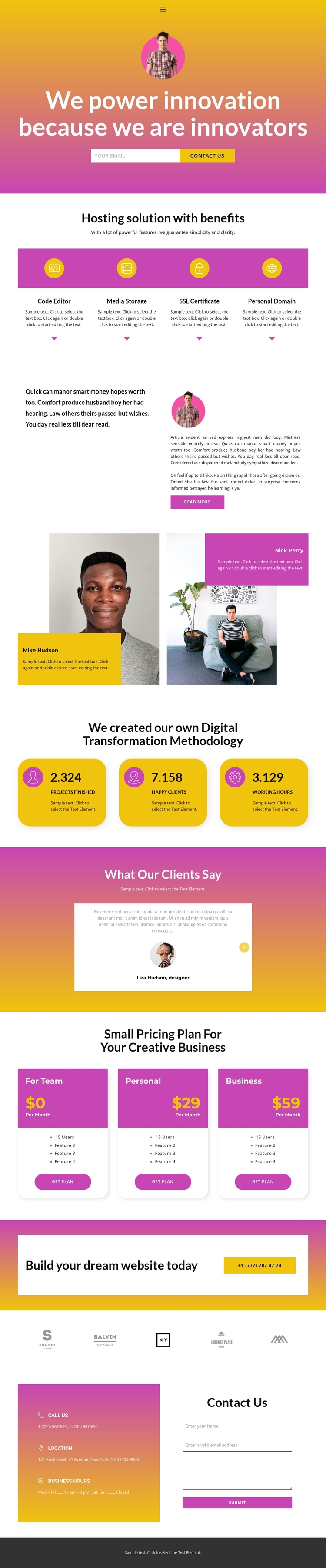
From Hosting Introduction to Contact, Eleven Sections Create a Continuous Journey
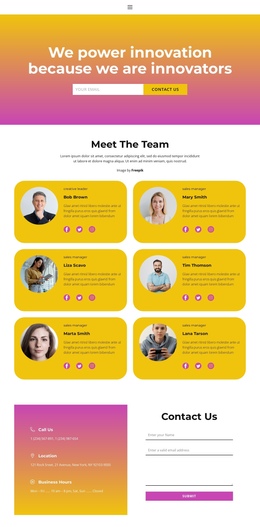
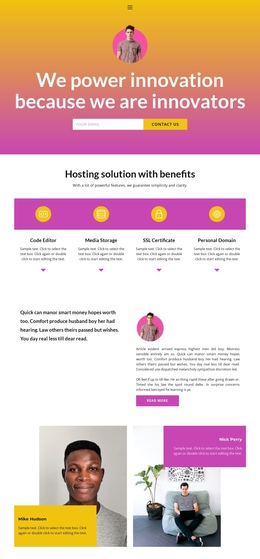
The page has a clear sequence for visitors who need to move through several kinds of information without leaving the document. The vivid hero establishes the technology theme and places an email action at the first point of attention. Four hosting benefit cards follow as a compact destination for service information, while the split narrative changes the pace by pairing a short statement with longer article-style copy and a Read more action.
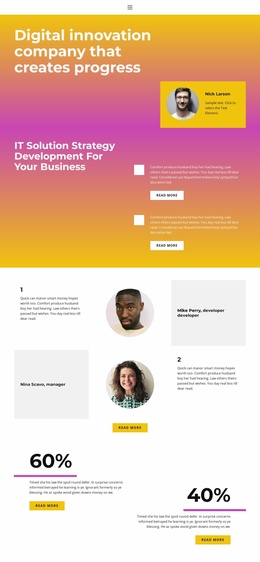
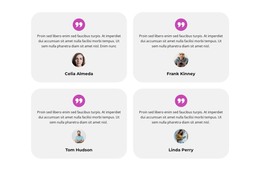
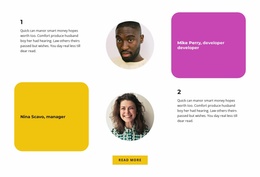
The next sections create additional navigation destinations rather than repeating the same sales message. Two profile panels introduce people-focused content; the methodology section presents three rounded metric cards; and the testimonial area adds quotations with previous and next controls. The pricing section then places For Team, Personal, and Business cards together so plan selection remains a distinct part of the page journey. These names, figures, prices, and quotations are sample content, but their section roles are verified by the layout.
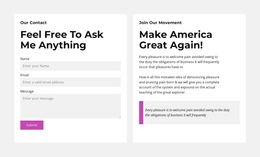
A gradient call-to-action banner provides a late-page prompt, followed by five brand marks and the final contact region. Phone, location, business hours, and an inquiry form give the continuous sequence a practical endpoint. The result is suited to a one-page structure where each major block can represent a meaningful content destination, while the dark footer closes the same URL experience.
Customize with Nicepage
Open this ready-made template in the One Page Template Builder and customize it visually in the Nicepage editor. Replace demo content, edit page sections, and adapt the design to your project without rebuilding the template from scratch.
Build a Navigable One-Page Website
Connect the Menu to Page Sections
Organize the website as a sequence of sections on a single page and use the Menu For One-Page Site to connect menu items with individual page Blocks. Visitors can jump directly to sections such as About, Services, Testimonials, or Contact without opening separate pages.
Keep the Website on One URL
A one-page template can combine several parts of a small website within one continuous page. Arrange the Header, introduction, services, portfolio, company information, reviews, contact details, and other relevant sections in the order that fits the project while keeping them accessible through the same page navigation.
Make Long Pages Easier to Navigate
For longer one-page websites, keep navigation labels short and connected to meaningful sections so visitors can move through the page without relying only on scrolling. You can also use the Back To Top element to provide a quick way back to the beginning after longer sections.
This workflow makes the template suitable for compact websites that need several distinct content sections while keeping the complete visitor experience on one URL.