Meet our friendly real estate team One Page Template


The “Our Team” heading defines a clear page destination
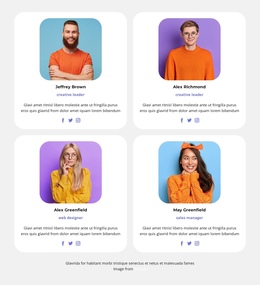
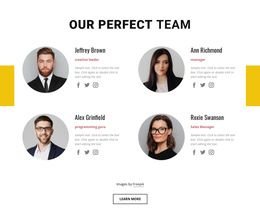
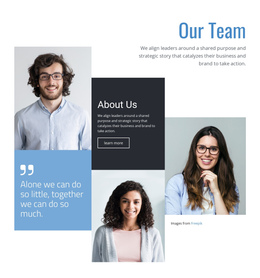
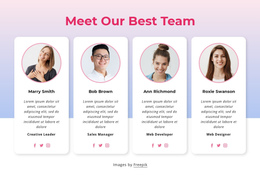
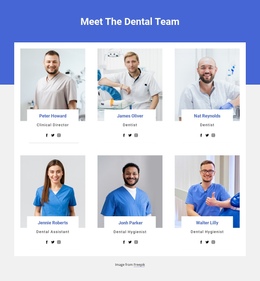
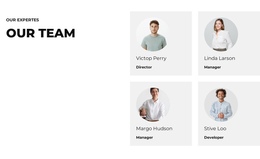
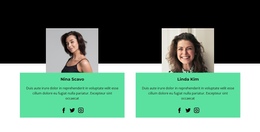
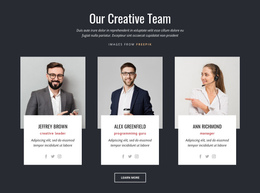
The heading and introductory panel give this block a recognizable identity within a continuous page. Visitors first encounter the “Our Team” label, supporting paragraph, icon, and “Learn more” button, then move into the four-profile row beneath it. Because every card repeats the same portrait, role, name, description, and social-link pattern, the section reads as one complete team destination rather than a loose collection of person details.
The composition can sit between other meaningful sections in a one-page sequence. The light gray background provides separation, the red rounded panel marks the beginning of the destination, and the white cards create a steady visual rhythm across the four-column row. Its static behavior keeps navigation meaning tied to the content itself: the team heading and repeated profiles tell visitors what information they will find here. A one-page project could connect a broader navigation system to this section if the final page uses section-based destinations, but the block’s own contribution is the recognizable team content. Its role is distinct from an introductory hero or contact area because it concentrates on people, their roles, descriptions, and social connections.
Customize with Nicepage
Open this ready-made template in the One Page Template Builder and customize it visually in the Nicepage editor. Replace demo content, edit page sections, and adapt the design to your project without rebuilding the template from scratch.
Edit Template Offline
2. Create a new page or select existing
3. Click Add new block, search for id 1734923 and click enter
Edit Template Online
Create Awesome Websites


Free Nicepage Builder
Keywords
Use This Block as a Section in a One-Page Website
Give the Block a Distinct Content Role
A one-page website combines several meaningful content sections within one continuous document. A block can serve as one of those destinations—for example About, Services, Gallery, Testimonials, Pricing, Team, or Contact—while other blocks provide the rest of the page journey.
Connect Navigation to Meaningful Sections
When the final page uses section-based navigation, Menu For One-Page Site can connect menu items to individual page Blocks. The analyzed block does not prove that anchor navigation already exists; it simply provides one possible destination when its content is substantial enough to stand as a recognizable section.
Keep Longer Pages Easy to Explore
For long one-page sites, Back To Top can help visitors return to the beginning after moving through several sections. Navigation behavior is managed at the page level, while each block retains its own content function.
This workflow positions the block as one part of a continuous one-page experience rather than treating a single section as the entire one-page site.