Zero Waste, Clean Earth Landing Page


Five Service Cards Explain the Offer Before the Main Response
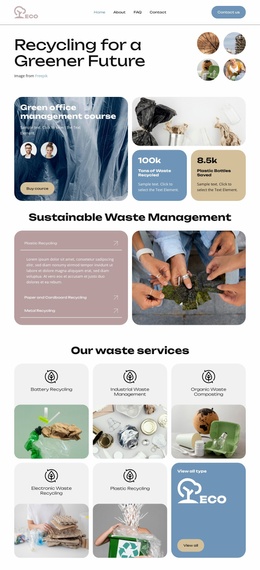
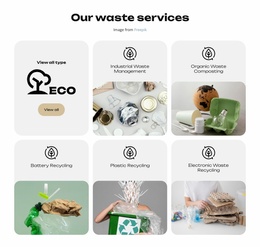
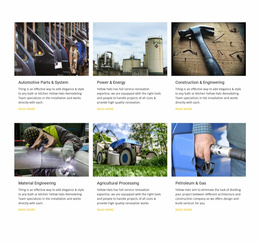
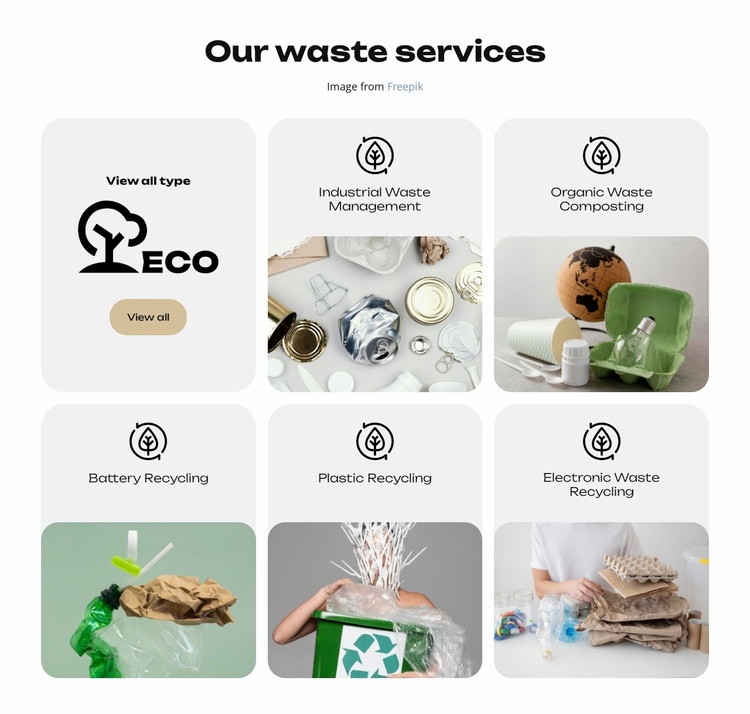
The five named service cards can function as a benefits or offer-explanation stage inside a landing-page sequence. Industrial Waste Management, Organic Waste Composting, Battery Recycling, Plastic Recycling, and Electronic Waste Recycling show the breadth of the service category without forcing every detail into one dense block. Each card pairs a centered line icon and title with a photographic image, giving the visitor a quick visual route into a specific area.
The first card supports a broader discovery role. Its eco logo and “View all” button provide an overview entry point, but the block does not need to carry the entire response path. A later section can remain responsible for the primary inquiry, booking, or other action. This keeps the six-card grid focused on explaining what is available rather than creating competing actions across every service card.
The centered “Our waste services” heading makes the block easy to place after an introduction or environmental proposition and before proof, detail, or contact content. Its static two-row structure supports comparison and scanning. Because no direct form or primary response mechanism is present, the section is best understood as conversion support rather than a complete landing page.
Customize with Nicepage
Open this ready-made template in the Landing Page Builder and customize it visually in the Nicepage editor. Replace demo content, edit page sections, and adapt the design to your project without rebuilding the template from scratch.
Edit Template Offline
2. Create a new page or select existing
3. Click Add new block, search for id 6453635 and click enter
Edit Template Online
Create Awesome Websites


Free Nicepage Builder
Keywords
Build a Landing Page Around One Conversion Goal
Focus on One Primary Action
Use the landing page to guide visitors toward one measurable response, such as requesting a quote, registering, subscribing, booking a consultation, applying for a service, or submitting an inquiry. Keep the primary call-to-action consistent across the important sections so the headline, supporting content, form, and CTA buttons work toward the same campaign goal instead of competing for attention.
Capture Leads With a Form
Use the Contact Form Element to add a contact, subscription, application, or other conversion form directly to the landing page. Customize the form fields, layout, labels, inputs, and button to collect the information required for your campaign while keeping the form focused on the action you want visitors to complete.
Nicepage also provides several form submission options. Form submissions can be sent to Email, stored as Leads, added to Google Sheets, passed to a custom URL or server endpoint, or used to populate a MailChimp mailing list. This provides practical options for collecting inquiries, registrations, subscriptions, applications, and other campaign responses.
Manage Leads and Campaign Responses
When submissions are stored as Leads, you can use Contact Form Leads to review the information collected through the landing page and use it for follow-up. Keep the form connected to the same offer and primary CTA presented throughout the page so visitors move from the campaign message to a clear conversion action.
This workflow makes the template suitable for landing pages where the offer, content, call-to-action, form, and lead collection process work together toward one defined conversion goal.