Comprehensive luxury interior design studio Landing Page


A Focused Studio Proposition Before the Next Response
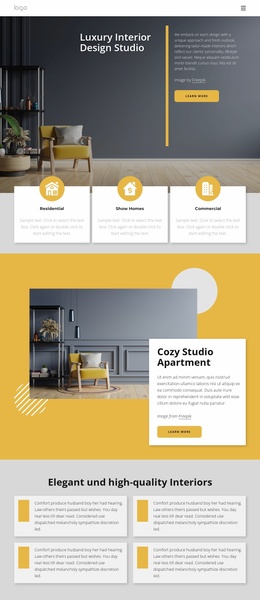
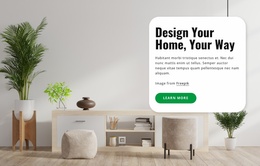
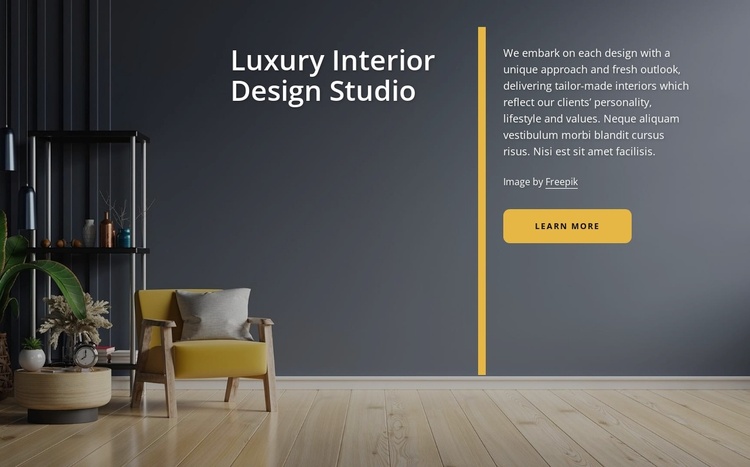
The large “Luxury Interior Design Studio” heading gives the section a clear introductory job in a landing-page sequence. It names the design focus immediately, while the right-side paragraph adds context by describing a unique approach and tailor-made interiors. The rounded gold “learn more” button supplies an entry action connected to that message, but the block does not need to carry the entire response path by itself.
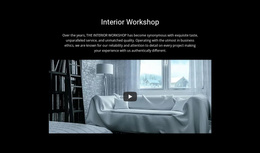
The background image strengthens the proposition visually. Shelving, furnishings, plants, and a warm wood floor show the kind of interior context associated with the studio, while the dark charcoal scene allows the white text to remain readable. The gold vertical divider keeps the statement and explanation distinct, and the matching gold button gives the visitor a visible next step without introducing a competing offer.
This makes the block suitable as an introductory or early consideration stage inside a landing-page sequence. It can establish the studio’s positioning before a later section handles project details, consultation information, inquiry, or another primary response. The “learn more” action may lead toward that next information, but the section should remain understood as one conversion-supporting block rather than a complete landing page or fully defined campaign flow.
Customize with Nicepage
Open this ready-made template in the Landing Page Builder and customize it visually in the Nicepage editor. Replace demo content, edit page sections, and adapt the design to your project without rebuilding the template from scratch.
Edit Template Offline
2. Create a new page or select existing
3. Click Add new block, search for id 2294603 and click enter
Edit Template Online
Create Awesome Websites


Free Nicepage Builder
Keywords
Build a Landing Page Around One Conversion Goal
Focus on One Primary Action
Use the landing page to guide visitors toward one measurable response, such as requesting a quote, registering, subscribing, booking a consultation, applying for a service, or submitting an inquiry. Keep the primary call-to-action consistent across the important sections so the headline, supporting content, form, and CTA buttons work toward the same campaign goal instead of competing for attention.
Capture Leads With a Form
Use the Contact Form Element to add a contact, subscription, application, or other conversion form directly to the landing page. Customize the form fields, layout, labels, inputs, and button to collect the information required for your campaign while keeping the form focused on the action you want visitors to complete.
Nicepage also provides several form submission options. Form submissions can be sent to Email, stored as Leads, added to Google Sheets, passed to a custom URL or server endpoint, or used to populate a MailChimp mailing list. This provides practical options for collecting inquiries, registrations, subscriptions, applications, and other campaign responses.
Manage Leads and Campaign Responses
When submissions are stored as Leads, you can use Contact Form Leads to review the information collected through the landing page and use it for follow-up. Keep the form connected to the same offer and primary CTA presented throughout the page so visitors move from the campaign message to a clear conversion action.
This workflow makes the template suitable for landing pages where the offer, content, call-to-action, form, and lead collection process work together toward one defined conversion goal.