Some information about me Landing Page


Biography Detail Builds Context Before the Response Point
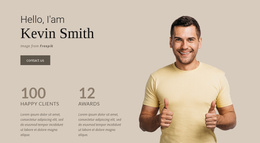
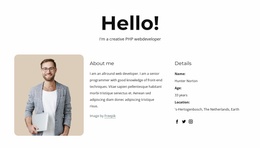
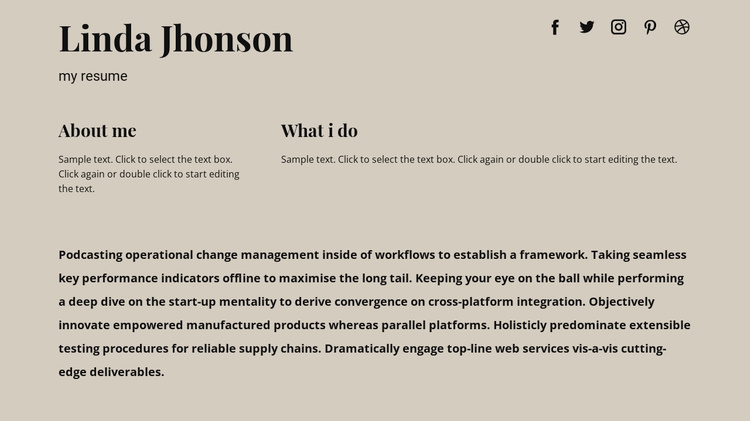
The identity row can serve as an early context stage in a landing-page sequence by making the person behind the offer, profile, or professional presentation immediately recognizable. The name heading and resume subtitle carry the introduction, while five social icons provide optional routes to related profiles. Because the icons remain separate from the main text, they support credibility and connection without creating a competing primary action inside the section.
The two unequal text areas then develop the message in a controlled way. “About me” can establish background or perspective, while “What i do” can clarify activity and help visitors understand the person’s role. Their side-by-side relationship turns a general biography into two scannable information groups. The long paragraph below can add context for visitors who need more detail before reaching a later inquiry, contact, booking, or other response section.
This block therefore supports a conversion path through identity, explanation, and context rather than through a verified direct CTA or form. Its warm beige background, dark typography, and clear spacing help the information remain distinct from neighboring stages. The section should keep that supporting job instead of becoming the entire landing-page flow. A separate response point can follow when the broader sequence requires one. Nicepage’s Block Designs can provide a broader project context for arranging such sections, but the block itself remains one biography component.
Customize with Nicepage
Open this ready-made template in the Landing Page Builder and customize it visually in the Nicepage editor. Replace demo content, edit page sections, and adapt the design to your project without rebuilding the template from scratch.
Edit Template Offline
2. Create a new page or select existing
3. Click Add new block, search for id 154500 and click enter
Edit Template Online
Create Awesome Websites


Free Nicepage Builder
Keywords
Build a Landing Page Around One Conversion Goal
Focus on One Primary Action
Use the landing page to guide visitors toward one measurable response, such as requesting a quote, registering, subscribing, booking a consultation, applying for a service, or submitting an inquiry. Keep the primary call-to-action consistent across the important sections so the headline, supporting content, form, and CTA buttons work toward the same campaign goal instead of competing for attention.
Capture Leads With a Form
Use the Contact Form Element to add a contact, subscription, application, or other conversion form directly to the landing page. Customize the form fields, layout, labels, inputs, and button to collect the information required for your campaign while keeping the form focused on the action you want visitors to complete.
Nicepage also provides several form submission options. Form submissions can be sent to Email, stored as Leads, added to Google Sheets, passed to a custom URL or server endpoint, or used to populate a MailChimp mailing list. This provides practical options for collecting inquiries, registrations, subscriptions, applications, and other campaign responses.
Manage Leads and Campaign Responses
When submissions are stored as Leads, you can use Contact Form Leads to review the information collected through the landing page and use it for follow-up. Keep the form connected to the same offer and primary CTA presented throughout the page so visitors move from the campaign message to a clear conversion action.
This workflow makes the template suitable for landing pages where the offer, content, call-to-action, form, and lead collection process work together toward one defined conversion goal.