Lead with Innovation Joomla Template


Edit Template Offline
2. Create new page and search for id 6393060
Edit Template Online
Create Awesome Websites


Free Nicepage Builder
Keywords
Team, Milestones, and Contact Regions Shape the Joomla Content Layout
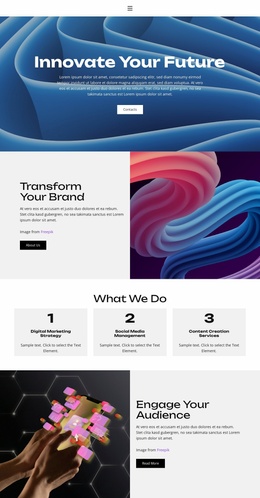
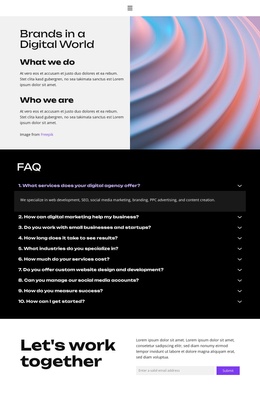
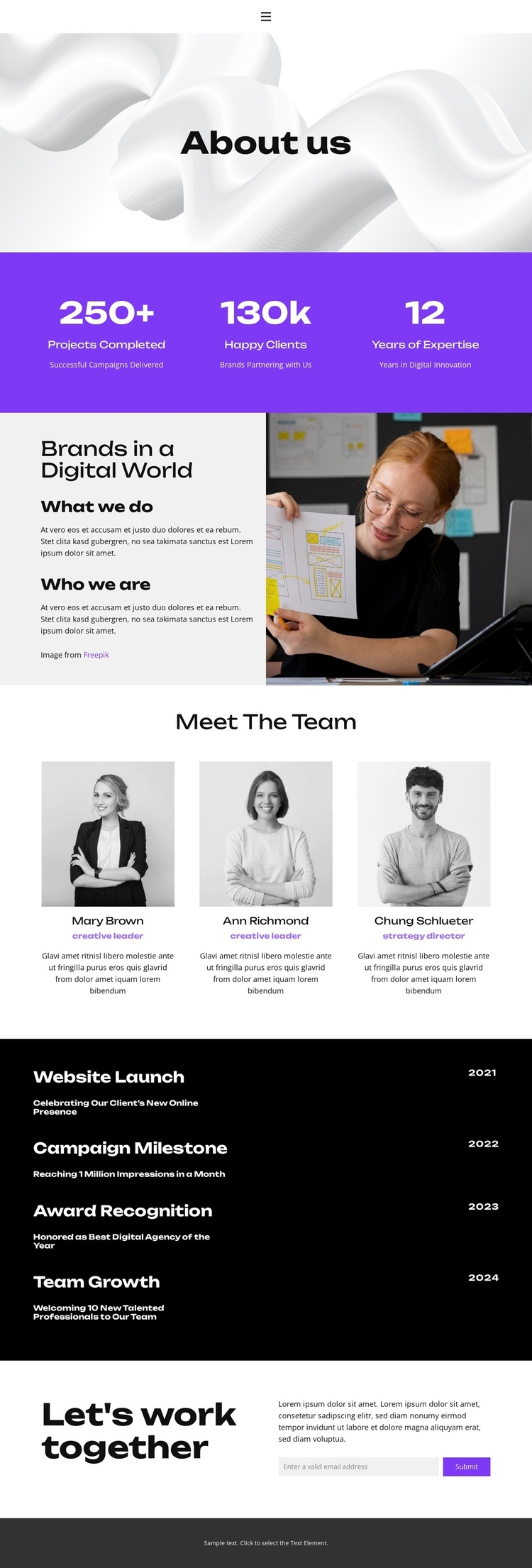
The navigation links for Home, About, Projects, FAQ, and Contact establish the page as one region within a broader information structure. Inside the page, the About us opening and the Brands in a Digital World section create two different kinds of organizational content: a prominent introduction followed by explanatory text paired with workplace imagery. That separation gives structured content areas clear roles instead of presenting one undifferentiated text column.
The three team profiles form a repeated people-focused region, with portrait images, role labels, and descriptions following the same card pattern. The four dated milestones create another reusable content region, but with a chronological relationship between dates, titles, and descriptions. Together, these sections can support a Joomla-managed presentation in which organizational information remains divided into recognizable site areas while the visual direction stays coordinated.
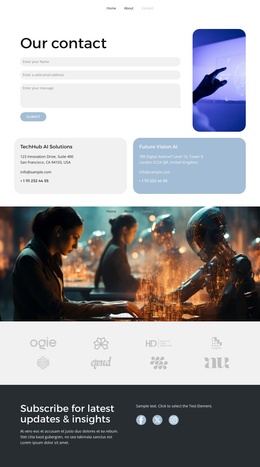
The closing Let's work together section adds a practical contact region. Its invitation, supporting copy, email input, and Submit action provide a defined place for collaboration inquiries, while the footer supplies a shared closing area. The page therefore maps naturally to structured navigation, informational content, repeated profiles, historical entries, and contact content. It does not require the design to be treated as a generic CMS shell; its actual regions already suggest how the page's material can be organized within a Joomla project.
Customize with Nicepage
Open this ready-made template in the Joomla Page Builder and customize it visually in the Nicepage editor. Replace demo content, edit page sections, and adapt the design to your project without rebuilding the template from scratch.
Work With This Template in Joomla
Customize and Install the Joomla Template
Start with this ready-made template instead of building the Joomla design from scratch. Customize its layout, content, typography, images, sections, and other design elements visually in the Nicepage application, then export and install the Joomla Template, Nicepage Extension, and supported content on your Joomla website.
Edit the Template Directly in Joomla
After installation, you can edit the Joomla Template directly in Joomla with the Nicepage Joomla Extension. Customize the Header, Footer, Colors, Fonts, typography, and Page Templates from the Joomla workflow while keeping the site design connected with your CMS content.
Edit Joomla Articles Visually
Use the Nicepage Joomla Extension to open and edit Joomla Articles visually from the Joomla Administrator. Change text, images, sections, layouts, and other page content in the Nicepage editor while continuing to manage the Articles through Joomla.
Joomla Content and Template Integration
Use the customized template together with Joomla Articles, module Positions, menus, forms, Blog Pages, and other supported CMS elements. With the Nicepage Extension used as the Site Style Source, shared design settings can be applied across Joomla Articles while Joomla continues to provide the CMS environment for managing site content.
This workflow combines a ready-made Joomla Template with visual customization, direct template editing in Joomla, and continued content management through the Nicepage Joomla Extension.