Best SEO services Joomla Template



Edit Template Offline
2. Create new page and search for id 6017269
Edit Template Online
Create Awesome Websites


Free Nicepage Builder
Keywords
Services, Questions, and Contact Regions Fit a Structured CMS Layout
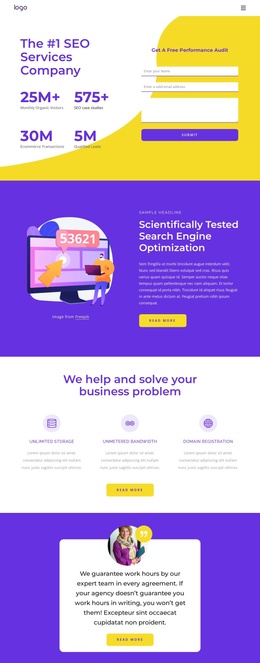
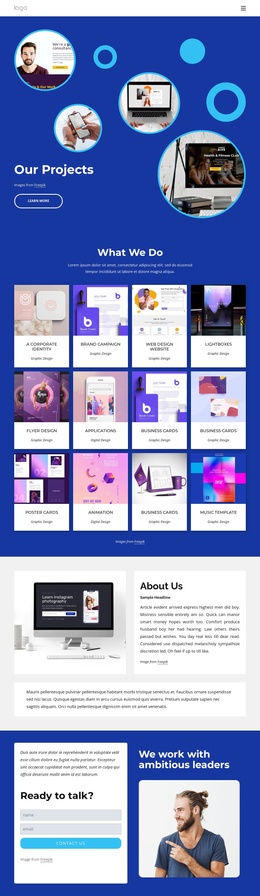
The services overview divides the page into four named informational areas: Search Engine Optimization, Logo and Branding, Pay Per Click Management, and Online Reputation Management. That separation gives a Joomla project a clear content map for presenting recurring service information while maintaining one shared visual direction. The hosting benefits section adds another structured group, with four peer cards for SSL Certificate, Code Editor, Personal Domain, and Media Storage.
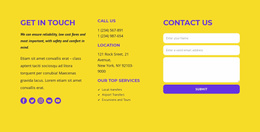
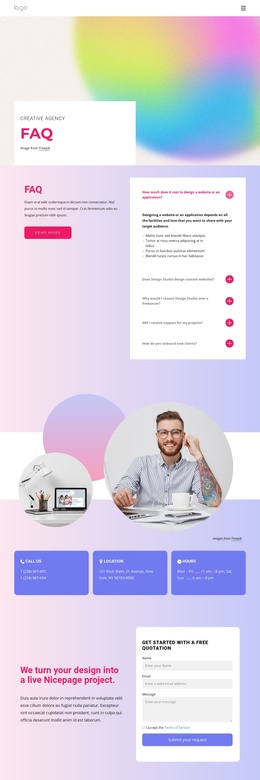
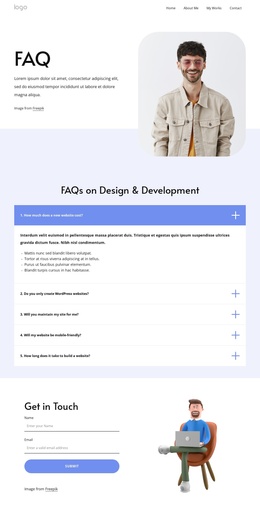
Navigation at the top, the expert-team introduction, the creative-team photograph, and the closing contact region create reusable site landmarks around those content groups. The contact area is especially important because it combines company copy, contact channels, social links, a services list, and an inquiry form in one coordinated destination. The five expandable FAQ questions can support a separate explanatory region without being confused with service descriptions or contact details.
This organization suits a Joomla-managed interpretation because editorial content can remain divided into recognizable service, benefit, question, team, and contact areas rather than being treated as one undifferentiated page. The Nicepage Joomla Extension is a possible product bridge for such CMS content, but the template-specific value comes from its existing grouping: structured service information at the center, supporting proof and team context around it, and contact content at the end.
Customize with Nicepage
Open this ready-made template in the Joomla Page Builder and customize it visually in the Nicepage editor. Replace demo content, edit page sections, and adapt the design to your project without rebuilding the template from scratch.
Work With This Template in Joomla
Customize and Install the Joomla Template
Start with this ready-made template instead of building the Joomla design from scratch. Customize its layout, content, typography, images, sections, and other design elements visually in the Nicepage application, then export and install the Joomla Template, Nicepage Extension, and supported content on your Joomla website.
Edit the Template Directly in Joomla
After installation, you can edit the Joomla Template directly in Joomla with the Nicepage Joomla Extension. Customize the Header, Footer, Colors, Fonts, typography, and Page Templates from the Joomla workflow while keeping the site design connected with your CMS content.
Edit Joomla Articles Visually
Use the Nicepage Joomla Extension to open and edit Joomla Articles visually from the Joomla Administrator. Change text, images, sections, layouts, and other page content in the Nicepage editor while continuing to manage the Articles through Joomla.
Joomla Content and Template Integration
Use the customized template together with Joomla Articles, module Positions, menus, forms, Blog Pages, and other supported CMS elements. With the Nicepage Extension used as the Site Style Source, shared design settings can be applied across Joomla Articles while Joomla continues to provide the CMS environment for managing site content.
This workflow combines a ready-made Joomla Template with visual customization, direct template editing in Joomla, and continued content management through the Nicepage Joomla Extension.