Architecture and design firm Joomla Template


Edit Template Offline
2. Create new page and search for id 4608046
Edit Template Online
Create Awesome Websites


Free Nicepage Builder
Keywords
Contact Details and Planning Enquiries in One Blue Information Area
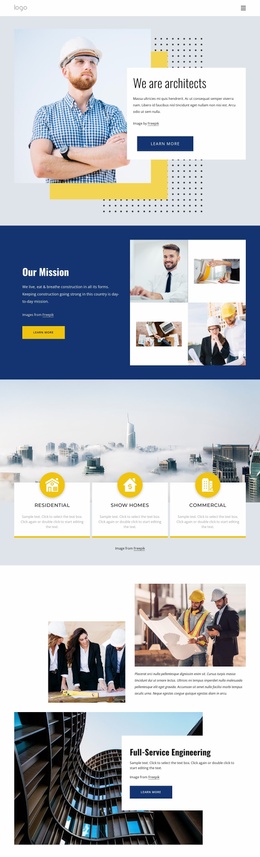
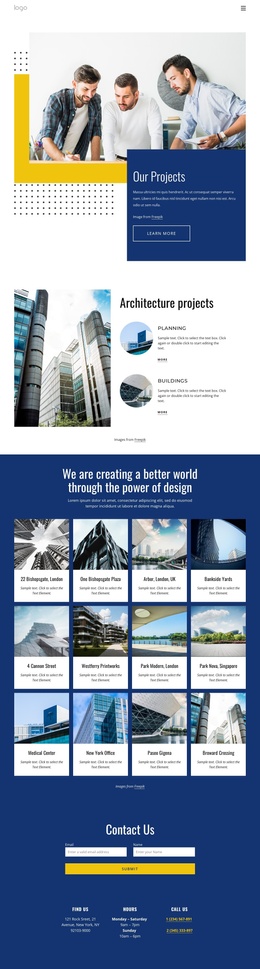
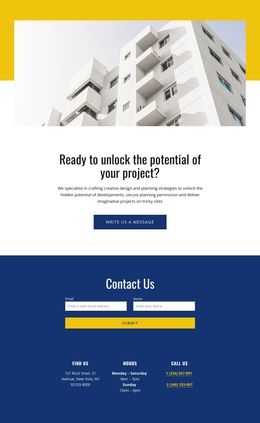
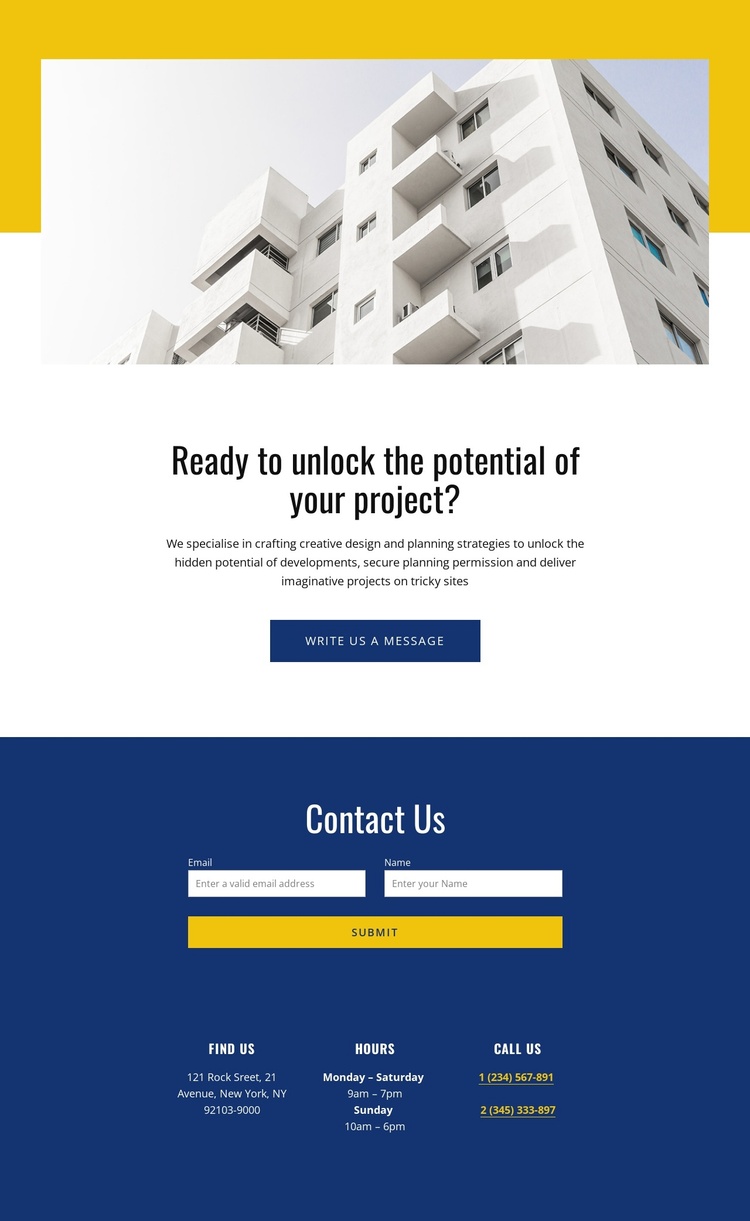
The large architectural photograph establishes the consultancy context before the page moves into a centered statement about unlocking a project’s potential. That sequence gives the contact page more substance than a form placed in isolation: visitors first encounter the type of work being discussed, then see references to design strategies, planning permission, and imaginative projects on challenging sites.
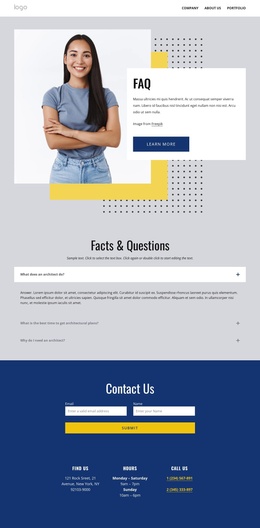
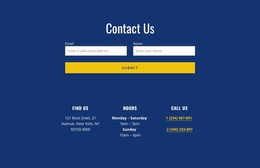
The final blue section brings the practical response into a defined content region. A contact form asks for a name and email address, while the adjacent cards separate three questions visitors commonly have before writing: where to find the practice, when it is open, and how to call. This pairing makes the form easier to understand because it sits beside clear contact information rather than competing with unrelated service content. The “Write us a message” prompt and the later Submit action create a visible progression from project interest to enquiry.
For a Joomla-managed site, the design’s service description, contact details, and enquiry content can be treated as distinct CMS-managed areas while retaining their shared visual relationship. Joomla can therefore support updates to practical information without requiring the page to lose the strong geometric composition that connects the opening image, proposition, and contact region.
Customize with Nicepage
Open this ready-made template in the Joomla Page Builder and customize it visually in the Nicepage editor. Replace demo content, edit page sections, and adapt the design to your project without rebuilding the template from scratch.
Work With This Template in Joomla
Customize and Install the Joomla Template
Start with this ready-made template instead of building the Joomla design from scratch. Customize its layout, content, typography, images, sections, and other design elements visually in the Nicepage application, then export and install the Joomla Template, Nicepage Extension, and supported content on your Joomla website.
Edit the Template Directly in Joomla
After installation, you can edit the Joomla Template directly in Joomla with the Nicepage Joomla Extension. Customize the Header, Footer, Colors, Fonts, typography, and Page Templates from the Joomla workflow while keeping the site design connected with your CMS content.
Edit Joomla Articles Visually
Use the Nicepage Joomla Extension to open and edit Joomla Articles visually from the Joomla Administrator. Change text, images, sections, layouts, and other page content in the Nicepage editor while continuing to manage the Articles through Joomla.
Joomla Content and Template Integration
Use the customized template together with Joomla Articles, module Positions, menus, forms, Blog Pages, and other supported CMS elements. With the Nicepage Extension used as the Site Style Source, shared design settings can be applied across Joomla Articles while Joomla continues to provide the CMS environment for managing site content.
This workflow combines a ready-made Joomla Template with visual customization, direct template editing in Joomla, and continued content management through the Nicepage Joomla Extension.