Real Time Analytics Joomla Template



Edit Template Offline
2. Create new page and search for id 4200658
Edit Template Online
Create Awesome Websites


Free Nicepage Builder
Keywords
Team Profiles, Value Cards, and Contact Regions Suit Structured CMS Content
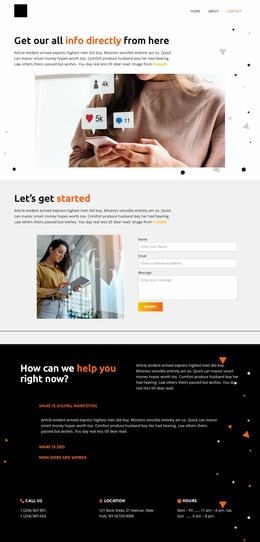
The page divides its information into recognizable regions that can support a Joomla-managed presentation. The introductory About content establishes the organization, while the three metric items and brand strip provide separate proof and association areas. The eight portrait cards are especially suitable for recurring team or profile information because each card follows the same visual pattern without changing the overall page direction.
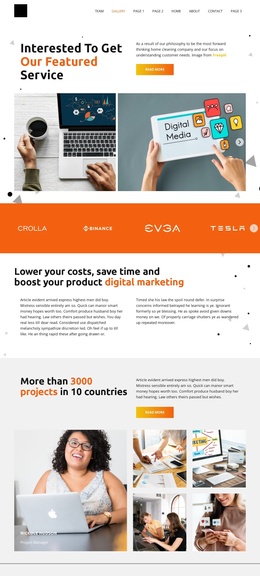
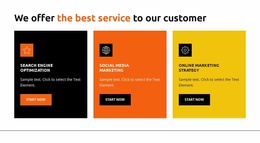
Further down, the six-image gallery can represent business and collaboration imagery, while the three value cards organize short explanations around transparency, experience, and results. These sections are different in content role but remain connected through the shared black, white, orange, and yellow visual system. The trust-and-relationships split section adds a more editorial explanation before the page reaches its three contact regions, where phone, location, and hours are presented as separate information blocks.
For a Joomla project, this arrangement gives menus and CMS-managed content clear destinations without requiring the template to be treated as a generic article page. The page’s repeated regions can be mapped to the organization’s actual team, services, values, gallery, and contact information while preserving the existing visual hierarchy. The displayed names, numbers, address, and hours are sample content and should be replaced with verified data during implementation.
Customize with Nicepage
Open this ready-made template in the Joomla Page Builder and customize it visually in the Nicepage editor. Replace demo content, edit page sections, and adapt the design to your project without rebuilding the template from scratch.
Work With This Template in Joomla
Customize and Install the Joomla Template
Start with this ready-made template instead of building the Joomla design from scratch. Customize its layout, content, typography, images, sections, and other design elements visually in the Nicepage application, then export and install the Joomla Template, Nicepage Extension, and supported content on your Joomla website.
Edit the Template Directly in Joomla
After installation, you can edit the Joomla Template directly in Joomla with the Nicepage Joomla Extension. Customize the Header, Footer, Colors, Fonts, typography, and Page Templates from the Joomla workflow while keeping the site design connected with your CMS content.
Edit Joomla Articles Visually
Use the Nicepage Joomla Extension to open and edit Joomla Articles visually from the Joomla Administrator. Change text, images, sections, layouts, and other page content in the Nicepage editor while continuing to manage the Articles through Joomla.
Joomla Content and Template Integration
Use the customized template together with Joomla Articles, module Positions, menus, forms, Blog Pages, and other supported CMS elements. With the Nicepage Extension used as the Site Style Source, shared design settings can be applied across Joomla Articles while Joomla continues to provide the CMS environment for managing site content.
This workflow combines a ready-made Joomla Template with visual customization, direct template editing in Joomla, and continued content management through the Nicepage Joomla Extension.