Designing for experience Joomla Template



Edit Template Offline
2. Create new page and search for id 3436547
Edit Template Online
Create Awesome Websites


Free Nicepage Builder
Keywords
Service Regions That Fit a Structured Joomla Site
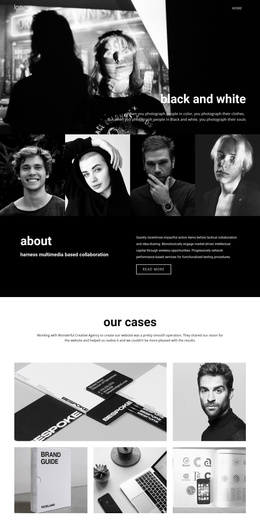
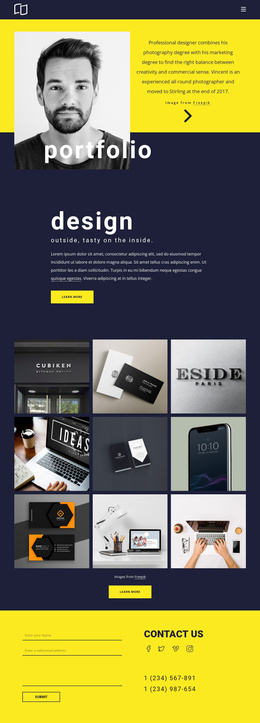
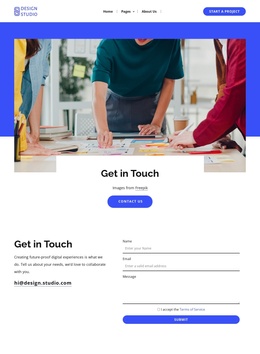
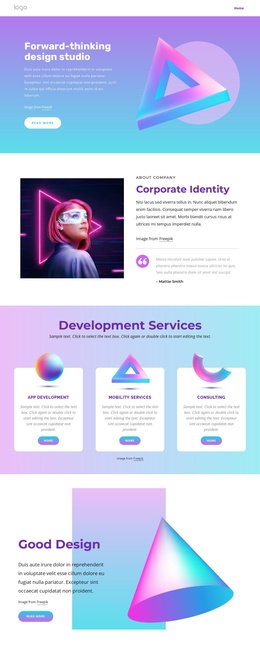
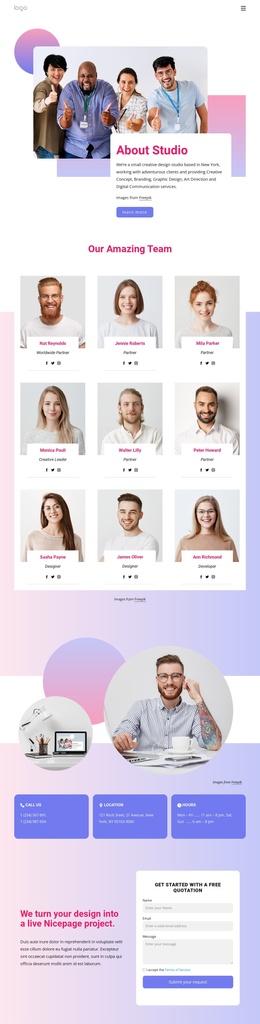
The page divides the studio profile into clear content regions that can be maintained as organized site information: a navigation header, an opening design statement, process highlights, company background, professional services, website support, redesign, capabilities, contact details, and footer content. This separation is useful for a Joomla-oriented site because each region has a distinct editorial purpose without requiring the page to be treated as one undifferentiated block.
The service information is especially structured. The process row separates Development Technologies, Creation & Selection, and Launching Campaign, while the About Us area introduces the company alongside Creative Concept, Branding, Graphic Design, Art Direction, and Digital Communication. Later, Website Support Services and Website Redesign create dedicated service subjects, and Strategy, Concept, and Development provide a second capability grouping. These repeated groupings give a Joomla project recognizable areas for maintaining related informational content while preserving the visual sequence.
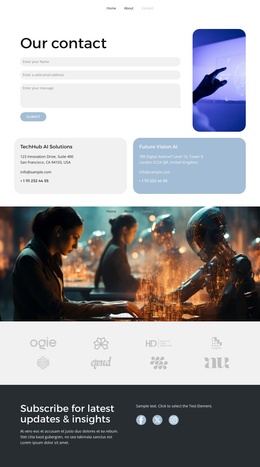
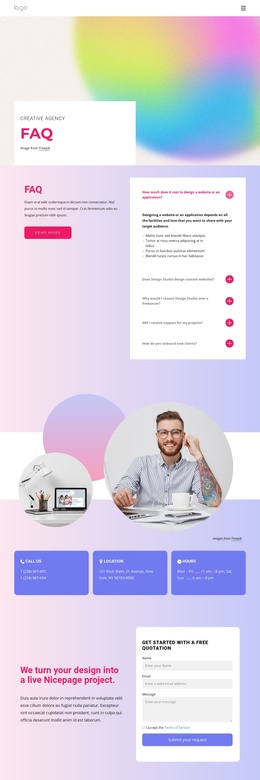
The five client or brand logos add a separate recognition layer, and the final contact region organizes phone, location, and opening-hours information into three colored panels. The New York location is present in the verified design, while sample phone and address values should be replaced with project-specific details. Shared navigation and the three-column footer then frame the page as a coordinated site region. Joomla documentation supports CMS-managed content, but the template analysis does not prove existing Joomla Articles or module positions, so this copy treats the design as an adaptable content structure rather than claiming those elements are already installed.
Customize with Nicepage
Open this ready-made template in the Joomla Page Builder and customize it visually in the Nicepage editor. Replace demo content, edit page sections, and adapt the design to your project without rebuilding the template from scratch.
Work With This Template in Joomla
Customize and Install the Joomla Template
Start with this ready-made template instead of building the Joomla design from scratch. Customize its layout, content, typography, images, sections, and other design elements visually in the Nicepage application, then export and install the Joomla Template, Nicepage Extension, and supported content on your Joomla website.
Edit the Template Directly in Joomla
After installation, you can edit the Joomla Template directly in Joomla with the Nicepage Joomla Extension. Customize the Header, Footer, Colors, Fonts, typography, and Page Templates from the Joomla workflow while keeping the site design connected with your CMS content.
Edit Joomla Articles Visually
Use the Nicepage Joomla Extension to open and edit Joomla Articles visually from the Joomla Administrator. Change text, images, sections, layouts, and other page content in the Nicepage editor while continuing to manage the Articles through Joomla.
Joomla Content and Template Integration
Use the customized template together with Joomla Articles, module Positions, menus, forms, Blog Pages, and other supported CMS elements. With the Nicepage Extension used as the Site Style Source, shared design settings can be applied across Joomla Articles while Joomla continues to provide the CMS environment for managing site content.
This workflow combines a ready-made Joomla Template with visual customization, direct template editing in Joomla, and continued content management through the Nicepage Joomla Extension.