Quick business agency Joomla Template


The Textured Label as a Structured Joomla Content Region
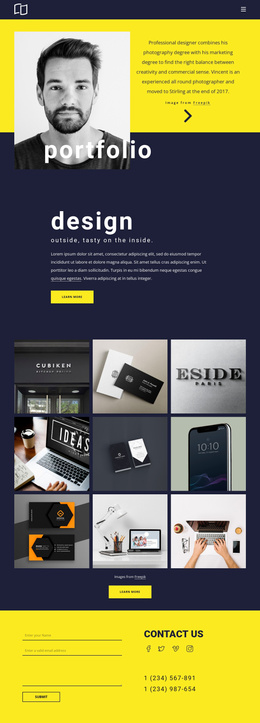
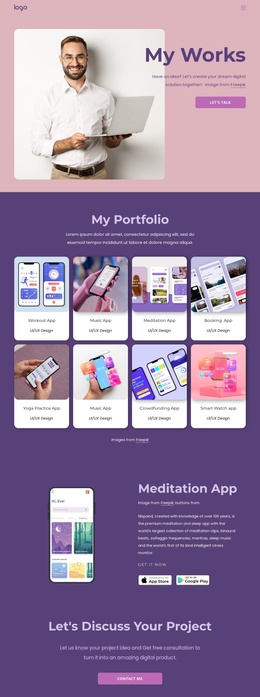
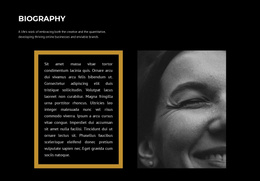
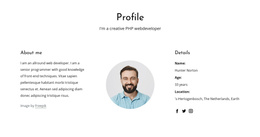
The block’s content is deliberately compact: a full-width dark image-backed region contains one centered outlined link, with the label “QUICK” set in white lettering and surrounded by a white border. The background carries the visual texture, including subtle ridges and grain, while the centered link creates the only focal point. Since there is no heading, paragraph group, list, form, or repeated item structure, the section functions best as a concise labeled content area rather than an article-length information block.
Within a Joomla-managed page or site, this arrangement can mark a transition between larger content regions or provide a short visual label for a neighboring topic. The content can remain a stable, recognizable section while the wider project handles navigation and other editorial areas separately. The demo label may be replaced with a relevant short term, but the relationship between the dark image, white outline, and centered text can remain intact. In a Joomla context, the value lies in preserving that clear content region and its visual separation, not in treating the block itself as a Joomla Template. Its narrow content model leaves surrounding articles or page areas responsible for fuller explanations.
Customize with Nicepage
Open this ready-made template in the Joomla Page Builder and customize it visually in the Nicepage editor. Replace demo content, edit page sections, and adapt the design to your project without rebuilding the template from scratch.
Edit Template Offline
2. Create a new page or select existing
3. Click Add new block, search for id 110259 and click enter
Edit Template Online
Create Awesome Websites


Free Nicepage Builder
Keywords
Work With This Template in Joomla
Customize and Install the Joomla Template
Start with this ready-made template instead of building the Joomla design from scratch. Customize its layout, content, typography, images, sections, and other design elements visually in the Nicepage application, then export and install the Joomla Template, Nicepage Extension, and supported content on your Joomla website.
Edit the Template Directly in Joomla
After installation, you can edit the Joomla Template directly in Joomla with the Nicepage Joomla Extension. Customize the Header, Footer, Colors, Fonts, typography, and Page Templates from the Joomla workflow while keeping the site design connected with your CMS content.
Edit Joomla Articles Visually
Use the Nicepage Joomla Extension to open and edit Joomla Articles visually from the Joomla Administrator. Change text, images, sections, layouts, and other page content in the Nicepage editor while continuing to manage the Articles through Joomla.
Joomla Content and Template Integration
Use the customized template together with Joomla Articles, module Positions, menus, forms, Blog Pages, and other supported CMS elements. With the Nicepage Extension used as the Site Style Source, shared design settings can be applied across Joomla Articles while Joomla continues to provide the CMS environment for managing site content.
This workflow combines a ready-made Joomla Template with visual customization, direct template editing in Joomla, and continued content management through the Nicepage Joomla Extension.