The most flexible sports and wellness HTML Template



Edit Template Offline
2. Create new page and search for id 5675087
Edit Template Online
Create Awesome Websites


Free Nicepage Builder
Keywords
Membership Plans and Activity Content Form a Complete HTML Page
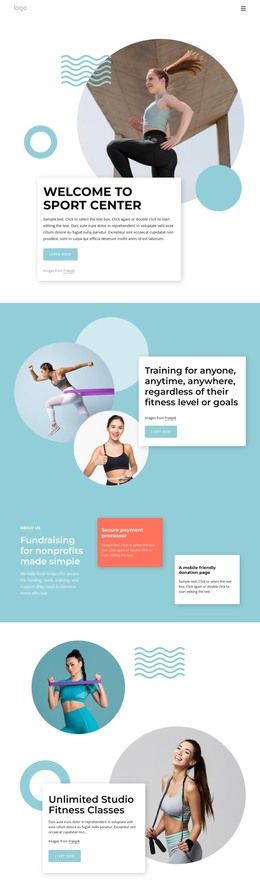
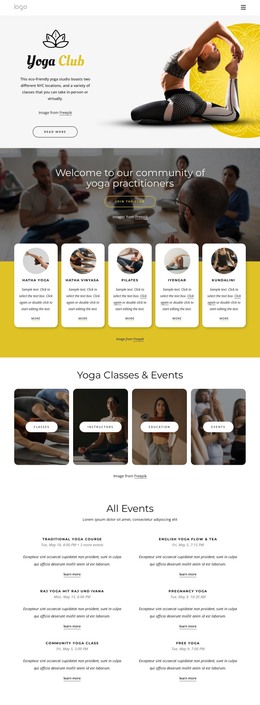
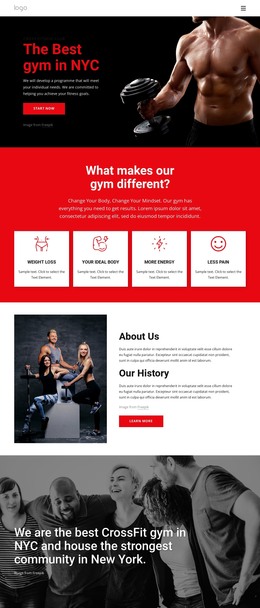
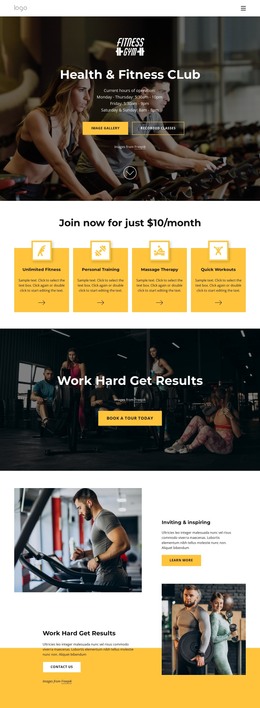
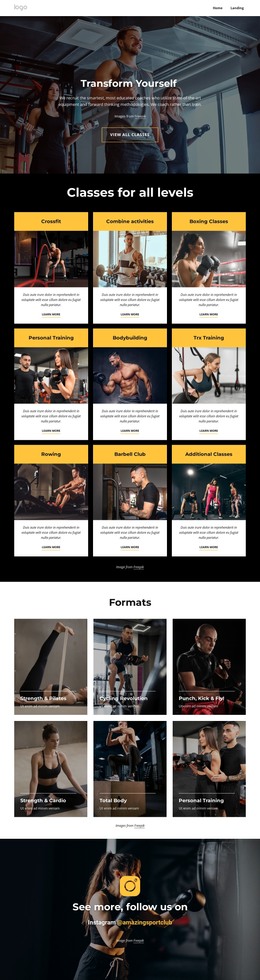
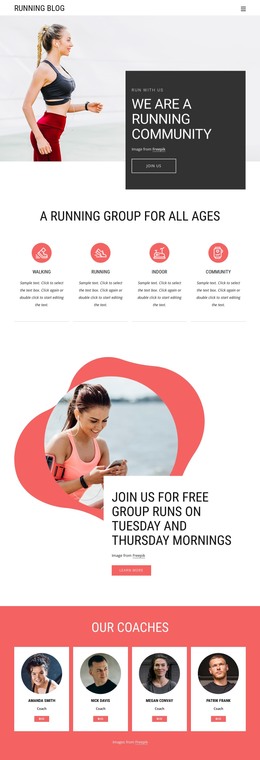
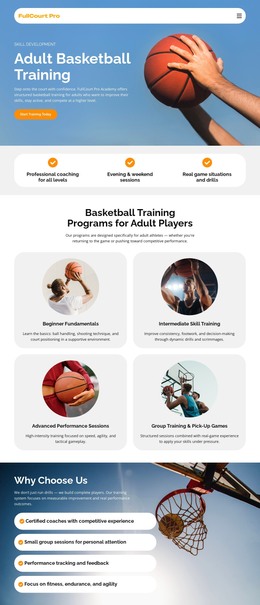
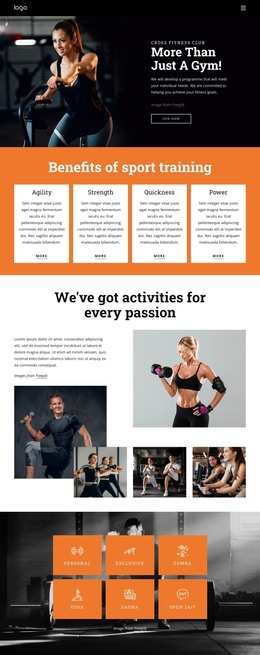
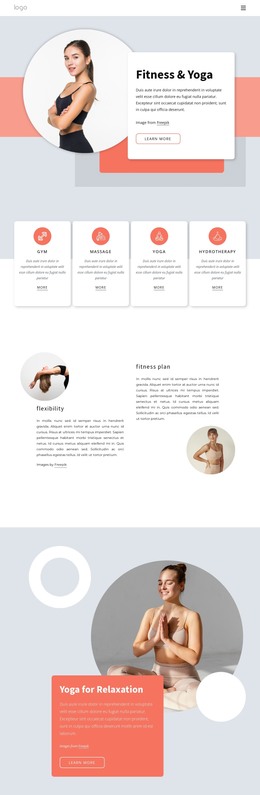
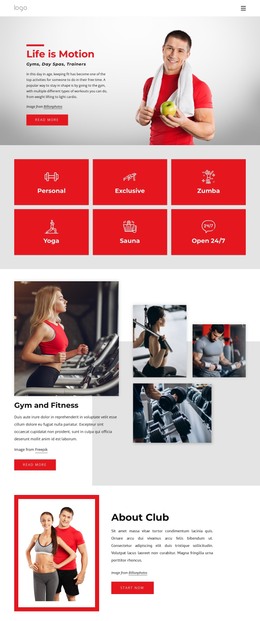
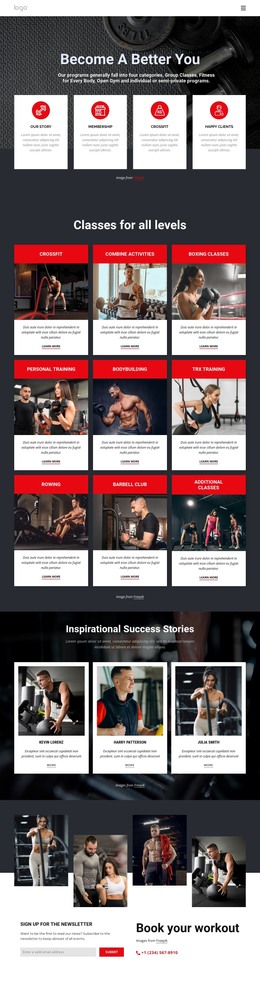
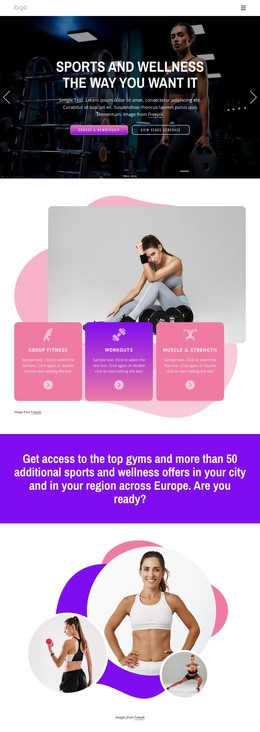
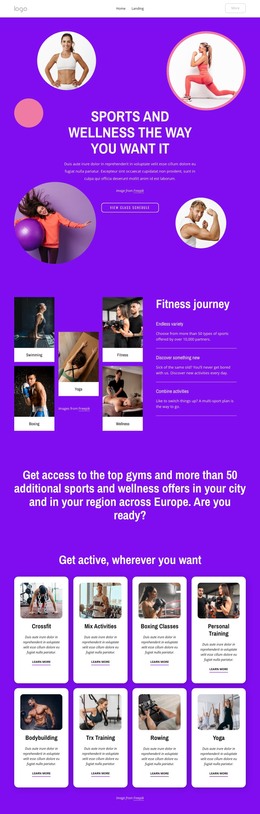
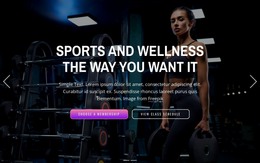
The full-width hero slider, feature cards, activity catalog, and pricing comparison already create a coherent static page arrangement for a sports and wellness project. The opening area presents two clear actions—choosing a membership and viewing the class schedule—while the three offering cards establish the main service categories without requiring a separate introductory page. The later nine-card activity catalog adds depth through Crossfit, Boxing Classes, Personal Training, Bodybuilding, Rowing, and other named options.
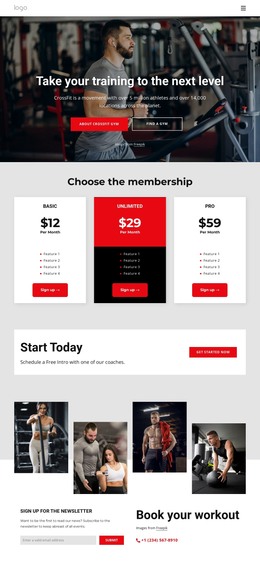
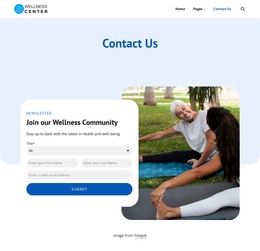
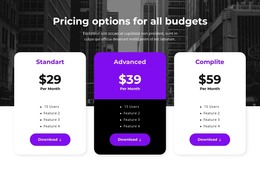
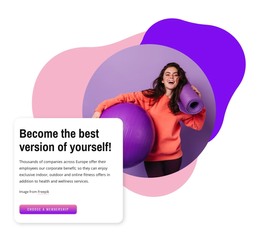
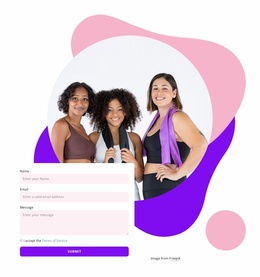
The content then progresses from exploration to evaluation. A four-card testimonial section supplies a distinct member-feedback area, the corporate benefit panel introduces another use case, and the three-column Elite, Pro, and Home comparison gives visitors a defined place to review membership features and purchase actions. Six expandable FAQ rows provide an information layer before the final contact area, which visibly requests a name, email, and message. Together, these sections make the design more than a visual concept: they provide the major content zones needed for a self-contained HTML implementation. Placeholder names, prices, and sample statements should be replaced with verified project content, while the existing sequence can remain the page's practical foundation.
Customize with Nicepage
Open this ready-made template in the HTML Builder and customize it visually in the Nicepage editor. Replace demo content, edit page sections, and adapt the design to your project without rebuilding the template from scratch.
Export and Use This Template as an HTML Website
Create a Portable HTML Website
When the template is ready, use the HTML Export option to create a static website with the files required for deployment. The exported website can be used independently of the Nicepage editor and deployed on your preferred hosting.
Nicepage also provides SEO settings and optimization features, including Page Titles and Descriptions, Canonical settings, headings, image Alt Text, and other page-level properties that help prepare the website for search engines.
Deploy Without a CMS
Upload the finished website to the hosting environment that fits your project. Because the exported site does not require WordPress, Joomla, or another CMS to deliver its pages, it can be placed on your own server, uploaded to a hosting provider, or deployed through an existing web infrastructure.
Hand Off the Website Files
The generated website files can also be provided to a client, developer, or hosting team. They remain available outside the Nicepage editor for deployment, technical review, or project-specific development when additional work is required.
This workflow makes the template a practical foundation for a portable static website that can be exported from the Nicepage editor and deployed independently.





More from Sports HTML Templates
-
Free Website Builder SoftwareDownload