Your consultant for all business risks HTML Template



Edit Template Offline
2. Create new page and search for id 334868
Edit Template Online
Create Awesome Websites


Free Nicepage Builder
Keywords
Medical and Umbrella Sections Complete the Static Insurance Page
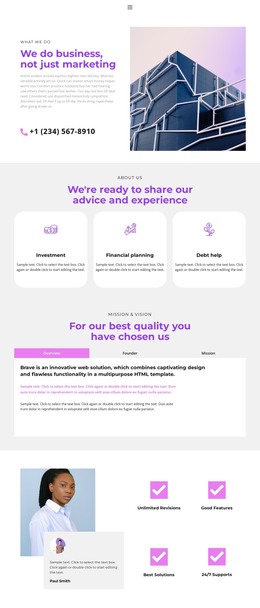
The opening illustration and overlapping white text card establish the insurance subject immediately, while the Learn more action gives the introduction a clear next step. Below it, four evenly distributed value items—Choice, Experience, Service, and Support—turn broad company positioning into a compact group of supporting messages. This combination gives a standalone HTML page both an identifiable opening and a concise explanation of the service approach.
The two offering sections add more specific content without breaking the visual rhythm. Medical Insurance uses a split image-and-text arrangement, and Umbrella Insurance repeats that relationship later with a Contact us action. Between them, the What We Do block provides a short overview, while the Public investments in social insurance and About Us sections add informational context through illustrated panels and Learn more actions. These sections create a finished content arrangement rather than a single promotional banner.
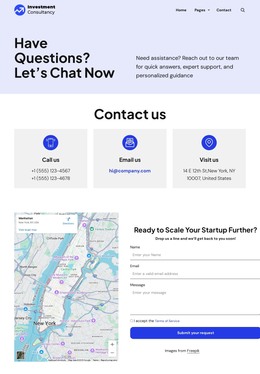
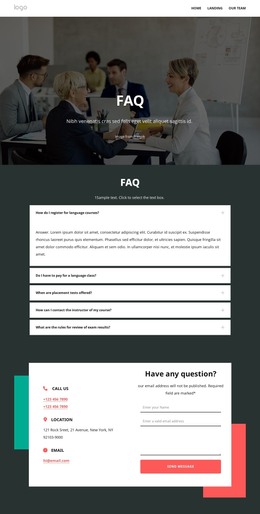
The Facts & Questions accordion contributes five homeowners insurance questions in a compact expandable area, allowing detailed coverage topics to remain part of the page without creating a dense uninterrupted text block. At the end, contact information and a message form provide a practical inquiry point. Together, the sequence supports a complete static HTML implementation for presenting insurance offerings, answering common questions, and inviting contact.
Customize with Nicepage
Open this ready-made template in the HTML Builder and customize it visually in the Nicepage editor. Replace demo content, edit page sections, and adapt the design to your project without rebuilding the template from scratch.
Export and Use This Template as an HTML Website
Create a Portable HTML Website
When the template is ready, use the HTML Export option to create a static website with the files required for deployment. The exported website can be used independently of the Nicepage editor and deployed on your preferred hosting.
Nicepage also provides SEO settings and optimization features, including Page Titles and Descriptions, Canonical settings, headings, image Alt Text, and other page-level properties that help prepare the website for search engines.
Deploy Without a CMS
Upload the finished website to the hosting environment that fits your project. Because the exported site does not require WordPress, Joomla, or another CMS to deliver its pages, it can be placed on your own server, uploaded to a hosting provider, or deployed through an existing web infrastructure.
Hand Off the Website Files
The generated website files can also be provided to a client, developer, or hosting team. They remain available outside the Nicepage editor for deployment, technical review, or project-specific development when additional work is required.
This workflow makes the template a practical foundation for a portable static website that can be exported from the Nicepage editor and deployed independently.

More from Business & Law HTML Templates
-
Free Website Builder SoftwareDownload