Snapchat Launchers HTML Template


Edit Template Offline
2. Create new page and search for id 12789
Edit Template Online
Create Awesome Websites


Free Nicepage Builder
Keywords
Launch Story, Specifications, and Product Use Form a Complete Static Page
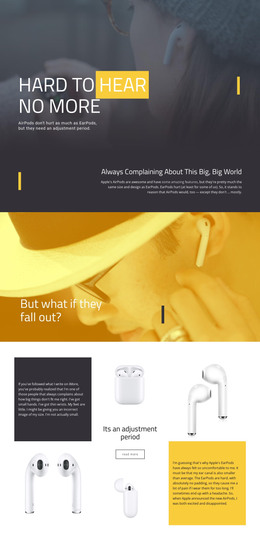
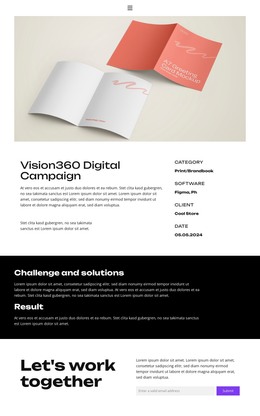
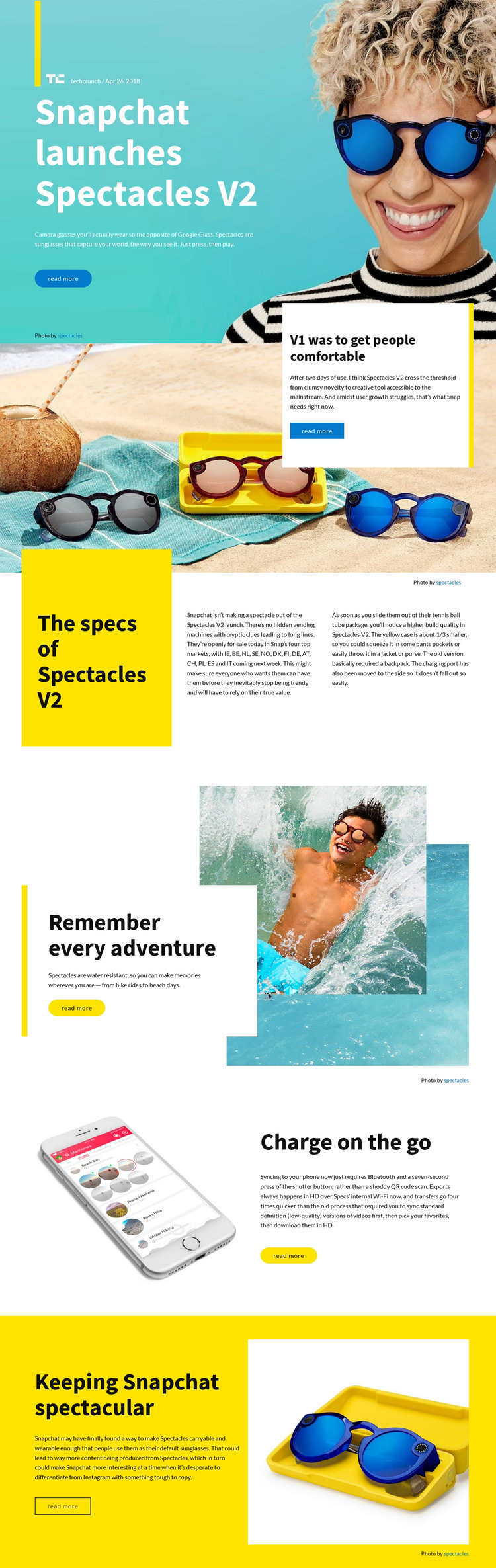
The design already assembles the main content needed for a self-contained Spectacles V2 review page. The opening Text On Image section introduces the product with a headline, source label, summary, lifestyle image, and Read more action. That introduction is followed by an editorial assessment of the first version, then a dedicated specifications area that separates launch availability and build quality into explanatory columns.
The remaining sections extend the article instead of repeating the opening claim. Outdoor imagery supports the discussion of water resistance and everyday adventure, while the charging section uses a phone image to frame Bluetooth syncing and HD video export over internal Wi-Fi. A final yellow-and-image split gives the article a closing perspective about Snapchat’s product direction. This progression lets readers move from announcement to evaluation, practical features, and conclusion within one static implementation.
The strong palette and repeated editorial cards give the HTML page a recognizable appearance, but the content arrangement remains flexible enough for replacement copy and images. Because each section has a defined role and a visible Read more action, the layout can function as a finished article presentation rather than merely a visual sample that still needs its core narrative structure.
Customize with Nicepage
Open this ready-made template in the HTML Builder and customize it visually in the Nicepage editor. Replace demo content, edit page sections, and adapt the design to your project without rebuilding the template from scratch.
Export and Use This Template as an HTML Website
Create a Portable HTML Website
When the template is ready, use the HTML Export option to create a static website with the files required for deployment. The exported website can be used independently of the Nicepage editor and deployed on your preferred hosting.
Nicepage also provides SEO settings and optimization features, including Page Titles and Descriptions, Canonical settings, headings, image Alt Text, and other page-level properties that help prepare the website for search engines.
Deploy Without a CMS
Upload the finished website to the hosting environment that fits your project. Because the exported site does not require WordPress, Joomla, or another CMS to deliver its pages, it can be placed on your own server, uploaded to a hosting provider, or deployed through an existing web infrastructure.
Hand Off the Website Files
The generated website files can also be provided to a client, developer, or hosting team. They remain available outside the Nicepage editor for deployment, technical review, or project-specific development when additional work is required.
This workflow makes the template a practical foundation for a portable static website that can be exported from the Nicepage editor and deployed independently.

More from Technology HTML Templates
-
Free Website Builder SoftwareDownload