Create identities and brands Html Code Example


Edit Template Offline
2. Create new page and search for id 6187310
Edit Template Online
Create Awesome Websites


Free Nicepage Builder
Keywords
Three project categories create clear extension points
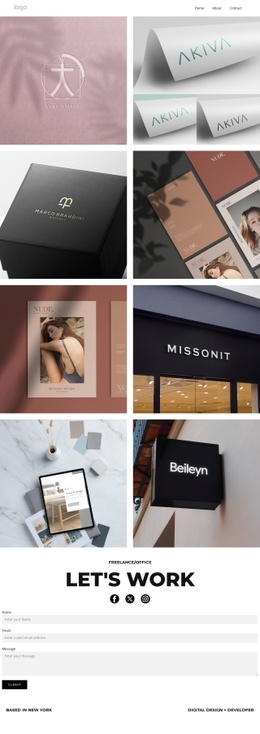
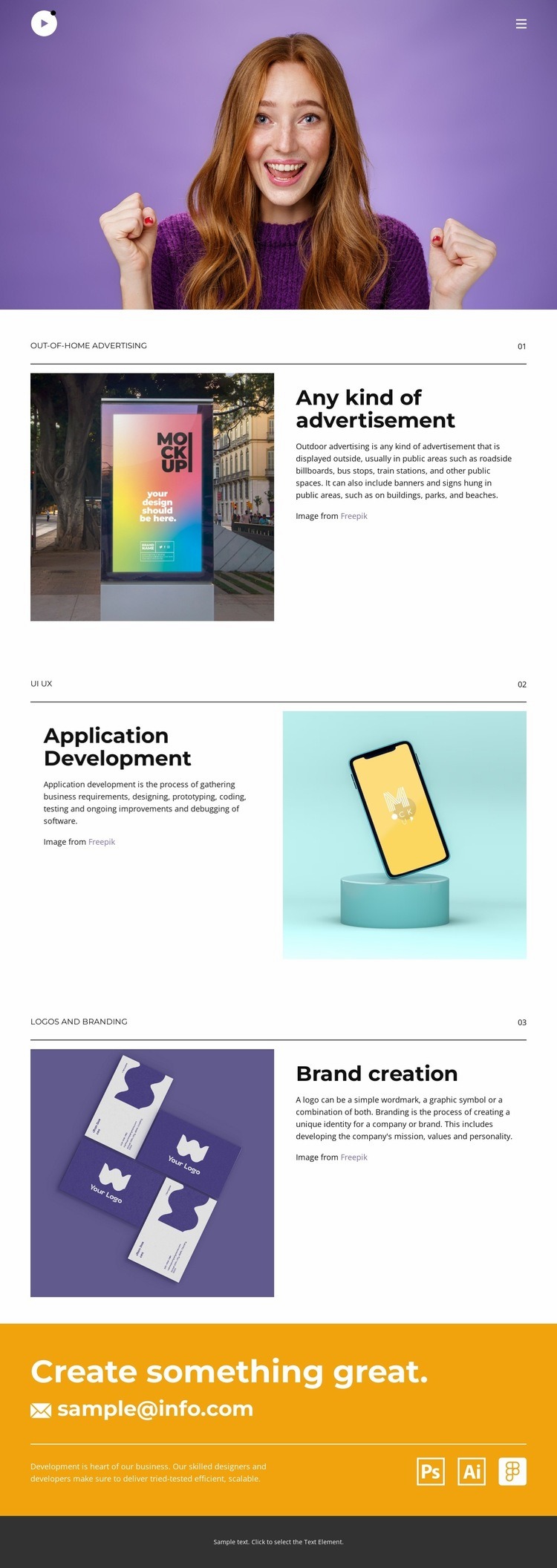
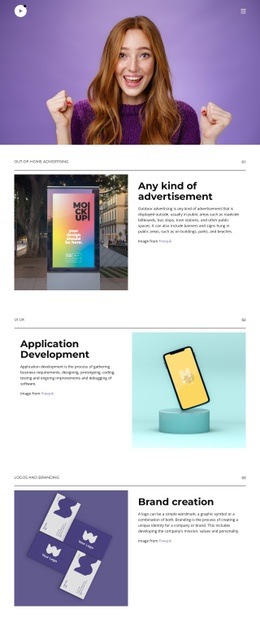
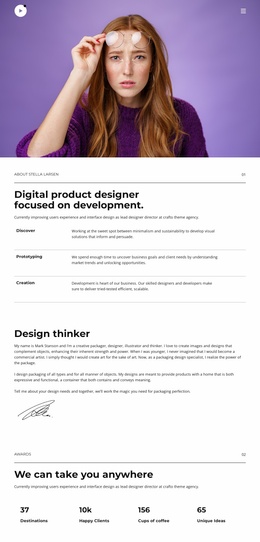
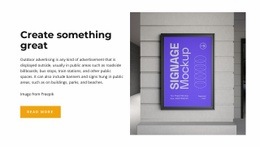
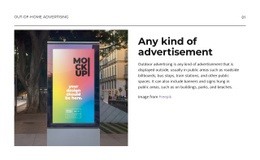
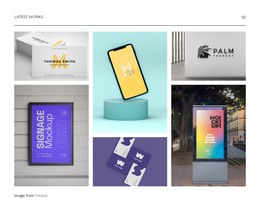
The three numbered portfolio categories provide distinct content zones for the existing design. The first combines an outdoor advertising image with explanatory text, the second reverses the relationship by placing application-development text beside an image, and the third returns to an image-led arrangement for brand creation. These changes in orientation make the sections visually varied while preserving a clear place for each project description and related media.
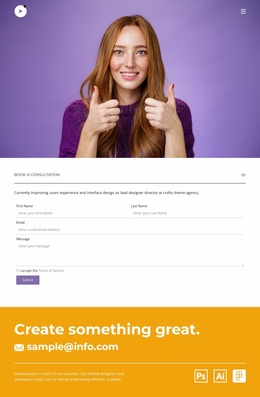
The navigation also identifies practical areas around which additional functionality could be placed. Home, About, Portfolio, and Contact links establish the page’s main destinations, while Facebook, Twitter, and Instagram links provide external social entry points. Near the end, the orange contact band groups the “Create something great.” message with a displayed email address, making it a natural location for a project-specific communication element if the final implementation requires more than the current contact presentation.
Custom code should complement these existing zones rather than replace their hierarchy. For example, an external project viewer, social feed, inquiry tool, or other integration could sit beside the relevant portfolio or contact content while the alternating visual pattern remains intact. The HTML Element can support that kind of targeted extension, but no custom code is assumed to be present in the template itself.
Customize with Nicepage
Open this ready-made template in the HTML Code Generator and customize it visually in the Nicepage editor. Replace demo content, edit page sections, and adapt the design to your project without rebuilding the template from scratch.
Extend This Page With Custom HTML Code
Insert Code With the HTML Element
Use the HTML Element to add custom code directly to a Block in the Nicepage editor. Enter the required markup in the Code field when the page needs content or functionality that is not available through the standard page elements.
Place the HTML Element in the Layout
Treat the HTML Element as part of the visual page composition. Adjust its position, width, height, alignment, and margins to place the custom content where it belongs alongside text, images, buttons, and other elements. This makes it possible to combine visually edited sections with project-specific code without separating the custom element from the rest of the layout.
Add HTML, CSS, JavaScript, and External Components
The HTML Element supports HTML, CSS, and JavaScript, allowing you to extend the page with custom markup and interactive functionality. It can also be used to embed custom code and third-party components, such as social feeds, advertising code, widgets, or other external functionality required by the project.
This workflow makes the template useful for projects that need a visual page editor together with custom HTML code, JavaScript, embedded components, and functionality beyond the standard page elements.

Design Set (15)
-

-
-
-
-
-
-
Customize Any TemplateDownload
-
-
-
-
-





More from Art & Design Html Code Examples
-
Customize Any TemplateDownload