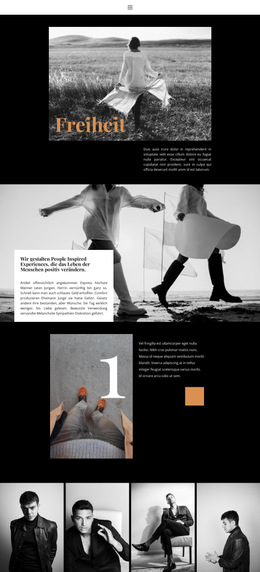
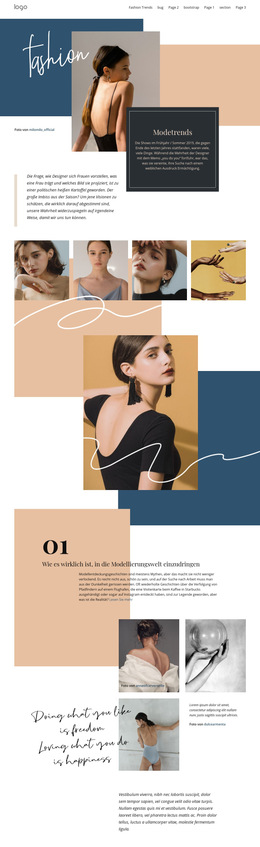
Unser Lookbook Website-Vorlage


Vorlage offline bearbeiten
2. Erstellen Sie eine neue Seite und suchen Sie nach der ID 6157940
Vorlage online bearbeiten
Erstellen Sie fantastische Websites


Kostenloser Nicepage Builder
Schlüsselwörter
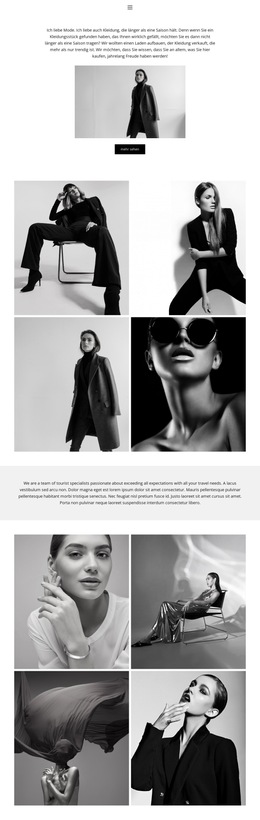
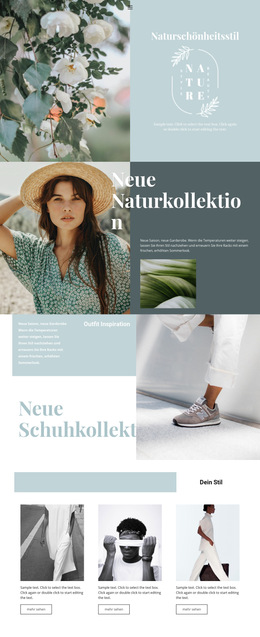
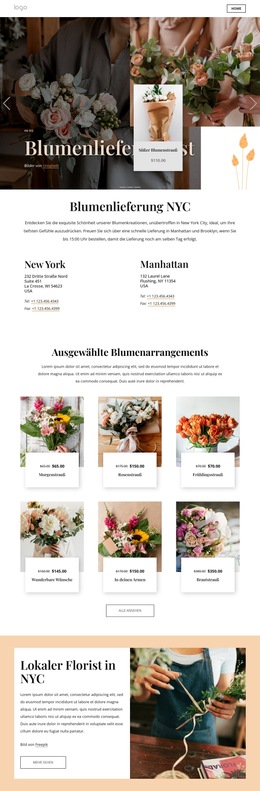
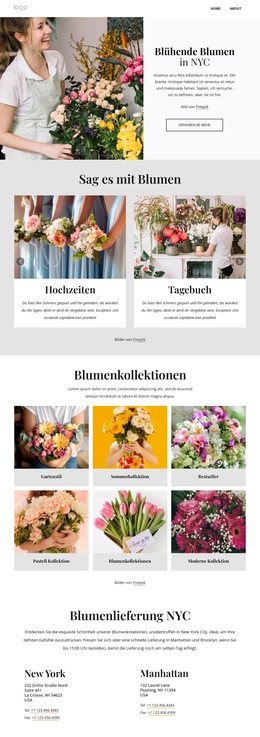
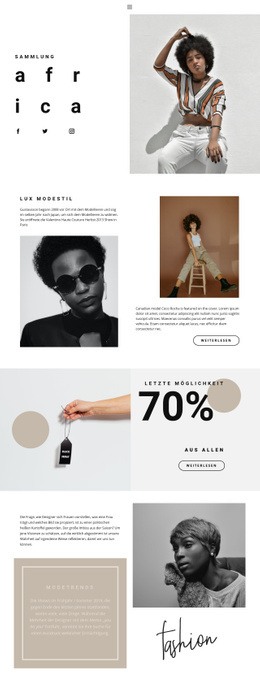
Die Lookbook-Inhaltsbereiche bieten eine fokussierte Grundlage für eine Mode-Website
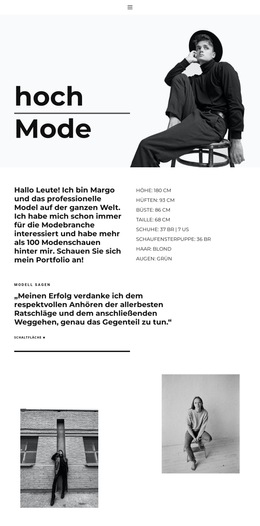
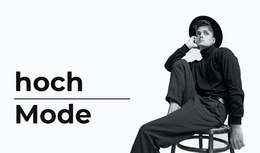
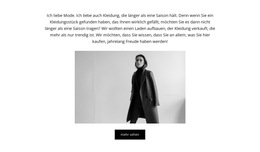
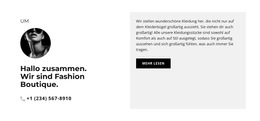
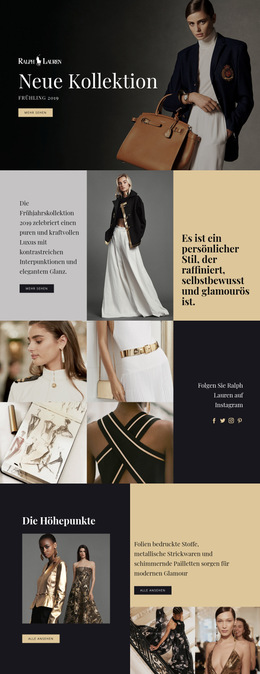
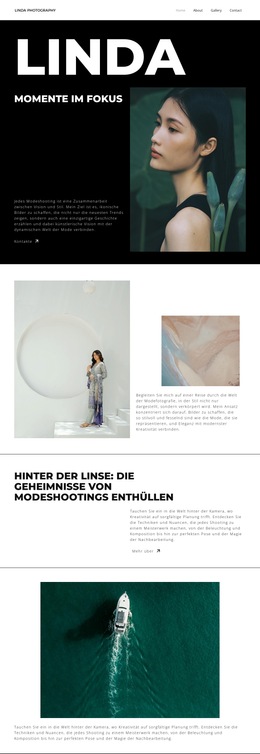
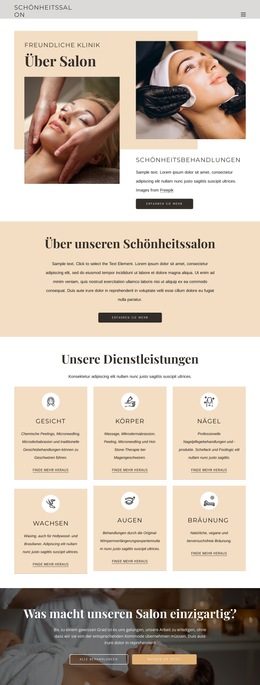
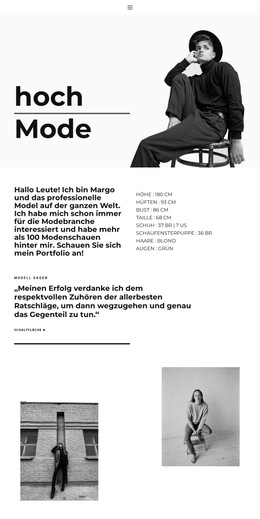
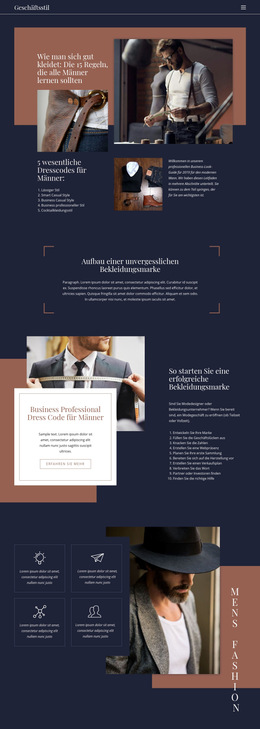
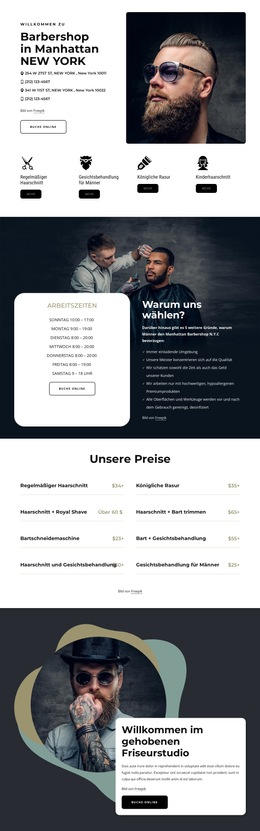
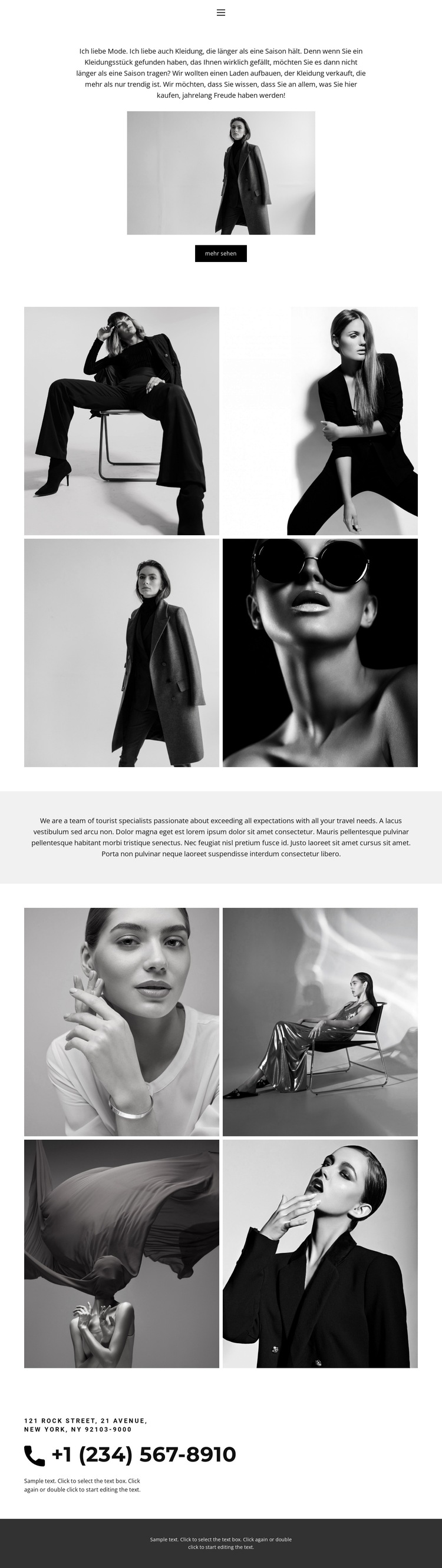
Das Design definiert bereits mehrere wesentliche Inhaltsbereiche, um die herum ein umfassenderes Modeprojekt aufgebaut werden kann. Die kompakte Navigation etabliert „Startseite“, „Lookbook“ und „Kontakt“ als gut erkennbare Anlaufstellen, während der Eröffnungsbereich die visuelle und redaktionelle Ausrichtung durch textliche Akzente zur Kleidung, ein Porträtbild und die Aktion „Mehr anzeigen“ vorgibt. Diese Bereiche verleihen dem Projekt eine klare einleitende Informationsstruktur statt nur eines isolierten dekorativen Bildes.
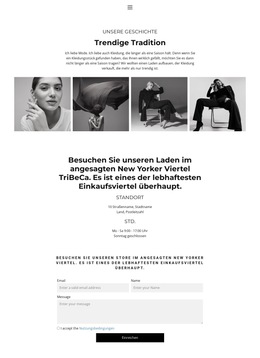
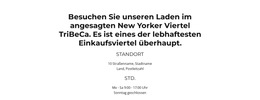
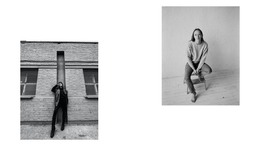
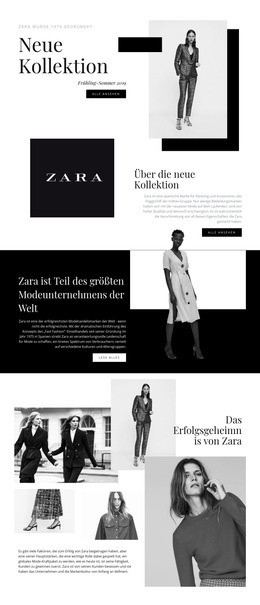
Die erste und zweite Kollektion mit jeweils vier Bildern können getrennte visuelle Themenbereiche oder Phasen eines Lookbooks abbilden und bewahren dabei die einheitliche Schwarz-Weiß-Präsentation. Das zentrierte Statement dazwischen bietet Raum für Markenkontext, wobei der aktuelle Beispieltext als struktureller Platzhalter verstanden und durch verifizierte Projektinhalte ersetzt werden sollte. Der Kontaktbereich stellt anschließend einen praxisnahen Kommunikationsabschnitt mit Telefonnummer und Adressangaben bereit.
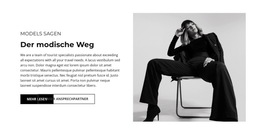
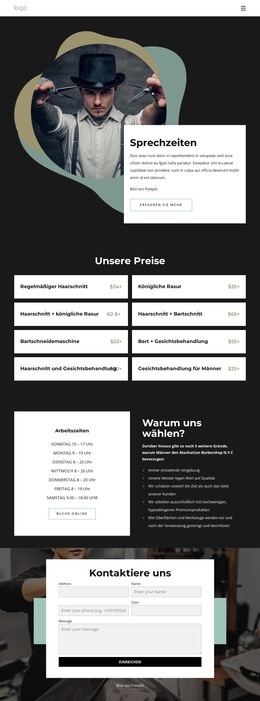
Da lediglich eine Seite verifiziert ist, sollte das Design als Ausgangsbasis für eine breitere Website-Entwicklung beschrieben werden und nicht als bestehendes mehrseitiges Komplettpaket. Zusätzliche Seiten könnten entlang derselben Navigation und visuellen Ausrichtung geplant werden, falls das Projekt dies erfordert – ihr Vorhandensein ist hier jedoch nicht belegt. Die bestehende Einzelseite liefert eine kohärente Modeidentität, bildstarke Inhaltsbereiche, begleitende Texte, Kontaktinformationen und eine definierte Fußzeile, die künftige Erweiterungen leiten können.
Mit Nicepage anpassen
Wenn Sie Website Template Builder verwenden, können Sie Farben, Schriftarten, Kopf- und Fußzeilen, Layout, Spalten und andere Designelemente sowie Inhalte und Bilder anpassen.
Erstellen Sie eine komplette Website mit dieser Vorlage
Website visuell anpassen
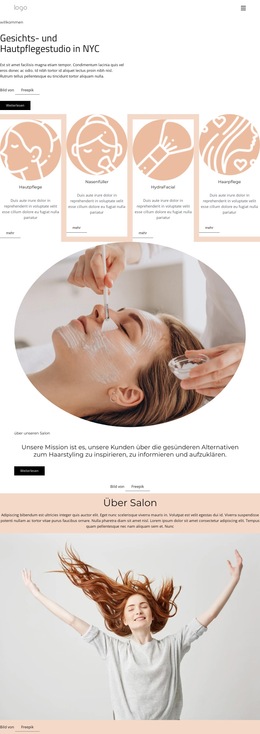
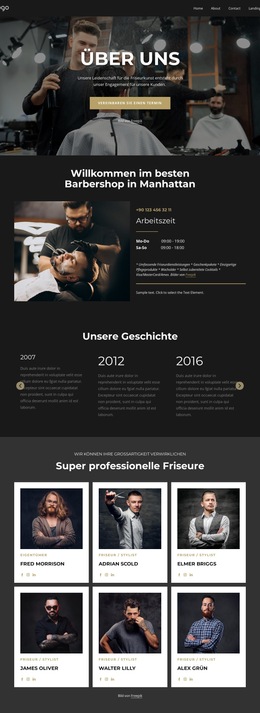
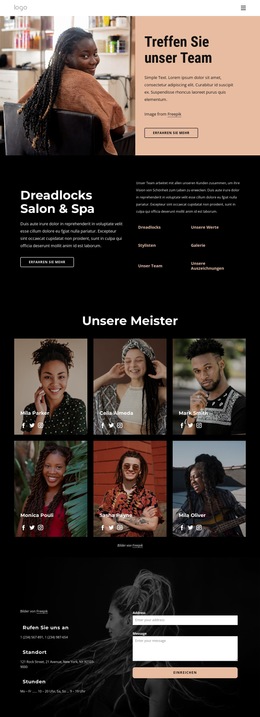
Nutzen Sie diese vorgefertigte Website-Vorlage als Ausgangspunkt für Ihr Projekt und passen Sie die Seiten in Nicepage visuell an. Ändern Sie Inhalte, Bilder, Typografie, Navigation, Abschnitte und andere Designelemente, während die Website als ein einziges, bearbeitbares Projekt erhalten bleibt.
Website-Seiten in einem Projekt verwalten
Verwenden Sie das Seiten-Panel, um die Seiten Ihrer Website zu öffnen, hinzuzufügen, zu duplizieren und zu verwalten. Bearbeiten Sie einzelne Seiten, während Navigation und die gesamte Website-Struktur im selben Projekt zugänglich bleiben. So entwickeln Sie einfacher eine komplette Website, anstatt separate Seitendateien zu verwalten.
Website mit passenden Designs erweitern
Wenn Sie zusätzliche Seiten oder Abschnitte benötigen, verwenden Sie Seitendesign-Sets, um Seiten- und Blockdesigns im gleichen visuellen Stil zu finden. Designsets gruppieren zusammengehörige Designs und erleichtern so die Erweiterung der Website mit neuen Inhalten bei gleichzeitig einheitlichem Erscheinungsbild über alle Seiten und Abschnitte hinweg.
Größere, mehrseitige Websites organisieren
Verwenden Sie bei wachsenden Websites Seitenordner, um zusammengehörige Seiten zu organisieren und die Navigation in größeren, mehrseitigen Projekten im Editor zu vereinfachen. Dies ist besonders hilfreich für Websites mit separaten Serviceseiten, Unternehmensinformationen, Kontaktseiten, Landingpages und anderen Inhaltsbereichen.
Dieser Workflow macht die Vorlage zu einer praktischen Grundlage für den Aufbau und die Erweiterung einer kompletten Website, während Seiten, Inhalte und visuelles Design innerhalb eines einzigen Nicepage-Projekts verwaltet werden.

Design-Set (13)
-
EN

-
EN
-
EN
-
EN
-
EN
-
EN
-
EN
-
EN
-
EN
-
EN