Develop your ideas WordPress Theme


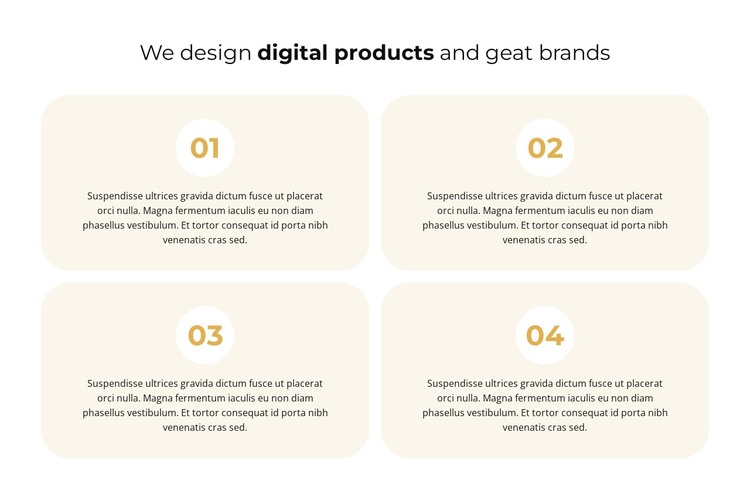
Centered digital-product content arranged for stable page use
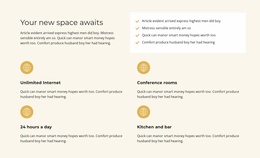
The emphasized “digital products” phrase gives the section a direct subject, while the four numbered cards turn that subject into a set of separate informational points. In a WordPress-managed page, this makes the block suitable for stable content that belongs to a broader services or features area rather than a time-sensitive stream. The 01–04 labels establish order, and the centered paragraphs give each point comparable visual weight without introducing a competing control or interaction.
The two-by-two grid also creates a useful relationship between content and page space. Four items remain visible together, so readers can compare the points as one group instead of opening separate panels. Warm beige rounded cards provide boundaries for each information unit, gold circular badges act as recurring visual markers, and dark charcoal type preserves contrast against the light surfaces. The white background leaves clear separation around the group and helps the section sit comfortably between other page areas.
Within a wider WordPress theme project, the block can serve as a reusable visual section for permanent page content about digital design, products, or branding. Other parts of the site may handle deeper service details, portfolio material, or contact information, while this block retains its focused four-point explanation. Its contribution is therefore a consistent, publishable content area with a defined hierarchy, not a complete theme or page by itself.
Customize with Nicepage
Open this ready-made template in the WordPress Website Builder and customize it visually in the Nicepage editor. Replace demo content, edit page sections, and adapt the design to your project without rebuilding the template from scratch.
Edit Template Offline
2. Create a new page or select existing
3. Click Add new block, search for id 5315460 and click enter
Edit Template Online
Create Awesome Websites


Free Nicepage Builder
Keywords
Manage and Edit This Theme in WordPress
Customize and Install the WordPress Theme
Start with this ready-made theme instead of building the WordPress design from scratch. Customize its layout, content, typography, images, sections, and other design elements visually in Nicepage editor, then export and install the WordPress Theme, Plugin, and Pages on your WordPress site. The Nicepage WordPress Plugin lets you continue working with the site after installation.
Edit the Theme Directly in WordPress
After installation, you can edit the WordPress Theme directly in WordPress with the Nicepage WordPress Plugin. Use Site Style to customize site Colors, Fonts, Header, Footer, Blog, and Post Page Templates while working within your WordPress website.
Edit WordPress Pages Visually
Use the Nicepage WordPress Plugin to edit page content directly from the WordPress admin area. Open a WordPress Page with Nicepage and visually change its text, images, sections, and other page elements while continuing to manage the Page through WordPress.
WordPress Content and Theme Integration
Use the customized theme with WordPress Pages, Posts, Blog and Post Templates, menus, widgets, and other CMS-managed content. Shared theme elements such as Colors, Fonts, Header, Footer, Blog, and Post Page Templates can be managed as part of the overall site design, while WordPress provides the CMS environment for managing site content.
This workflow combines a ready-made WordPress Theme with visual customization, direct theme editing in WordPress, and continued content management through the Nicepage WordPress Plugin.