Areas our work WordPress Theme


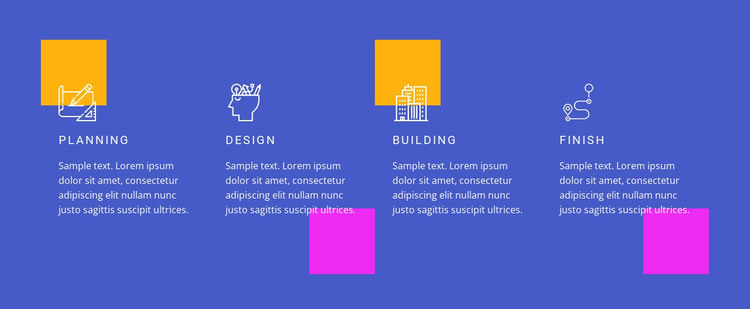
A Four-Stage Feature Row for WordPress Page Content
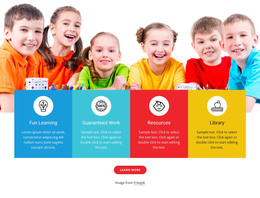
The labels Planning, design, building, and finish give this block a stable page-content role: four related topics can be presented as a sequence without expanding into separate pages. Each column follows the same pattern, placing an icon above or beside a compact heading and its supporting paragraph. That consistency makes the content model suitable for a WordPress-managed services or process section where the text may be maintained as part of permanent page content.
Visually, the four items remain connected through the full-width blue background and white typography. The uppercase, letter-spaced labels create a shared heading treatment, while the yellow and magenta square accents add contrast at selected points in the row. Since the interaction is static, all four descriptions can be read together; there is no need to infer a carousel, accordion, or other dynamic content mechanism. The supplied sample text is best understood as replaceable copy within this structure.
Within a broader WordPress page, the section can explain a sequence of capabilities while other content areas handle introductions, detailed information, proof, or contact. Its value is the combination of stable repeated content and a recognizable visual boundary: the four stages remain grouped as one reusable page section, while the surrounding project determines how that information fits into the wider site.
Customize with Nicepage
Open this ready-made template in the WordPress Website Builder and customize it visually in the Nicepage editor. Replace demo content, edit page sections, and adapt the design to your project without rebuilding the template from scratch.
Edit Template Offline
2. Create a new page or select existing
3. Click Add new block, search for id 50976 and click enter
Edit Template Online
Create Awesome Websites


Free Nicepage Builder
Keywords
Manage and Edit This Theme in WordPress
Customize and Install the WordPress Theme
Start with this ready-made theme instead of building the WordPress design from scratch. Customize its layout, content, typography, images, sections, and other design elements visually in Nicepage editor, then export and install the WordPress Theme, Plugin, and Pages on your WordPress site. The Nicepage WordPress Plugin lets you continue working with the site after installation.
Edit the Theme Directly in WordPress
After installation, you can edit the WordPress Theme directly in WordPress with the Nicepage WordPress Plugin. Use Site Style to customize site Colors, Fonts, Header, Footer, Blog, and Post Page Templates while working within your WordPress website.
Edit WordPress Pages Visually
Use the Nicepage WordPress Plugin to edit page content directly from the WordPress admin area. Open a WordPress Page with Nicepage and visually change its text, images, sections, and other page elements while continuing to manage the Page through WordPress.
WordPress Content and Theme Integration
Use the customized theme with WordPress Pages, Posts, Blog and Post Templates, menus, widgets, and other CMS-managed content. Shared theme elements such as Colors, Fonts, Header, Footer, Blog, and Post Page Templates can be managed as part of the overall site design, while WordPress provides the CMS environment for managing site content.
This workflow combines a ready-made WordPress Theme with visual customization, direct theme editing in WordPress, and continued content management through the Nicepage WordPress Plugin.