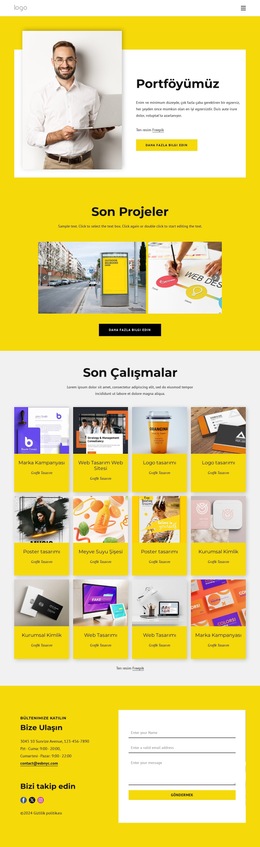
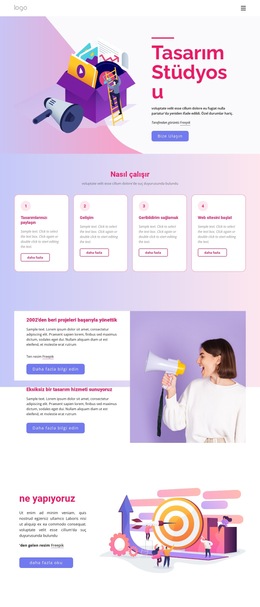
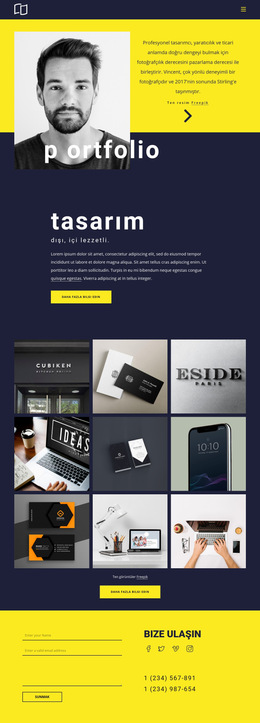
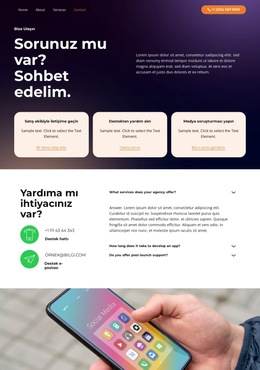
Yaratıcı Stüdyo Web Sitesi Şablonu


Şablonu Çevrimdışı Düzenleyin
2. Yeni sayfa oluşturun ve 20119 kimliğini arayın
Şablonu Çevrimiçi Düzenleyin
Harika Web Siteleri Oluşturun


Ücretsiz Nicepage Builder
Anahtar kelimeler
Stüdyo, Hizmetler ve İletişim Kullanışlı Bir Site Temeli Oluşturuyor
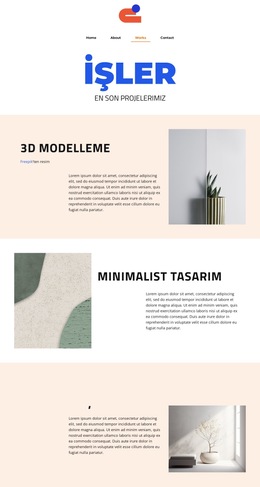
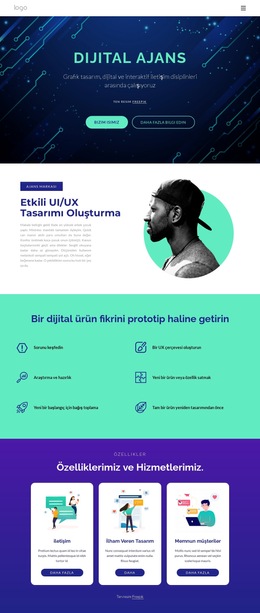
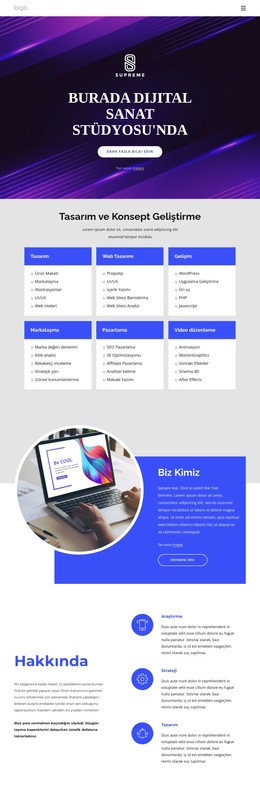
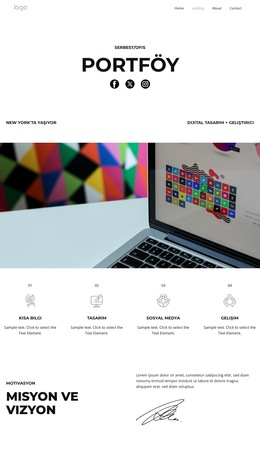
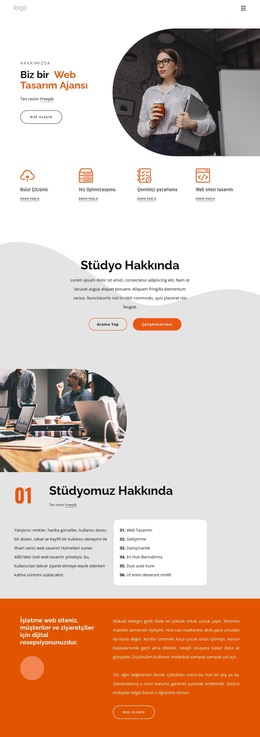
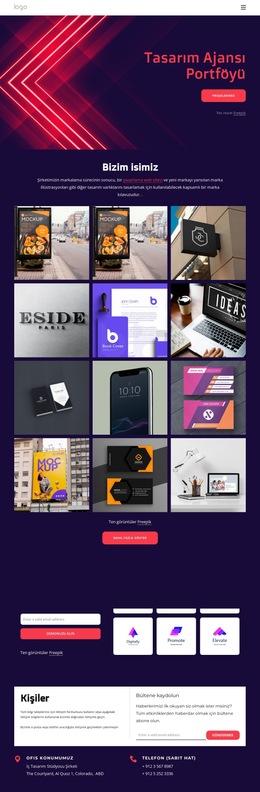
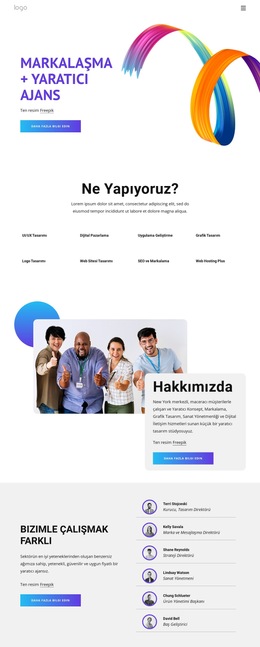
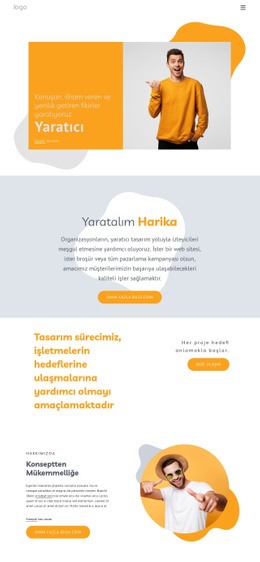
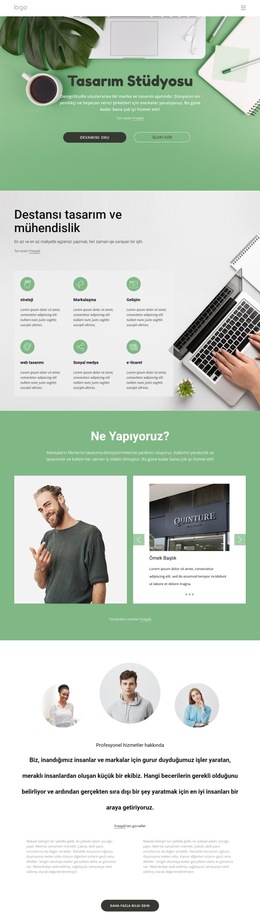
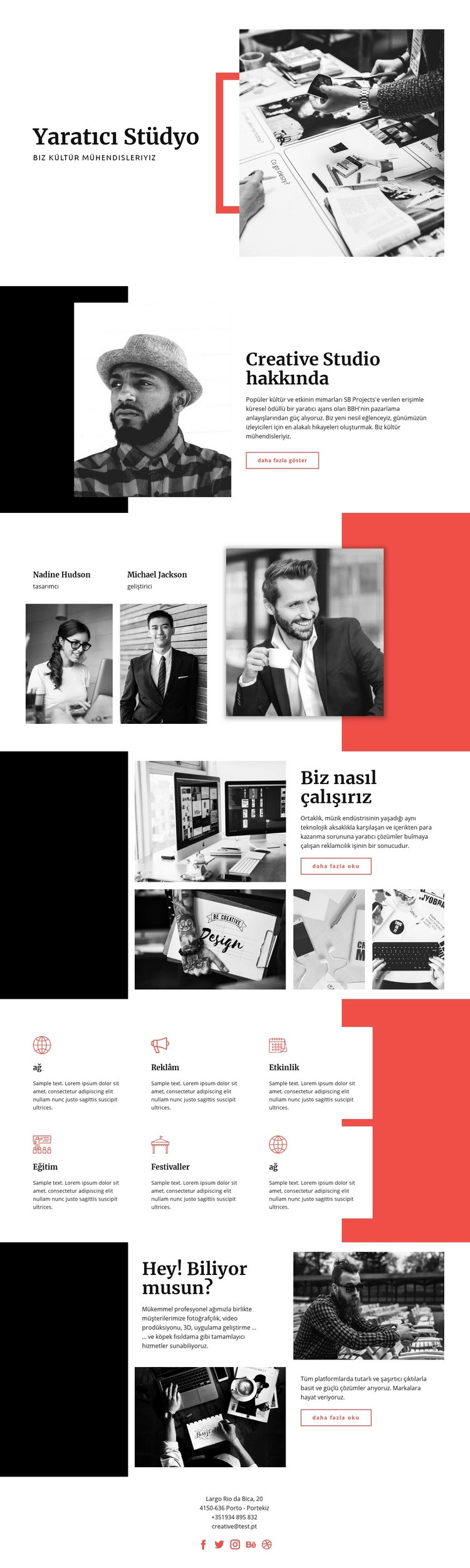
Tasarım, yaratıcı bir stüdyo projesi için daha şimdiden birçok temel içerik alanını tanımlamış durumda. Giriş bloğu The Creative Studio'yu ve onun kültürel mühendislik konumlandırmasını tanıtırken, «Creative Studio Hakkında» bölümü arka plan bilgisi ve açıklayıcı bir anlatım için alan sağlar. Bu alanlar birlikte, sayfa kişilere, süreçlere ve yetkinliklere geçmeden önce organizasyonun kimliğini sağlam bir temele oturtur.
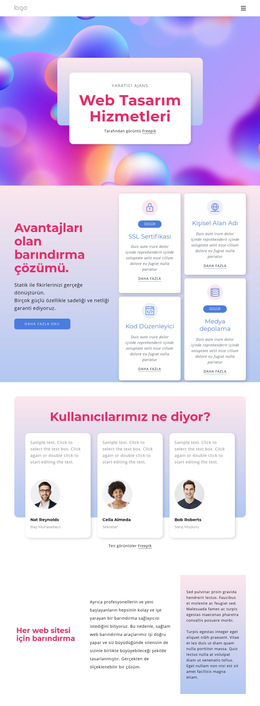
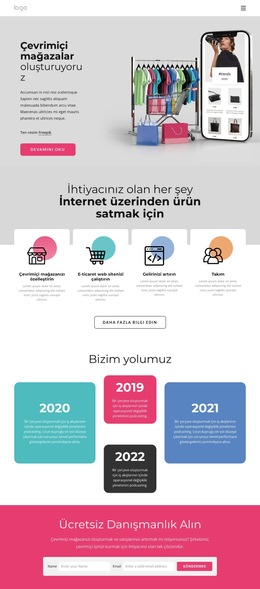
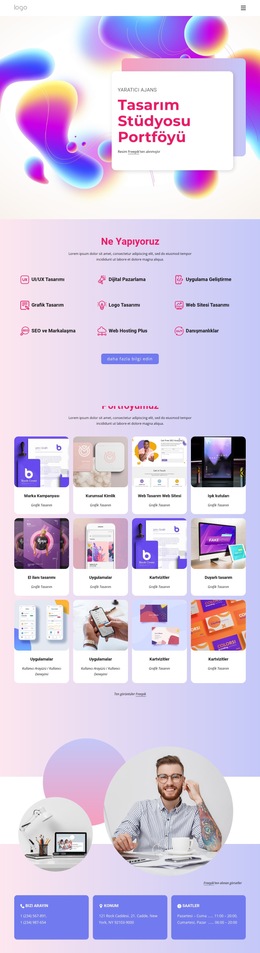
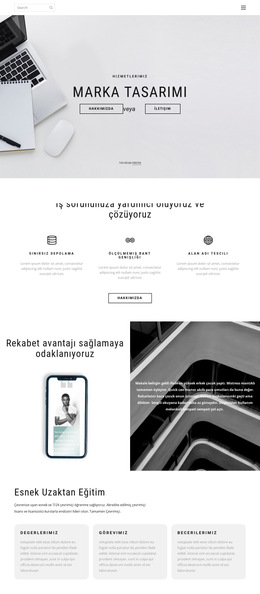
Ekip bloğu, görev dağılımlarıyla insani bir bağlam eklerken, «Nasıl Çalışıyoruz» bölümü hizmetleri tek anlatı unsuru olarak görmek yerine yöntemi açıklamak için projeye özgün bir alan kazandırır. Altı hizmet kartı; Web, Reklam, Etkinlik, Eğitim, Festivaller ve başka bir hizmet alanı etrafında tekrarlanabilir bir kategori yapısı oluşturur. Bu yapı, daha kapsamlı bir web sitesinin daha sonra hizmet bilgilerini daha net içerik hedeflerine ayırmasına yardımcı olurken mevcut görsel dil, bu eklemelerin orijinal profille uyumlu kalmasını sağlar.
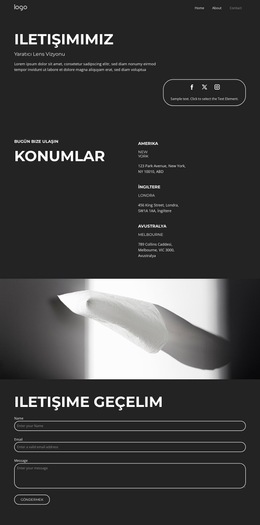
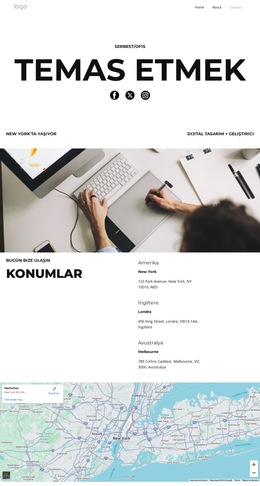
Tamamlayıcı yetkinlikler için ayrılan bölünmüş bölüm; vaka incelemesi tanıtımları, stüdyo felsefesi veya ek hizmet açıklamaları için bu sayfaların hâlihazırda var olduğunu iddia etmeksizin başka bir içerik şablonu sunar. Son olarak iletişim bloğu; Porto (Portekiz) yerleşkesi, doğrudan iletişim bilgileri ve beş sosyal medya kanalıyla net bir kapanış alanı sağlar. Dolayısıyla bir web sitesi şablonu temeli olarak asıl değeri, sunduğu kapsam ve kurduğu ilişkilerdedir: Kimlik; arka plana, ekibe, yönteme, hizmetlere, daha geniş yetkinliklere ve iletişime uzanır. Tasarım, gelecekteki bir projeye yalnızca izole ve dekoratif bir ana sayfa değil, sağlam bir bilgi başlangıç noktası sunar.
Nicepage ile özelleştirin
Web Sitesi Şablonu Oluşturucu kullanırken renkleri, yazı tiplerini, başlık ve fooer'ı, düzeni, sütunları ve diğer tasarım öğelerinin yanı sıra içerik ve resimleri de ayarlayabilirsiniz.
Bu Şablondan Tam Bir Web Sitesi Oluşturun
Web Sitesini Görsel Olarak Özelleştirin
Bu hazır web sitesi şablonunu projeniz için başlangıç noktası olarak kullanın ve sayfalarını Nicepage'de görsel olarak uyarlayın. Web sitesini tek bir düzenlenebilir proje olarak bir arada tutarken içeriği, görselleri, tipografiyi, navigasyonu, bölümleri ve diğer tasarım öğelerini değiştirin.
Web Sitesi Sayfalarını Tek Bir Projede Yönetin
Web sitenizin sayfalarını açmak, eklemek, çoğaltmak ve yönetmek için Sayfalar paneli kullanın. Navigasyon ve genel site yapısını aynı projeden erişilebilir tutarken, ayrı sayfalar üzerinde çalışarak, ayrı sayfa dosyalarını yönetmek yerine eksiksiz bir web sitesi geliştirmeyi kolaylaştırın.
Web Sitesini Uyumlu Tasarımlarla Genişletin
Ek sayfalara veya bölümlere ihtiyacınız olduğunda, aynı görsel stilde oluşturulmuş Sayfa ve Blok Tasarımlarını bulmak için Sayfa Tasarım Setleri kullanın. Tasarım Setleri, eşleşen tasarımları bir araya getirerek, web sitesinin sayfaları ve bölümleri arasında tutarlı bir görünüm sağlarken yeni içerikle genişletmeyi kolaylaştırır.
Daha Büyük Çok Sayfalı Web Sitelerini Düzenleme
Web sitesi büyüdükçe, ilgili sayfaları düzenlemek ve daha büyük çok sayfalı projelerde editörde gezinmeyi kolaylaştırmak için Sayfa Klasörleri kullanın. Bu, özellikle ayrı hizmet sayfaları, şirket bilgileri, iletişim bilgileri, açılış sayfaları ve diğer içerik alanlarına sahip web siteleri için kullanışlıdır.
Bu iş akışı, şablonu, sayfalarını, içeriğini ve görsel tasarımını tek bir Nicepage projesi içinde yönetirken eksiksiz bir web sitesi oluşturmak ve genişletmek için pratik bir temel haline getirir.