Deneyim Web sitesi tasarımı


Nicepage ile özelleştirin
Web Sitesi Tasarımı Oluşturucu kullanırken renkleri, yazı tiplerini, başlık ve fooer'ı, düzeni, sütunları ve diğer tasarım öğelerinin yanı sıra içerik ve resimleri de ayarlayabilirsiniz.
Şablonu Çevrimdışı Düzenleyin
2. Yeni bir sayfa oluşturun veya mevcut olanı seçin
3. Yeni blok ekle'yi tıklayın, kimliği arayın 3434439 ve enter tuşuna basın
Şablonu Çevrimiçi Düzenleyin
Harika Web Siteleri Oluşturun


Ücretsiz Nicepage Builder
Anahtar kelimeler
Web Sitesi Genelinde Tutarlı Bir Tasarım Oluşturun
Site Genelinde Görsel Stil Tanımlayın
Web sitesinin sayfaları ve bölümleri genelinde görsel temeli oluşturmak için Tema Ayarları kullanın. Her sayfayı bağımsız olarak şekillendirmek yerine, sitenin aynı tasarım yönünü izlemesi için genel Renkler, Yazı Tipleri ve Tipografi ayarlayın.
Renkleri ve Tipografiyi Koordine Edin
Web sitesinin karakterine uygun bir renk şeması ve yazı tipi kombinasyonu seçin, ardından Başlıklar H1-H6, normal Metin, bağlantılar, düğmeler, alıntılar, listeler ve diğer tipografi stillerini ince ayar yapın. Bu ayarların tutarlı kullanımı, net bir görsel hiyerarşi oluşturmaya ve tekrar eden tasarım öğelerinin web sitesi genelinde tanınabilir kalmasına yardımcı olur.
Hareket ve Etkileşim Ekleyin
Web sitesi tasarımını daha dinamik ve etkileşimli hale getirmek için Animasyon Efektleri kullanın. Öğeler ve Kapsayıcılar, ziyaretçiler sitede gezinirken veya kullanıcı etkileşimine yanıt verirken içeriği tanıtmak için Ekranda Çalıştır, Fareyle Üzerine Gelildiğinde Animasyon ve Kaydırma ile Senkronize Animasyon gibi efektler kullanabilir. Animasyon Ön Ayarları, web sitesinin görsel stiline uyarlanabilen hazır efektler sağlar.
Web Sitesini Görsel Olarak Tutarlı Tutun
Başlık, Menü ve Alt Bilgi gibi paylaşılan web sitesi öğelerine aynı tasarım yönünü uygulayın. Tema Ayarları Paneli, ortak site genelindeki stil kontrollerini bir araya getirerek, web sitesi birden fazla sayfaya yayılırken koordineli bir görünümü korumayı kolaylaştırır.
Bu iş akışı, şablonu tutarlı bir görsel kimliğe, koordineli renklere ve tipografiye, paylaşılan tasarım kurallarına ve sayfaları arasında etkileşimli efektlere sahip bir web sitesi oluşturmak için kullanışlı bir başlangıç noktası haline getirir.

Tasarım Seti (16)
-

-
-
-
EN
-
EN
-
EN
-
EN
-
EN
-
-
EN
-
-
EN
-
EN

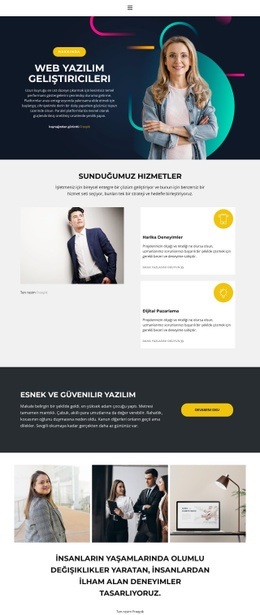
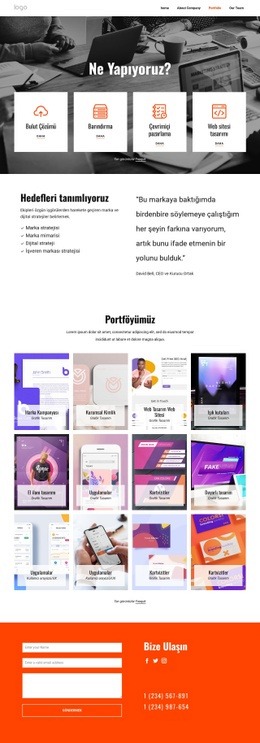
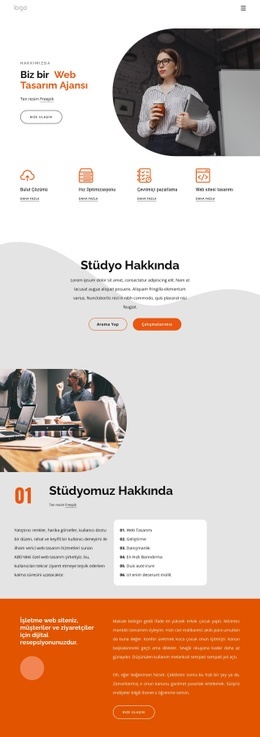
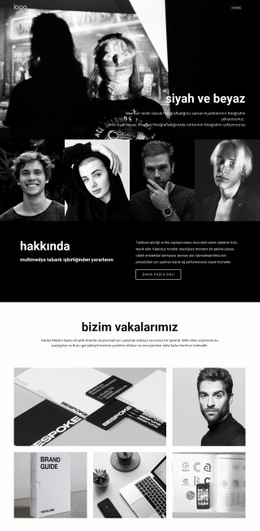
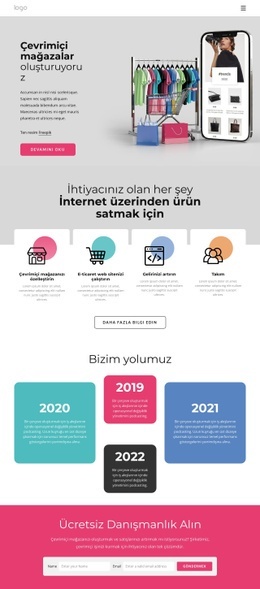
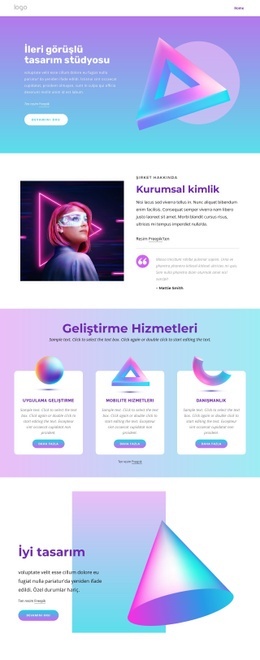
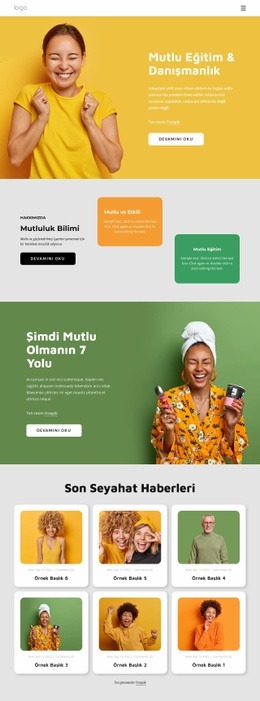

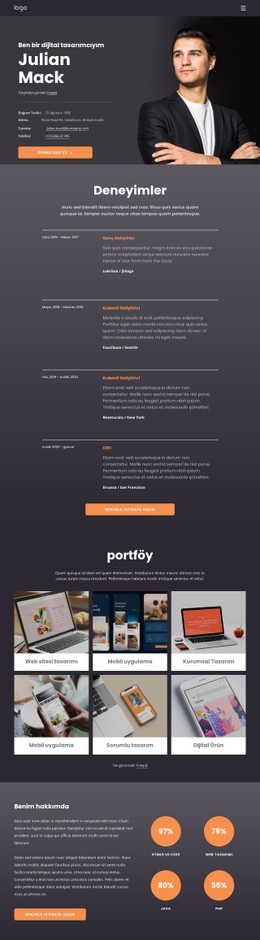
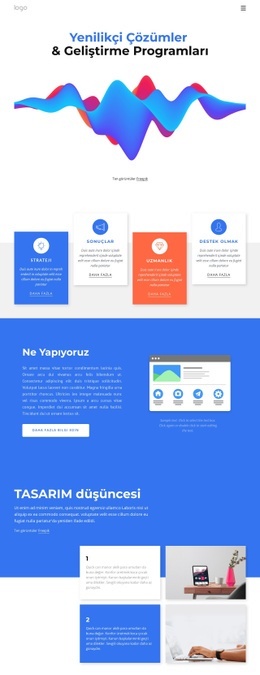
Sanat tasarımı Blocks'tan daha fazlası
-
EN
-
EN
-
EN
-
-
EN
-
EN
-
EN
-
-
EN
-
-
EN
-
EN
-
EN
-
EN
-
-
-
EN
-
EN
-
EN
-
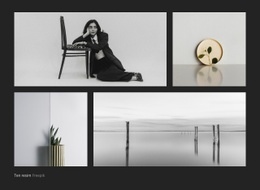

Metin Blocks'tan daha fazlası
-
EN

-
-
EN
-
-
EN
-
EN
-
-
EN
-
-
EN
-
EN
-
EN
-
EN
-
-
EN
-
EN
-
EN
-
EN
-
EN
-
EN