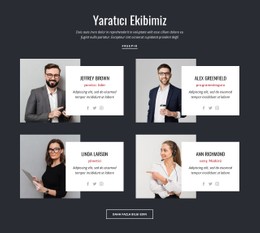
Yüksek eğitimli kadromuz CSS Şablonu


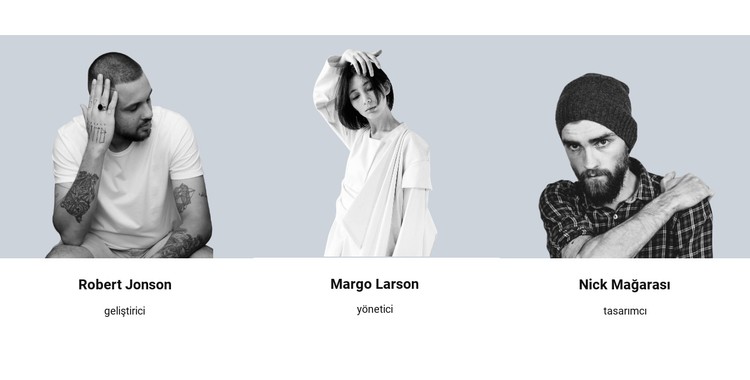
Nicepage ile özelleştirin
CSS Şablon Oluşturucu kullanırken renkleri, yazı tiplerini, başlık ve fooer'ı, düzeni, sütunları ve diğer tasarım öğelerinin yanı sıra içerik ve resimleri de ayarlayabilirsiniz.
Şablonu Çevrimdışı Düzenleyin
2. Yeni bir sayfa oluşturun veya mevcut olanı seçin
3. Yeni blok ekle'yi tıklayın, kimliği arayın 87045 ve enter tuşuna basın
Şablonu Çevrimiçi Düzenleyin
Harika Web Siteleri Oluşturun


Ücretsiz Nicepage Builder
Anahtar kelimeler
Bu Şablonu CSS ile Özelleştirin
Sayfaya Özgü Stil Kontrolü
Bu hazır şablonun görsel görünümünü doğrudan Nicepage düzenleyicisinde özelleştirin. Sayfa düzenini CSS yazmadan kolayca yönetilebilir tutarken, tipografi, boşluk, arka planlar, kenarlıklar, renkler, konumlandırma ve diğer stil özelliklerini görsel kontroller kullanarak ayarlayın.
Gerektiğinde Özel CSS Ekleyin
Standart düzenleyici seçeneklerinin ötesine geçen stil gereksinimleri için, hedefli kurallar eklemek üzere Özel CSS kullanın. CSS, özelleştirmenin kapsamına bağlı olarak tek tek öğelere, belirli sayfalara veya tüm web sitesine uygulanabilirken, CSS sınıfları özel kuralları seçilen öğelerle bağlamak için kullanılabilir.
Sayfa Başına Minimum CSS Dışa Aktarma
CSS boyutu ve sayfa performansının önemli olduğu projeler için Nicepage, her sayfa için minimum CSS dışa aktarabilir. Tek bir büyük ortak stil dosyasına güvenmek yerine, her sayfa yalnızca o sayfaya özgü stil kurallarını içeren ayrı bir CSS dosyası kullanabilir. Nicepage belgelerine göre, bu sayfaya özgü CSS dosyaları yaklaşık on kat daha kompakt olabilir, bu da gereksiz CSS'yi azaltmaya ve sayfa yükleme performansını iyileştirmeye yardımcı olur.
Bu iş akışı, görsel stillendirmeyi isteğe bağlı özel CSS ve optimize edilmiş sayfaya özgü CSS çıktısıyla birleştirerek, bir proje gerektirdiğinde ek kontrol sağlar ve şablonu özelleştirmenin birincil yolu olarak manuel CSS düzenlemesini gerektirmez.

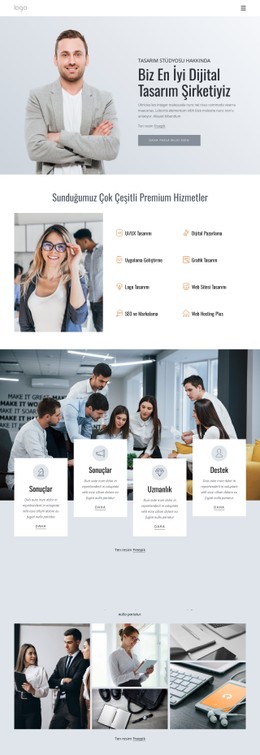
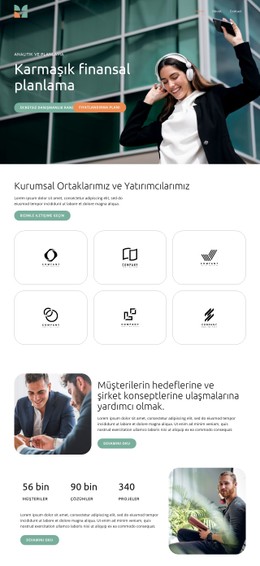
İş kanunu Blocks'tan daha fazlası
-

-
EN

-
EN
-
-
EN
-
EN
-
-
-
EN
-
-
-
-
EN
-
EN
-
-
EN
-
-
EN
-
EN
-







Takım Blocks'tan daha fazlası
-
EN
-
EN
-
EN
-
EN
-
EN
-
EN
-
-
EN
-
-
-
-
-
EN
-
EN
-
EN
-
-
EN
-
EN
-
EN
-
EN