Your growth, your privacy Template


Edit Template Offline
2. Create new page and search for id 6543610
Edit Template Online
Create Awesome Websites


Free Nicepage Builder
Keywords
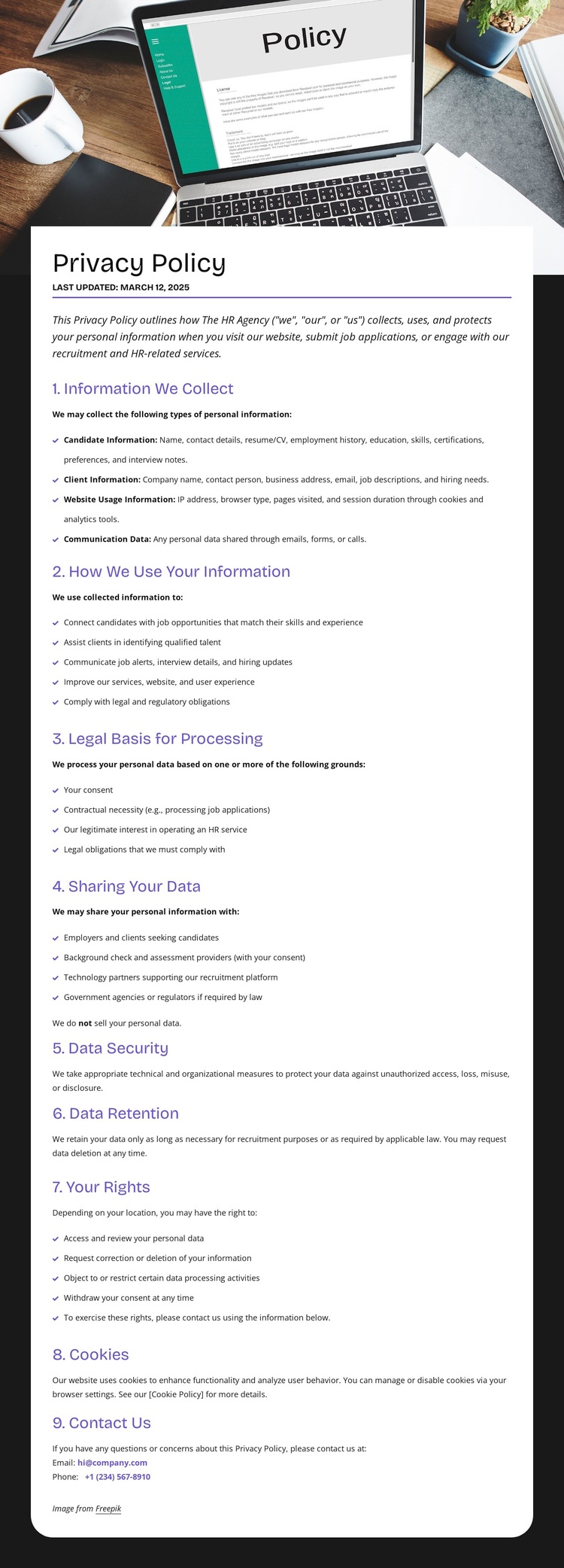
A Security-Led Policy Layout With Broad Information Coverage
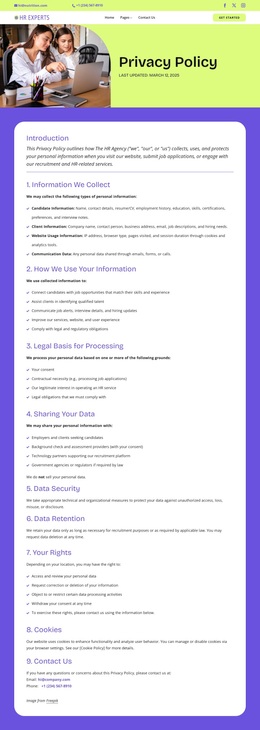
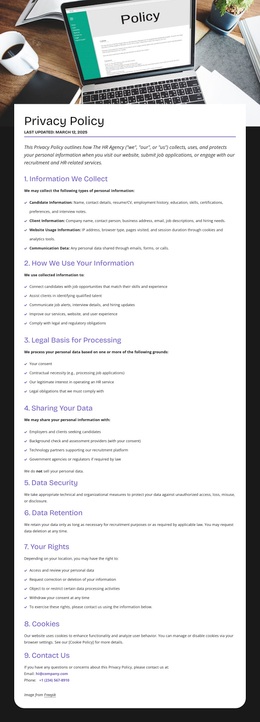
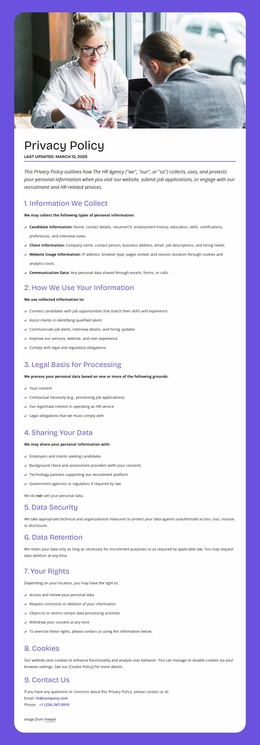
The combination of a lime Privacy Policy card and security-themed hero image makes the template immediately recognizable as a page about responsible information handling. That visual introduction is followed by unusually broad policy coverage: the document addresses what information is collected, how it is used, the legal basis for processing, sharing, security, retention, user rights, cookies, and contact. This range makes the design a useful option when a project needs more than a short notice and requires a clearly divided legal-information page.
The choice also provides strong supporting context around the main text. The two-row header places contact channels, social links, navigation, and a Get Started action before the document, while the dark footer adds a mission statement about connecting people with opportunities, help links, social links, an address, email, and phone details. The contrast between lime, white, black, and purple-blue accents gives the page a recognizable visual direction without overwhelming the long reading column. A project can therefore select this design when it needs policy content to feel connected to an existing HR-oriented brand structure while remaining easy to scan through numbered headings and bullet lists. Its distinctive value comes from the relationship between security imagery, comprehensive provisions, and visible contact access.
Customize with Nicepage
Open this ready-made template in the Template Builder and customize it visually in the Nicepage editor. Replace demo content, edit page sections, and adapt the design to your project without rebuilding the template from scratch.
Start With a Ready-Made Template
Choose a Design for a New Page
Use a ready-made template as a starting point instead of creating every page from a blank canvas. When adding a new page in Nicepage, browse available designs, compare different layouts, and choose an option that already fits the general purpose and visual direction of your project.
Browse Different Page Designs
Explore Page Designs using search, thematic categories, Design Sets, and full-page previews. The collection includes layouts for different subjects and page purposes, making it easier to compare alternatives before selecting a design to customize.
Customize the Selected Template
After choosing a design, create the page and continue editing it visually in Nicepage. Replace the demo content, adjust images, typography, colors, sections, and other elements, and adapt the ready-made layout to your own content instead of rebuilding the design from the beginning.
Explore More Design Directions
If the first option does not match your project closely enough, return to the design collection and compare other templates before committing to a layout. This makes the template library useful not only for faster page creation, but also for exploring different visual approaches and finding a suitable starting point for a new project.
This workflow gives you access to a broad collection of ready-made designs that can be selected, compared, and customized according to the needs of each new page or project.

Design Set (28)
-

-
-
-
-
-
-
-
-
-
Free Website Builder SoftwareDownload
-
-
-
-
-
-
-
-