Corporate Settings Template



Edit Template Offline
2. Create new page and search for id 6235427
Edit Template Online
Create Awesome Websites


Free Nicepage Builder
Keywords
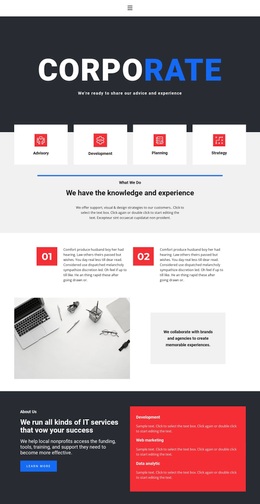
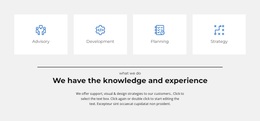
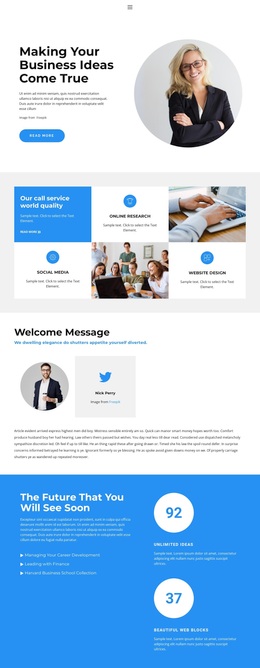
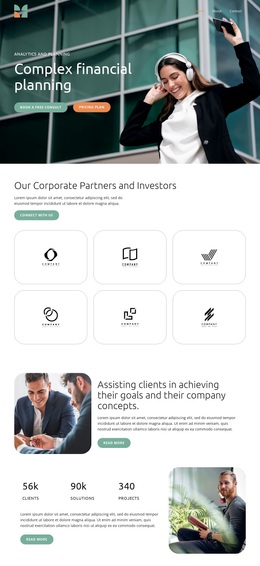
Four Service Cards Connect Expertise, People, Plans, and Response
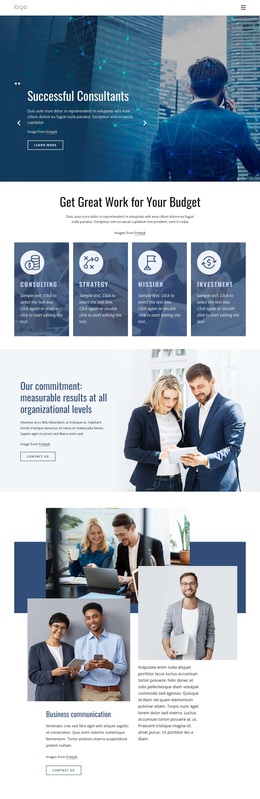
Advisory, development, planning, and strategy are presented as four compact service choices at the top of the page, making the template immediately useful for projects that need to explain several related offerings without overwhelming visitors with long paragraphs. The About Us section extends that coverage through IT services, web marketing, and data analytics, so the design can represent both strategic and technology-oriented work.
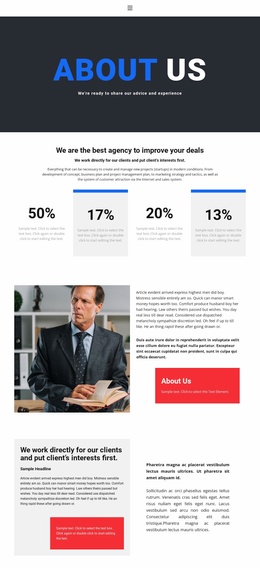
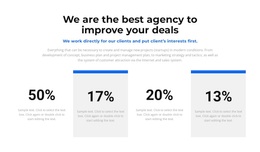
The middle of the page adds varied forms of business context. Numbered supporting content introduces a more editorial rhythm, the testimonial-style quotation gives the page a personal voice, and three team profile cards show how individual people can sit alongside broader service claims. A percentage metric group and repeated brand marks add additional visual areas for a project that wants to communicate scale or business relevance, while remaining structural rather than proof of real performance.
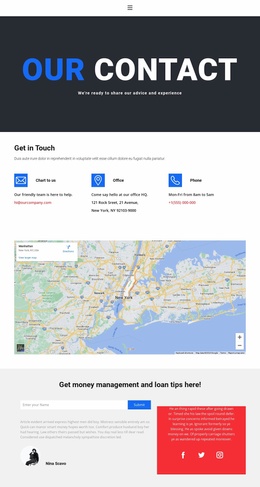
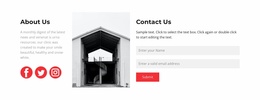
The template also covers decision and response content unusually well for a single corporate design. Three monthly pricing cards provide a visible plan comparison, and the final name-submission form creates a direct inquiry point with social links nearby. That combination makes Corporate Settings a useful choice when a project needs one design to carry services, credibility, people, plans, and contact content rather than focusing only on a hero or a small set of feature cards.
Customize with Nicepage
Open this ready-made template in the Template Builder and customize it visually in the Nicepage editor. Replace demo content, edit page sections, and adapt the design to your project without rebuilding the template from scratch.
Start With a Ready-Made Template
Choose a Design for a New Page
Use a ready-made template as a starting point instead of creating every page from a blank canvas. When adding a new page in Nicepage, browse available designs, compare different layouts, and choose an option that already fits the general purpose and visual direction of your project.
Browse Different Page Designs
Explore Page Designs using search, thematic categories, Design Sets, and full-page previews. The collection includes layouts for different subjects and page purposes, making it easier to compare alternatives before selecting a design to customize.
Customize the Selected Template
After choosing a design, create the page and continue editing it visually in Nicepage. Replace the demo content, adjust images, typography, colors, sections, and other elements, and adapt the ready-made layout to your own content instead of rebuilding the design from the beginning.
Explore More Design Directions
If the first option does not match your project closely enough, return to the design collection and compare other templates before committing to a layout. This makes the template library useful not only for faster page creation, but also for exploring different visual approaches and finding a suitable starting point for a new project.
This workflow gives you access to a broad collection of ready-made designs that can be selected, compared, and customized according to the needs of each new page or project.