An Ideal Leader Template


Edit Template Offline
2. Create new page and search for id 5883449
Edit Template Online
Create Awesome Websites


Free Nicepage Builder
Keywords
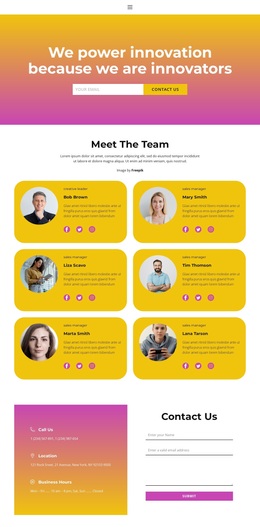
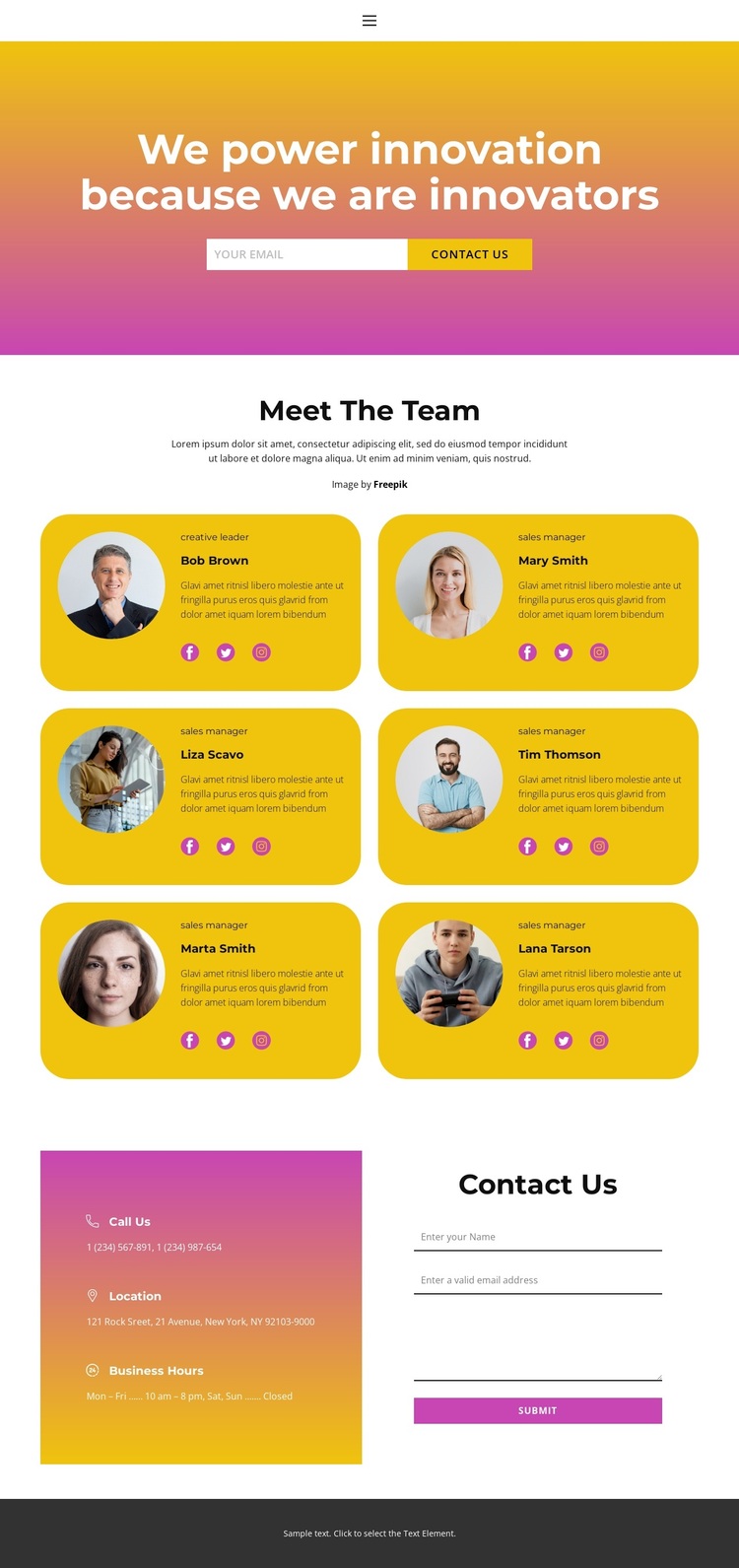
Six Rounded Profiles Give This Team Design a Human Center
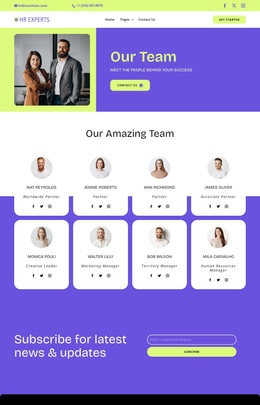
The six repeated team cards are the clearest reason to choose this design when the people behind an organization should carry the main story. Circular portraits, names, role labels, descriptions, and social links give each profile several connected ways to communicate identity, while the rounded yellow surfaces make the group visually recognizable. This is different from a layout centered mainly on products, pricing, or long-form explanation: the repeated human profiles provide the page’s strongest content signature.
The surrounding sections reinforce that choice without overwhelming it. A bright yellow-to-pink gradient introduces the innovation message, and the compact email form adds an immediate way to stay connected. The centered heading and generous white space then create room for the team cards to remain the visual focus. At the bottom, the contact area broadens the design from introduction to practical response by combining call, location, business-hours details, and a contact form with name, email, and message fields. Social links on each profile add another outward path without replacing the main contact area. Together, these relationships make the template useful for an organization that wants a personable presentation: a strong opening idea, visible team representation, and a clear route to contact are already covered in one page. The demo names and sample details should be replaced, but their placement shows how much content the design can accommodate.
Customize with Nicepage
Open this ready-made template in the Template Builder and customize it visually in the Nicepage editor. Replace demo content, edit page sections, and adapt the design to your project without rebuilding the template from scratch.
Start With a Ready-Made Template
Choose a Design for a New Page
Use a ready-made template as a starting point instead of creating every page from a blank canvas. When adding a new page in Nicepage, browse available designs, compare different layouts, and choose an option that already fits the general purpose and visual direction of your project.
Browse Different Page Designs
Explore Page Designs using search, thematic categories, Design Sets, and full-page previews. The collection includes layouts for different subjects and page purposes, making it easier to compare alternatives before selecting a design to customize.
Customize the Selected Template
After choosing a design, create the page and continue editing it visually in Nicepage. Replace the demo content, adjust images, typography, colors, sections, and other elements, and adapt the ready-made layout to your own content instead of rebuilding the design from the beginning.
Explore More Design Directions
If the first option does not match your project closely enough, return to the design collection and compare other templates before committing to a layout. This makes the template library useful not only for faster page creation, but also for exploring different visual approaches and finding a suitable starting point for a new project.
This workflow gives you access to a broad collection of ready-made designs that can be selected, compared, and customized according to the needs of each new page or project.