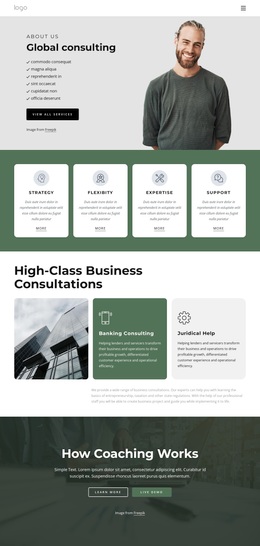
Transform your technology to power your growth Template



Edit Template Offline
2. Create new page and search for id 4947995
Edit Template Online
Create Awesome Websites


Free Nicepage Builder
Keywords
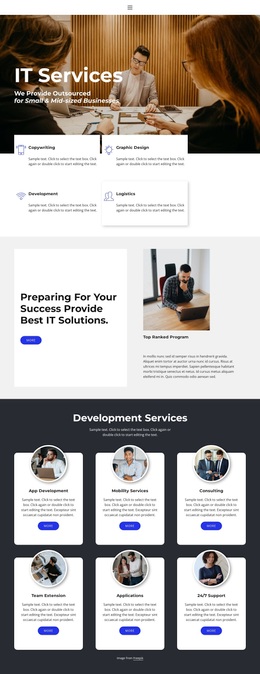
Six Service Tiles Give This Consulting Design Broad Content Coverage
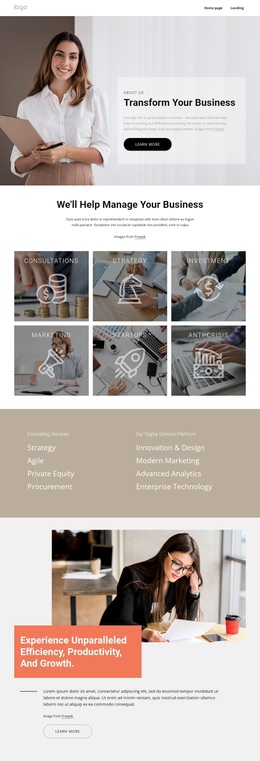
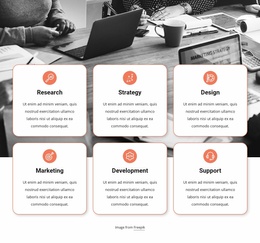
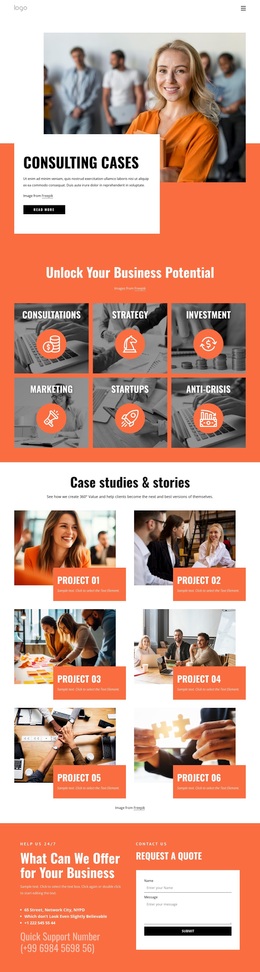
The six image tiles are the clearest reason to choose this design for a consulting-oriented About Us page. Consultations, Strategy, Investment, Marketing, Startups, and Anti-Crisis appear as distinct labeled areas, allowing the organization to present several support directions without reducing the page to a single generic business statement. The large photographic hero gives those areas an editorial introduction, while the translucent text panel keeps the transformation message visually connected to the opening image.
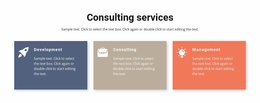
The design also covers more than services. A separate two-column capability section connects Consulting Services with Agile, Private Equity, Procurement, Innovation & Design, Modern Marketing, Advanced Analytics, and Enterprise Technology. The What We Believe area then shifts from external offerings to internal identity through links for Our People, Our Values, Our Leaders, Our Culture, Our Team, and Our Awards. Four named values—Safety, Excellence, Accountability, and Kindness—make that identity more specific. An accordion and a final contact form complete the information set by providing space for additional explanations and inquiries. This combination makes the template a useful option when a business needs one page to show what it offers, how it is organized, what it values, and how visitors can continue the conversation.
Customize with Nicepage
Open this ready-made template in the Template Builder and customize it visually in the Nicepage editor. Replace demo content, edit page sections, and adapt the design to your project without rebuilding the template from scratch.
Start With a Ready-Made Template
Choose a Design for a New Page
Use a ready-made template as a starting point instead of creating every page from a blank canvas. When adding a new page in Nicepage, browse available designs, compare different layouts, and choose an option that already fits the general purpose and visual direction of your project.
Browse Different Page Designs
Explore Page Designs using search, thematic categories, Design Sets, and full-page previews. The collection includes layouts for different subjects and page purposes, making it easier to compare alternatives before selecting a design to customize.
Customize the Selected Template
After choosing a design, create the page and continue editing it visually in Nicepage. Replace the demo content, adjust images, typography, colors, sections, and other elements, and adapt the ready-made layout to your own content instead of rebuilding the design from the beginning.
Explore More Design Directions
If the first option does not match your project closely enough, return to the design collection and compare other templates before committing to a layout. This makes the template library useful not only for faster page creation, but also for exploring different visual approaches and finding a suitable starting point for a new project.
This workflow gives you access to a broad collection of ready-made designs that can be selected, compared, and customized according to the needs of each new page or project.

Design Set (22)
-

-
-
-
-
-
-
-
-
-
-
-
-
-
-
Free Website Builder SoftwareDownload
-
-