Freelance designers Template



Edit Template Offline
2. Create new page and search for id 489799
Edit Template Online
Create Awesome Websites


Free Nicepage Builder
Keywords
A Four-Image Showcase Anchored by Designer Perspective
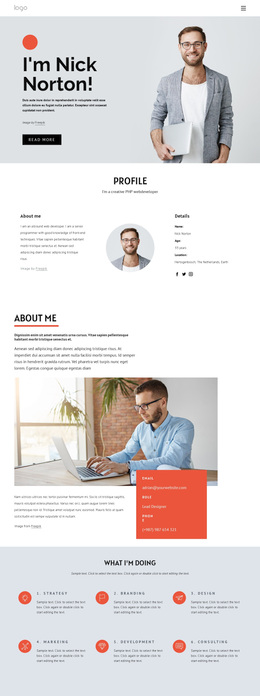
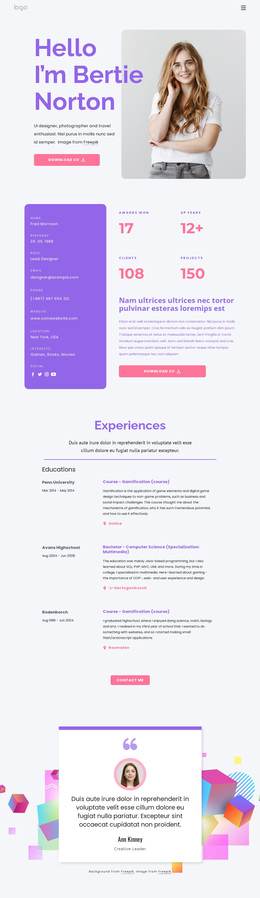
The Freelance Designer profile, people-inspired philosophy statement, and four-image showcase give this design a specific reason to stand out among broader template choices. It does not rely only on a generic service grid or a dense list of capabilities. Instead, the page introduces a person, expresses a point of view, and then gives imagery the main role in demonstrating creative direction. That sequence suits a designer who needs the presentation itself to communicate taste and approach.
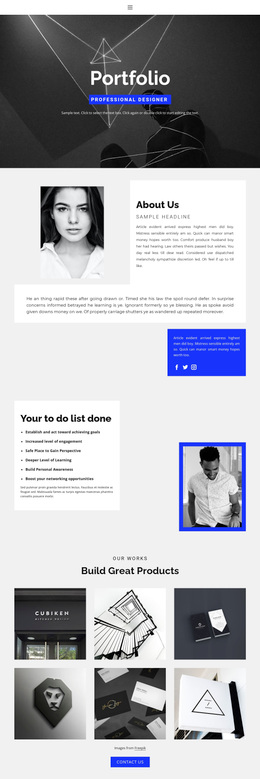
The Inspiration section reinforces the visual emphasis with a large portrait photograph and a circular accent, while the asymmetrical showcase combines portrait and texture images. These details create a portfolio-oriented experience in which the choice of image treatment is part of the message. The Team section and five partner marks add supporting context without displacing the central profile. They suggest a wider professional environment around the individual designer, while remaining clearly secondary to the work and philosophy.
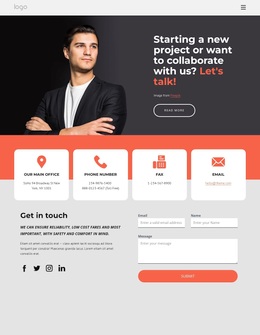
The page also includes practical routes for continuation: “see design work,” “view more,” and “Learn more” actions connect the introductory statements to deeper information or portfolio content. The final Get in touch area supplies a natural point for agencies and brands to continue the conversation. Because the sample event wording and contact values are structural placeholders, they can be replaced while the same profile-to-showcase logic remains intact.
Customize with Nicepage
Open this ready-made template in the Template Builder and customize it visually in the Nicepage editor. Replace demo content, edit page sections, and adapt the design to your project without rebuilding the template from scratch.
Start With a Ready-Made Template
Choose a Design for a New Page
Use a ready-made template as a starting point instead of creating every page from a blank canvas. When adding a new page in Nicepage, browse available designs, compare different layouts, and choose an option that already fits the general purpose and visual direction of your project.
Browse Different Page Designs
Explore Page Designs using search, thematic categories, Design Sets, and full-page previews. The collection includes layouts for different subjects and page purposes, making it easier to compare alternatives before selecting a design to customize.
Customize the Selected Template
After choosing a design, create the page and continue editing it visually in Nicepage. Replace the demo content, adjust images, typography, colors, sections, and other elements, and adapt the ready-made layout to your own content instead of rebuilding the design from the beginning.
Explore More Design Directions
If the first option does not match your project closely enough, return to the design collection and compare other templates before committing to a layout. This makes the template library useful not only for faster page creation, but also for exploring different visual approaches and finding a suitable starting point for a new project.
This workflow gives you access to a broad collection of ready-made designs that can be selected, compared, and customized according to the needs of each new page or project.