Our traditions Template


A Centered Sequence for Bakery Traditions and Product Qualities
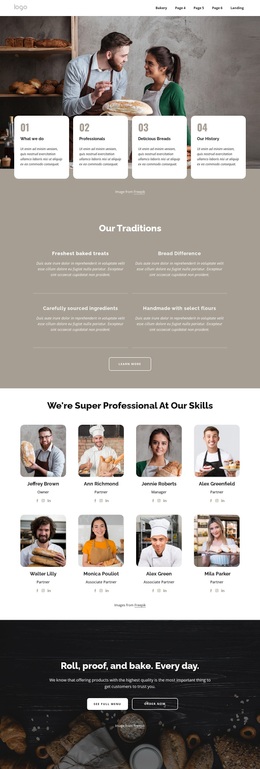
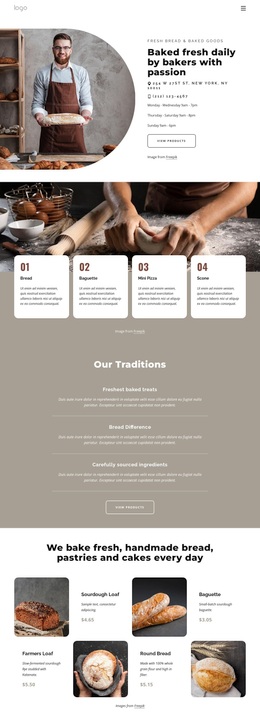
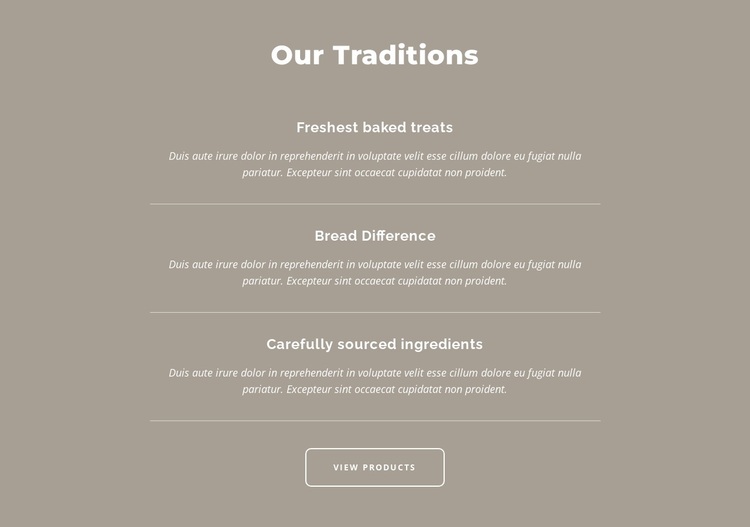
“Our Traditions” gives this section a clear subject, while the three feature labels make the content specific enough to scan quickly: Freshest baked treats, Bread Difference, and Carefully sourced ingredients. Instead of presenting these ideas as equal cards in a wide grid, the block stacks them vertically in the center and uses thin horizontal dividers to mark each change of focus. That arrangement creates a measured reading path for a page explaining what distinguishes its baked treats and bread.
The design is also distinctive in its balance of quiet color and strong text hierarchy. A muted taupe background holds the composition together, white typography keeps the content unified, and italic supporting paragraphs soften the transition from each feature title to its explanation. Generous vertical spacing prevents the three statements from feeling compressed, while the rounded outlined View Products button provides a concise action beneath the explanatory sequence.
This is a useful choice when a page needs more narrative structure than a basic three-column feature row but does not require a large media display. The block can introduce quality principles, traditions, or sourcing ideas before a separate product area, with the button marking the intended movement toward product browsing. Its value comes from the combination of three concrete content themes, a deliberate vertical rhythm, and a restrained presentation that keeps the message central rather than relying on decorative complexity.
Customize with Nicepage
Open this ready-made template in the Template Builder and customize it visually in the Nicepage editor. Replace demo content, edit page sections, and adapt the design to your project without rebuilding the template from scratch.
Edit Template Offline
2. Create a new page or select existing
3. Click Add new block, search for id 3265428 and click enter
Edit Template Online
Create Awesome Websites


Free Nicepage Builder
Keywords
Start With a Ready-Made Template
Choose a Design for a New Page
Use a ready-made template as a starting point instead of creating every page from a blank canvas. When adding a new page in Nicepage, browse available designs, compare different layouts, and choose an option that already fits the general purpose and visual direction of your project.
Browse Different Page Designs
Explore Page Designs using search, thematic categories, Design Sets, and full-page previews. The collection includes layouts for different subjects and page purposes, making it easier to compare alternatives before selecting a design to customize.
Customize the Selected Template
After choosing a design, create the page and continue editing it visually in Nicepage. Replace the demo content, adjust images, typography, colors, sections, and other elements, and adapt the ready-made layout to your own content instead of rebuilding the design from the beginning.
Explore More Design Directions
If the first option does not match your project closely enough, return to the design collection and compare other templates before committing to a layout. This makes the template library useful not only for faster page creation, but also for exploring different visual approaches and finding a suitable starting point for a new project.
This workflow gives you access to a broad collection of ready-made designs that can be selected, compared, and customized according to the needs of each new page or project.

Design Set (22)
-

-
-
-
-
-
-
-
-
-
-
-
-
-
Free Website Builder SoftwareDownload
-
-