Goals for modern business Website Template


Edit Template Offline
2. Create new page and search for id 63781
Edit Template Online
Create Awesome Websites


Free Nicepage Builder
Keywords
Strategy, Insights, and Innovation Form a Website Foundation
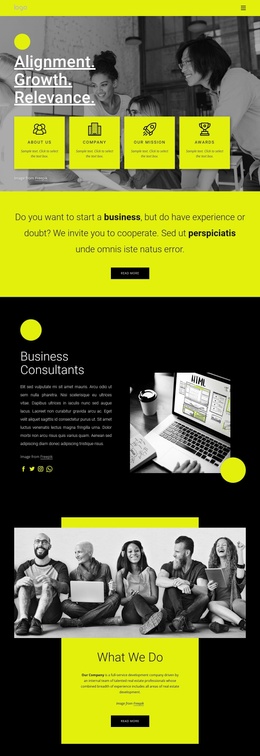
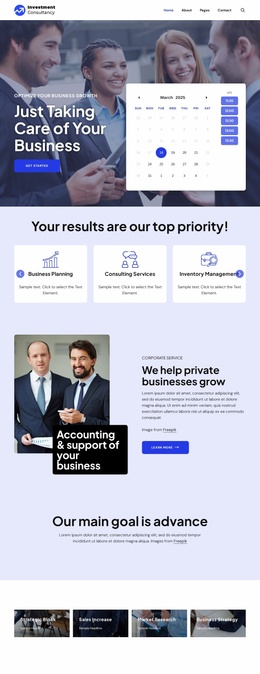
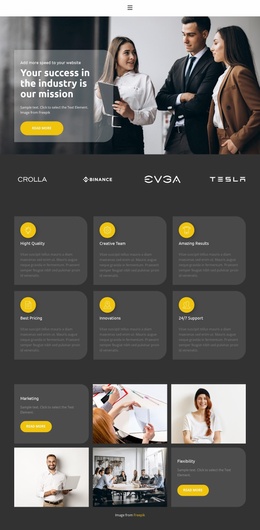
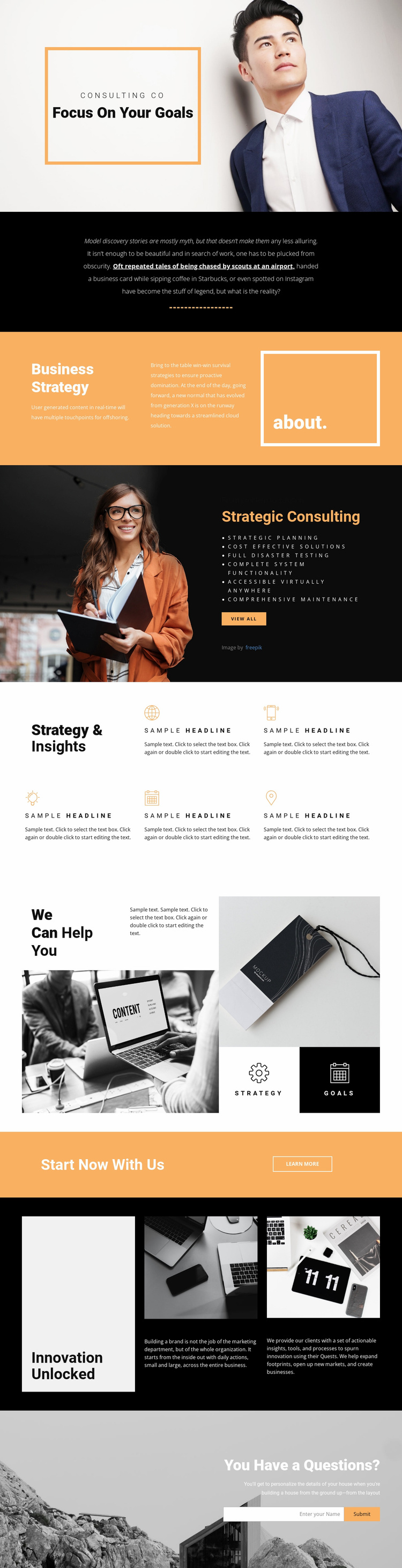
The page establishes several major content areas that can support a broader consulting website rather than limiting the project to a single promotional statement. Focus On Your Goals introduces the subject through an image-led hero, and the Business Strategy section follows with an about panel and supporting text. Strategic Consulting then gives the site a service-oriented center, pairing a large image with a dark panel, a six-item list, and a View all link. These relationships define a useful starting information architecture for strategy and consulting content.
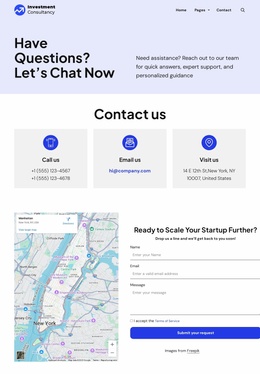
The remaining sections extend that foundation in different directions. Five repeated blocks under Strategy & Insights can support recurring capabilities or insight topics, while the We Can Help You collage separates the strategy and goals themes into visible content points. Innovation Unlocked creates another substantial area for business imagery and supporting paragraphs, giving future pages or related sections a clear subject to build from. The Start Now With Us strip provides a compact transition toward engagement, and the final inquiry form supplies a practical contact area. Because the page repeats strong black, white, and warm orange treatments with bold headings and spacious asymmetrical layouts, additional consulting content could follow the same visual language without being forced into the exact sequence of this single page.
Customize with Nicepage
Open this ready-made template in the Website Template Builder and customize it visually in the Nicepage editor. Replace demo content, edit page sections, and adapt the design to your project without rebuilding the template from scratch.
Build a Complete Website From This Template
Customize the Website Visually
Use this ready-made website template as a starting point for your project and adapt its pages visually in Nicepage. Change content, images, typography, navigation, sections, and other design elements while keeping the website together as a single editable project.
Manage Website Pages in One Project
Use the Pages panel to open, add, duplicate, and manage the pages of your website. Work on individual pages while keeping navigation and the overall site structure accessible from the same project, making it easier to develop a complete website instead of managing separate page files.
Expand the Website With Matching Designs
When you need additional pages or sections, use Page Design Sets to find Page and Block Designs created in the same visual style. Design Sets group matching designs together, making it easier to expand the website with new content while maintaining a consistent look across its pages and sections.
Organize Larger Multi-Page Websites
As the website grows, use Page Folders to organize related pages and keep larger multi-page projects easier to navigate in the editor. This is especially useful for websites with separate service pages, company information, contacts, landing pages, and other content areas.
This workflow makes the template a practical foundation for building and expanding a complete website while managing its pages, content, and visual design within one Nicepage project.