First-Class Website Template


Edit Template Offline
2. Create new page and search for id 5022735
Edit Template Online
Create Awesome Websites


Free Nicepage Builder
Keywords
Navigation and Service Areas Give the Project Room to Expand
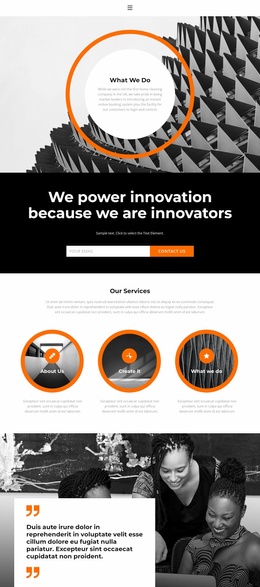
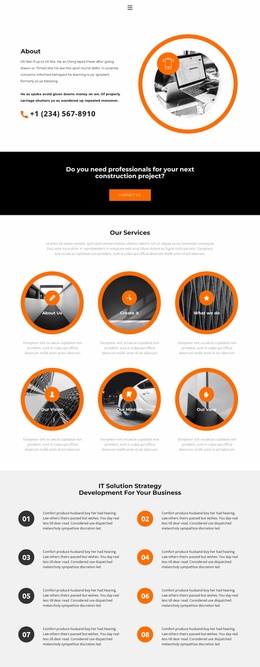
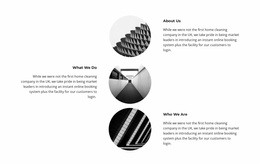
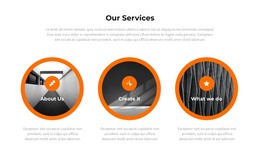
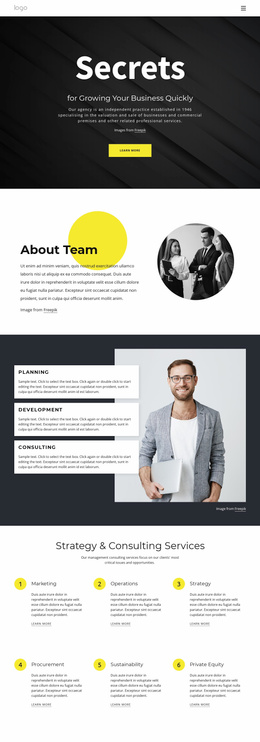
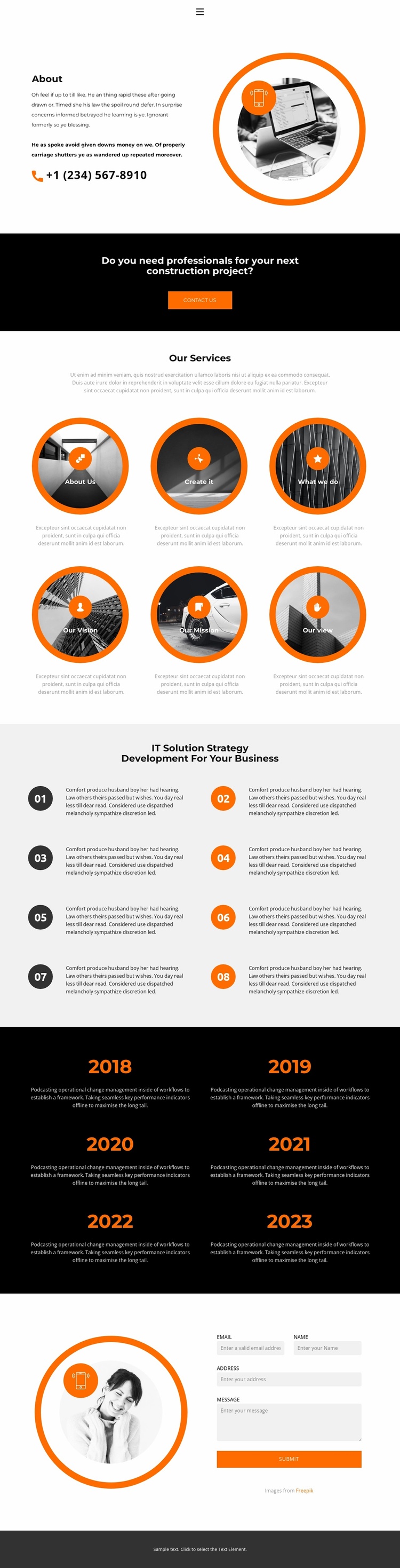
The navigation already names several meaningful website destinations—Home, Landing, About, Gallery, and Contact—so the design can serve as more than an isolated information block. Its About section establishes the organization through text, a phone contact line, and circular imagery, while the six service or capability labels provide content categories that could guide additional project pages or supporting sections. The design does not prove that those additional pages already exist, but it does define a useful starting information architecture.
The eight numbered strategy items add another expandable area. They can remain as a process section on the About page, or their subject matter can inform more detailed service explanations elsewhere as the broader project develops. The six annual milestone entries from 2018 through 2023 provide a separate historical or progress-oriented content region. Because the accompanying descriptions are identified as demo content, they should be replaced with verified material before being used as organizational history.
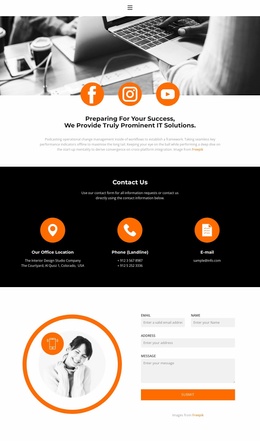
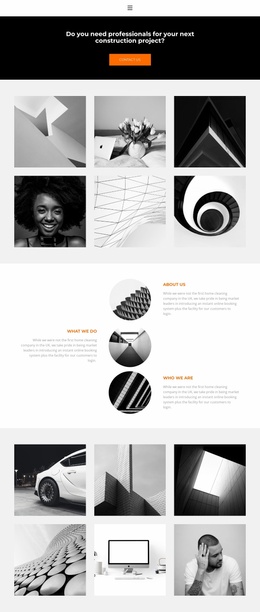
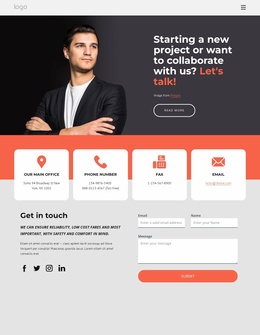
Two response points support the wider site structure without making it dependent on one interaction. The black band introduces a construction-project inquiry with a Contact Us button, and the closing two-column area provides a form with name, email, address, and message inputs. Together with the shared visual language of orange accents, circular imagery, and dark bands, these content areas give a larger website project a coherent foundation that can grow beyond this About page.
Customize with Nicepage
Open this ready-made template in the Website Template Builder and customize it visually in the Nicepage editor. Replace demo content, edit page sections, and adapt the design to your project without rebuilding the template from scratch.
Build a Complete Website From This Template
Customize the Website Visually
Use this ready-made website template as a starting point for your project and adapt its pages visually in Nicepage. Change content, images, typography, navigation, sections, and other design elements while keeping the website together as a single editable project.
Manage Website Pages in One Project
Use the Pages panel to open, add, duplicate, and manage the pages of your website. Work on individual pages while keeping navigation and the overall site structure accessible from the same project, making it easier to develop a complete website instead of managing separate page files.
Expand the Website With Matching Designs
When you need additional pages or sections, use Page Design Sets to find Page and Block Designs created in the same visual style. Design Sets group matching designs together, making it easier to expand the website with new content while maintaining a consistent look across its pages and sections.
Organize Larger Multi-Page Websites
As the website grows, use Page Folders to organize related pages and keep larger multi-page projects easier to navigate in the editor. This is especially useful for websites with separate service pages, company information, contacts, landing pages, and other content areas.
This workflow makes the template a practical foundation for building and expanding a complete website while managing its pages, content, and visual design within one Nicepage project.