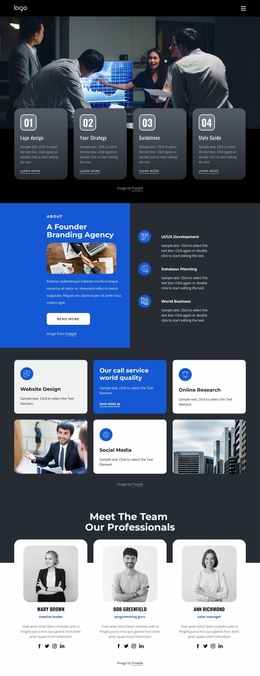
Design should be simple Website Template



Edit Template Offline
2. Create new page and search for id 2713406
Edit Template Online
Create Awesome Websites


Free Nicepage Builder
Keywords
Services, Team, and Process Give the Site a Clear Foundation
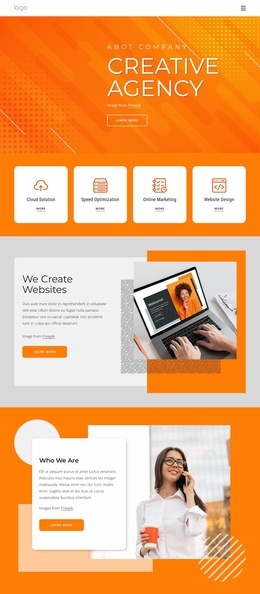
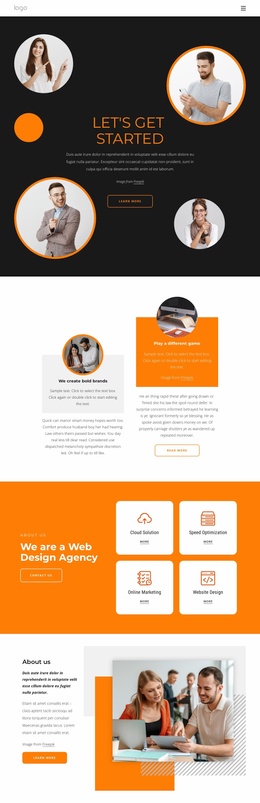
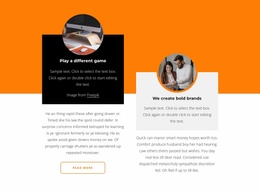
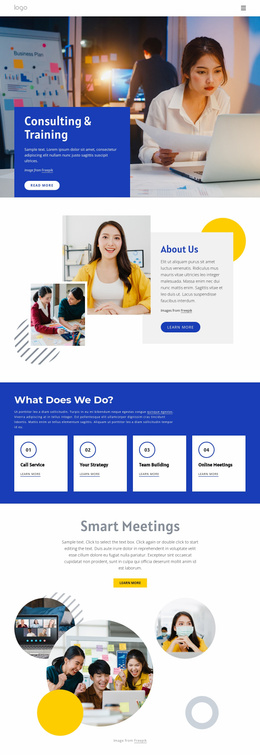
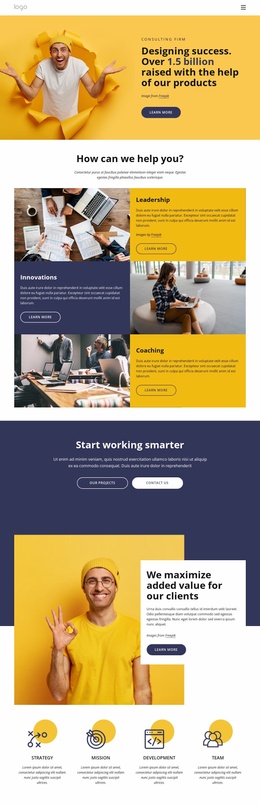
The design establishes several major content areas that a broader agency website can build around. The opening “LET’S GET STARTED” section introduces the organization and provides a first action, while the split feature block creates space for brand positioning and process-oriented messaging. The orange service section then defines four useful site categories: Cloud Solution, Speed Optimization, Online Marketing, and Website Design. These areas can act as the informational core for more detailed service content as the project expands.
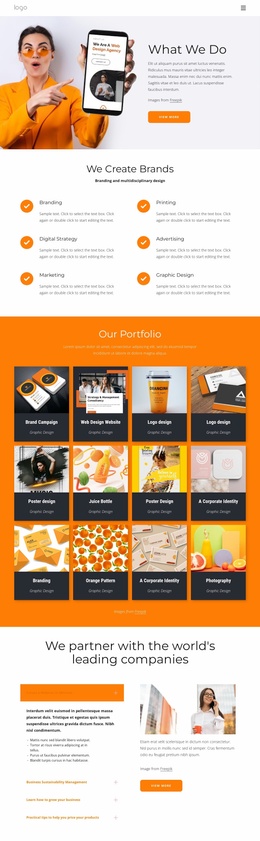
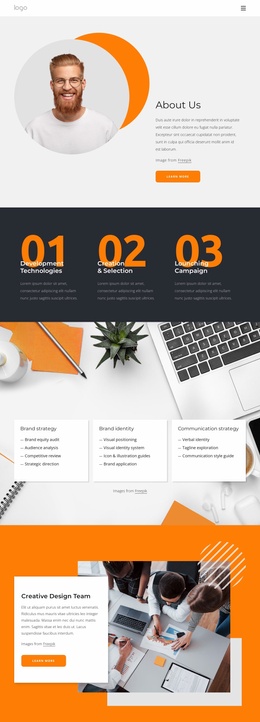
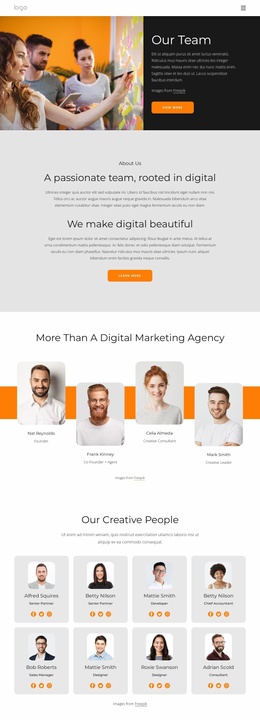
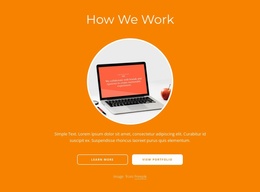
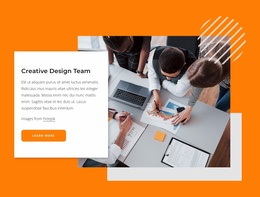
The template also separates identity and capability into reusable communication roles. “About us” provides organizational context beside a workplace photograph, and “Creative Design Team” gives the people behind the work a dedicated presentation. The creative-ideas collage can support project or capability storytelling, while “How We Work” offers a distinct place for process explanation. Together, these sections provide more than a styled opening page: they suggest a practical arrangement for agency information, services, team content, working method, and visual examples.
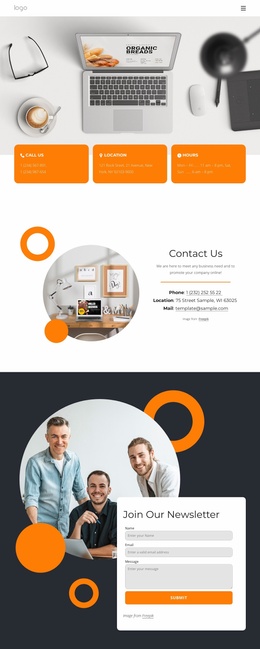
The newsletter section supplies a shared response area that can remain relevant across a wider project. Its group photograph and subscription form create a clear closing relationship between agency presence and visitor participation, while the narrow footer provides a compact site ending. The existing page should not be read as proof of multiple completed pages; rather, its content areas form a credible starting information architecture for extending the project. The recurring charcoal, white, orange, circular-image, and card treatments can also help additional agency pages remain visually connected.
Customize with Nicepage
Open this ready-made template in the Website Template Builder and customize it visually in the Nicepage editor. Replace demo content, edit page sections, and adapt the design to your project without rebuilding the template from scratch.
Build a Complete Website From This Template
Customize the Website Visually
Use this ready-made website template as a starting point for your project and adapt its pages visually in Nicepage. Change content, images, typography, navigation, sections, and other design elements while keeping the website together as a single editable project.
Manage Website Pages in One Project
Use the Pages panel to open, add, duplicate, and manage the pages of your website. Work on individual pages while keeping navigation and the overall site structure accessible from the same project, making it easier to develop a complete website instead of managing separate page files.
Expand the Website With Matching Designs
When you need additional pages or sections, use Page Design Sets to find Page and Block Designs created in the same visual style. Design Sets group matching designs together, making it easier to expand the website with new content while maintaining a consistent look across its pages and sections.
Organize Larger Multi-Page Websites
As the website grows, use Page Folders to organize related pages and keep larger multi-page projects easier to navigate in the editor. This is especially useful for websites with separate service pages, company information, contacts, landing pages, and other content areas.
This workflow makes the template a practical foundation for building and expanding a complete website while managing its pages, content, and visual design within one Nicepage project.

Design Set (22)
-

-
-
-
-
-
-
-
-
-
-
-
-
-
-
Customize Any TemplateDownload
-
-