Masters of the Court CSS Template


Edit Template Offline
2. Create new page and search for id 6428945
Edit Template Online
Create Awesome Websites


Free Nicepage Builder
Keywords
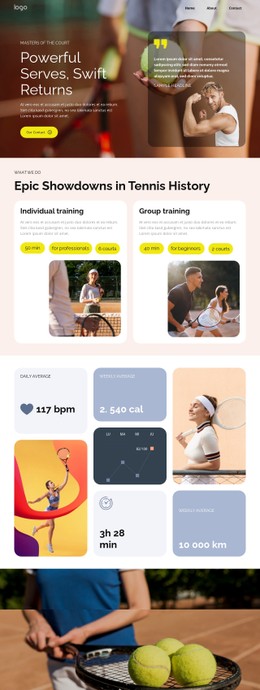
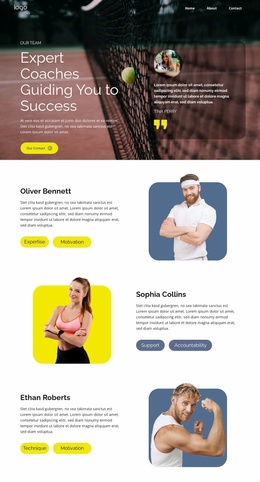
Yellow Accents and Rounded Cards Shape the Tennis Visual System
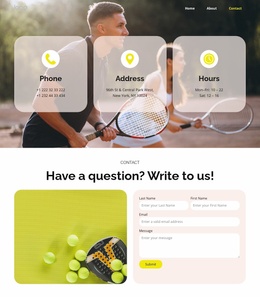
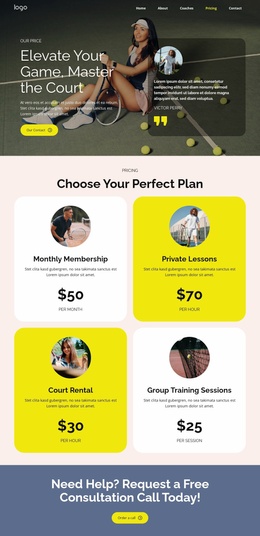
The warm cream and pale pink backgrounds establish a light base for the page, while vivid yellow accents draw attention to action pills, buttons, and selected content areas. Slate-blue panels create a deliberate contrast in the later contact section and help separate the membership invitation from the softer backgrounds used elsewhere. This color relationship gives the page an energetic sports character without requiring every section to use the same visual intensity.
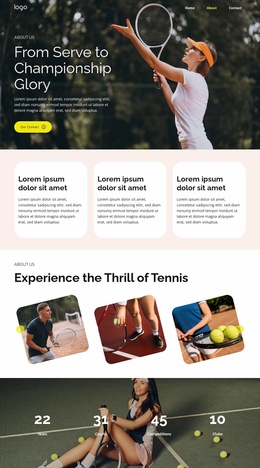
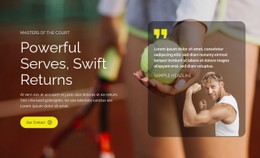
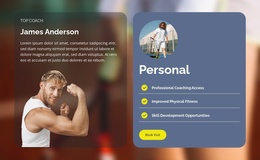
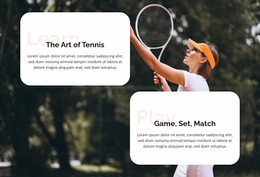
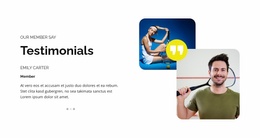
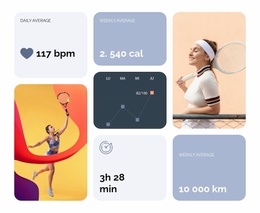
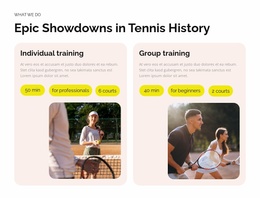
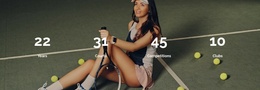
Rounded cards repeat across the training options, performance figures, membership benefits, testimonials, and pricing plans. That shared shape language connects very different types of information: instruction, measurable activity, member value, personal feedback, and paid plans. The full-width athletic photographs then provide visual interruption between the card-based sections, especially around the performance metrics and lifestyle transition image.
Typography also supports the hierarchy. Bold sans-serif headings make phrases such as “Powerful Serves, Swift Returns” and “Choose Your Perfect Plan” prominent, while generous spacing keeps the many content groups from merging into one dense block. The visual rules can be refined through Nicepage styling controls, and Custom CSS can extend the treatment when a project needs more targeted appearance changes. The result is a recognizable styling system rather than a collection of unrelated tennis images and panels.
Customize with Nicepage
Open this ready-made template in the CSS Template Builder and customize it visually in the Nicepage editor. Replace demo content, edit page sections, and adapt the design to your project without rebuilding the template from scratch.
Customize This Template With CSS
Control Page-Specific Styling
Customize the visual appearance of this ready-made template directly in the Nicepage editor. Adjust typography, spacing, backgrounds, borders, colors, positioning, and other style properties using visual controls while keeping the page layout easy to manage without writing CSS manually.
Add Custom CSS When Needed
For styling requirements that go beyond the standard editor options, use Custom CSS to add targeted rules. CSS can be applied to individual elements, specific pages, or the entire website depending on the scope of the customization, while CSS classes can be used to connect custom rules with selected elements.
Export Minimal CSS Per Page
For projects where CSS size and page performance matter, Nicepage can export minimal CSS for each page. Instead of relying on one larger common stylesheet, each page can use a separate CSS file containing only the style rules required for that particular page. According to Nicepage documentation, these page-specific CSS files can be about ten times more compact, helping reduce unnecessary CSS and improve page loading performance.
This workflow combines visual styling with optional custom CSS and optimized page-specific CSS output, giving you additional control when a project requires it without making manual CSS editing the primary way to customize the template.