Зара Шаблон веб-сайта


Редактировать шаблон в автономном режиме
2. Создайте новую страницу и найдите идентификатор 21448
Редактировать шаблон онлайн
Создавайте потрясающие сайты


Бесплатный конструктор Nicepage Builder
Ключевые слова
Категории коллекций и блоки товаров формируют основу fashion-сайта
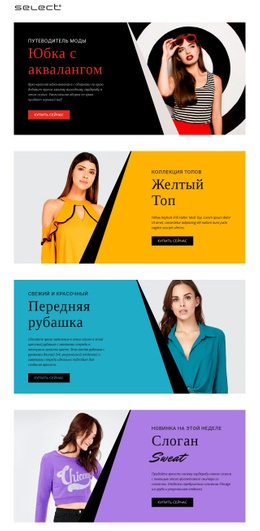
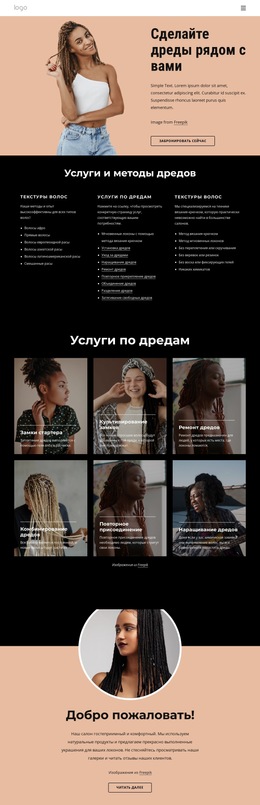
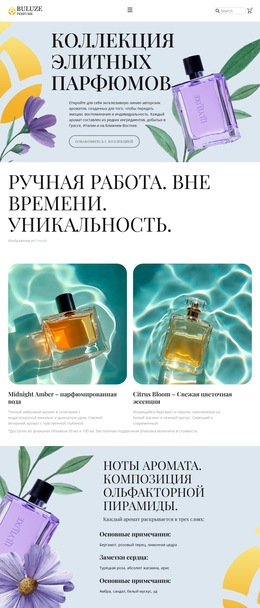
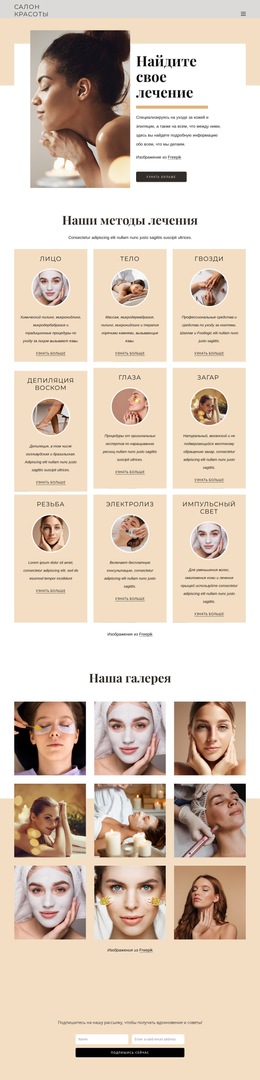
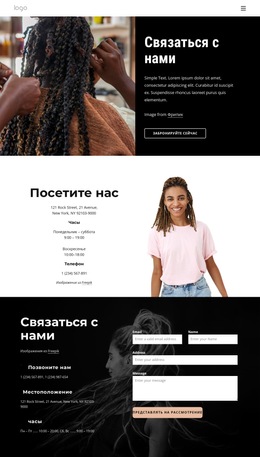
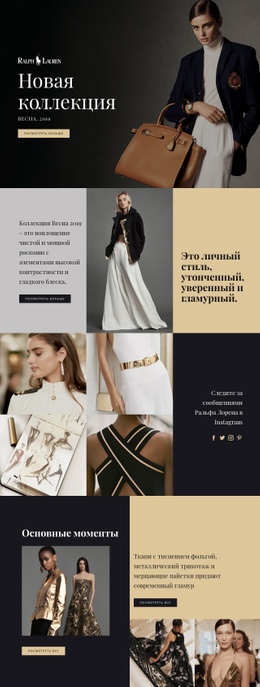
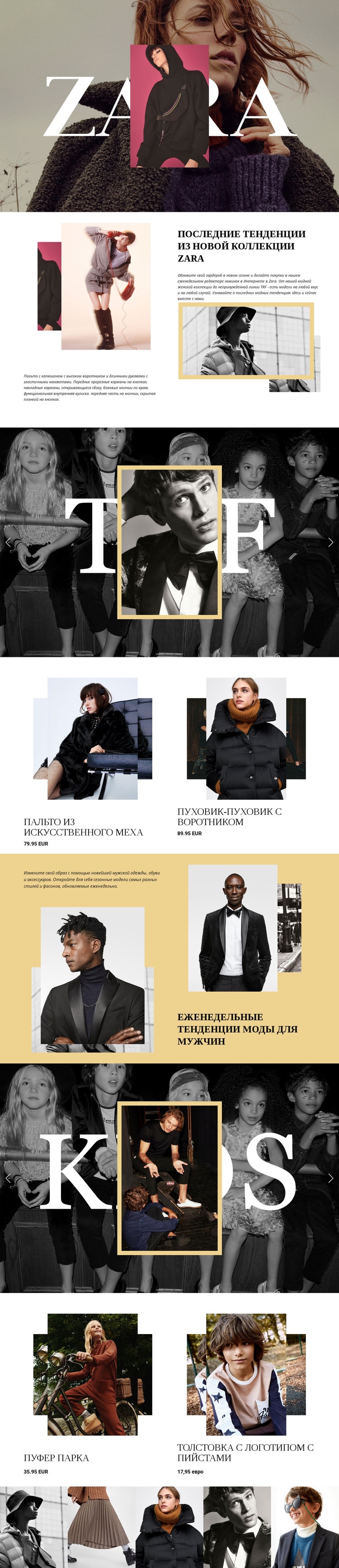
Макет уже задает ключевые контентные области, вокруг которых можно выстроить более масштабный fashion-сайт. Hero-секция отвечает за презентацию бренда, тогда как редакционный женский раздел и блок TRF открывают первую ветку коллекций. Соседняя витрина на два товара подкрепляет этот визуальный рассказ конкретными наименованиями моделей и ценами в EUR. Подобное сочетание дает отличную платформу для расширения информации о коллекциях, сохраняя четкую грань между редакционным контекстом и описанием ассортимента.
Раздел мужской моды и промо-блок KIDS переносят структуру контента на новые аудитории. Мужские тренды представлены через специальный сплит-макет, а детская одежда получила крупную визуальную секцию коллекции с двумя последующими товарными блоками. Благодаря этому проект не замыкается на одной категории: он формирует независимые зоны, на основе которых можно создавать страницы коллекций, контент категорий или связанные тематические материалы. Такое развитие событий — это логическая интерпретация текущей структуры, а не утверждение о наличии дополнительных страниц прямо сейчас.
Завершающая лента из пяти снимков продолжает фокус на фотографии, выступая в роли бренд-зоны в стиле портфолио или плавного визуального перехода. Общие стилевые решения по всей странице — заголовки с засечками, монохромная стилистика, сдержанные нейтральные тона, теплые золотистые акценты и чередование светлых и темных секций — обеспечивают будущему контенту узнаваемый визуальный каркас. В качестве базы для веб-проекта шаблон ценен тем, что гармонично объединяет айдентику бренда, разделение категорий, акцентные коллекции, информацию о товарах и фоторяд в единой стартовой структуре.
Настроить с помощью Nicepage
При использовании Конструктор шаблонов веб-сайтов вы сможете настраивать цвета, шрифты, верхний и нижний колонтитулы, макет, столбцы и другие элементы дизайна, а также контент и изображения.
Создайте полноценный веб-сайт на основе этого шаблона
Визуальная настройка веб-сайта
Используйте этот готовый шаблон веб-сайта в качестве отправной точки для вашего проекта и визуально адаптируйте его страницы в Nicepage. Изменяйте контент, изображения, типографику, навигацию, разделы и другие элементы дизайна, сохраняя при этом веб-сайт как единый редактируемый проект.
Управление страницами веб-сайта в одном проекте
Используйте панель Страницы, чтобы открывать, добавлять, дублировать и управлять страницами вашего веб-сайта. Работайте с отдельными страницами, сохраняя при этом доступ к навигации и общей структуре сайта из одного проекта, что упрощает разработку полноценного веб-сайта вместо управления отдельными файлами страниц.
Расширение веб-сайта с помощью подходящих дизайнов
Когда вам понадобятся дополнительные страницы или разделы, используйте Наборы дизайна страниц, чтобы найти дизайны страниц и блоков, созданные в одном визуальном стиле. Наборы дизайна группируют соответствующие дизайны, упрощая расширение веб-сайта новым контентом при сохранении единого стиля на всех страницах и в разделах.
Организация больших многостраничных веб-сайтов
По мере роста веб-сайта используйте папки страниц для организации связанных страниц и упрощения навигации по большим многостраничным проектам в редакторе. Это особенно полезно для веб-сайтов с отдельными страницами услуг, информацией о компании, контактами, целевыми страницами и другими областями контента.
Этот рабочий процесс делает шаблон практичной основой для создания и расширения полноценного веб-сайта, позволяя управлять его страницами, контентом и визуальным дизайном в рамках одного проекта Nicepage.