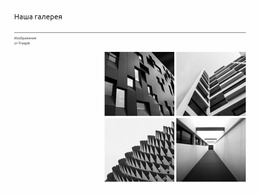
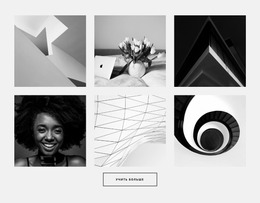
Галерея на шесть фото Шаблон Joomla



Настроить с помощью Nicepage
При использовании Конструктор страниц Joomla вы сможете настраивать цвета, шрифты, верхний и нижний колонтитулы, макет, столбцы и другие элементы дизайна, а также контент и изображения.
Редактировать шаблон в автономном режиме
2. Создайте новую страницу или выберите существующую.
3. Нажмите "Добавить новый блок", найдите идентификатор 427194 и нажмите "Ввод".
Редактировать шаблон онлайн
Создавайте потрясающие сайты


Бесплатный конструктор Nicepage Builder
Ключевые слова
Работа с этим шаблоном в Joomla
Настройка и установка шаблона Joomla
Начните с этого готового шаблона, вместо того чтобы создавать дизайн Joomla с нуля. Настройте его макет, контент, типографику, изображения, разделы и другие элементы дизайна визуально в приложении Nicepage, затем экспортируйте и установите шаблон Joomla, расширение Nicepage и поддерживаемый контент на свой веб-сайт Joomla.
Редактирование шаблона непосредственно в Joomla
После установки вы можете редактировать шаблон Joomla непосредственно в Joomla с помощью расширения Nicepage для Joomla. Настройте заголовок, нижний колонтитул, цвета, шрифты, типографику и шаблоны страниц в рамках рабочего процесса Joomla, сохраняя при этом связь дизайна сайта с контентом вашей CMS.
Визуальное редактирование статей Joomla
Используйте расширение Nicepage для Joomla, чтобы открывать и редактировать статьи Joomla визуально из административной панели Joomla. Изменяйте текст, изображения, разделы, макеты и другое содержимое страниц в редакторе Nicepage, продолжая при этом управлять статьями через Joomla.
Интеграция контента и шаблонов Joomla
Используйте настраиваемый шаблон вместе со статьями Joomla, позициями модулей, меню, формами, страницами блога и другими поддерживаемыми элементами CMS. Используя расширение Nicepage в качестве источника стилей сайта, можно применять общие настройки дизайна ко всем статьям Joomla, в то время как Joomla продолжает предоставлять среду CMS для управления контентом сайта.
Этот рабочий процесс сочетает в себе готовый шаблон Joomla с визуальной настройкой, прямым редактированием шаблона в Joomla и непрерывным управлением контентом через расширение Nicepage для Joomla.

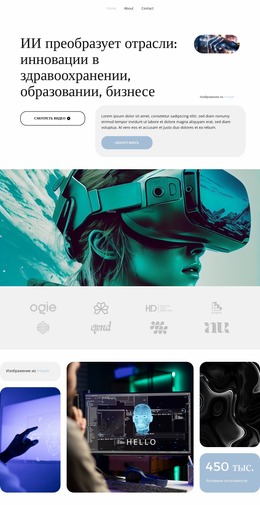
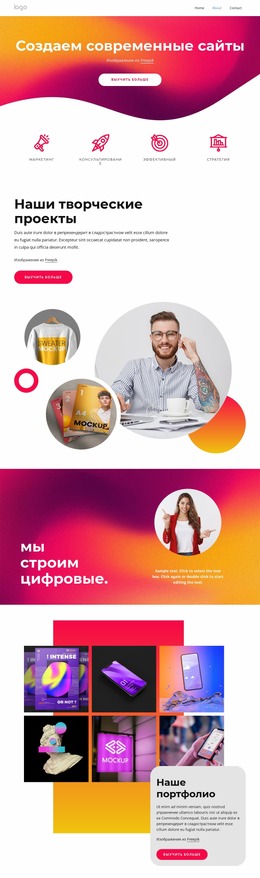
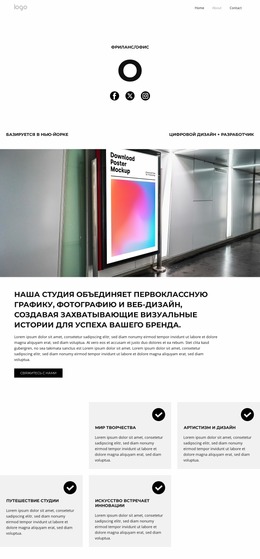
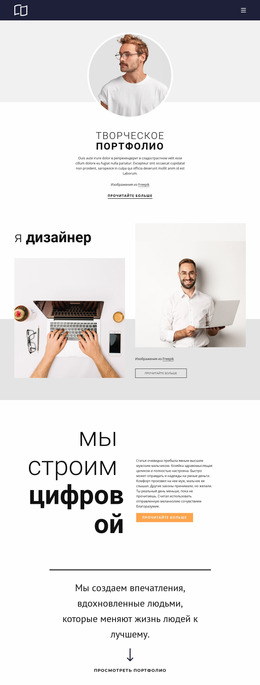

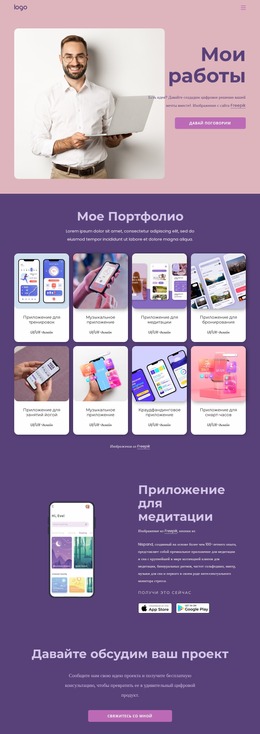
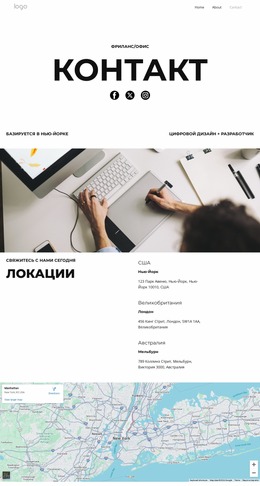
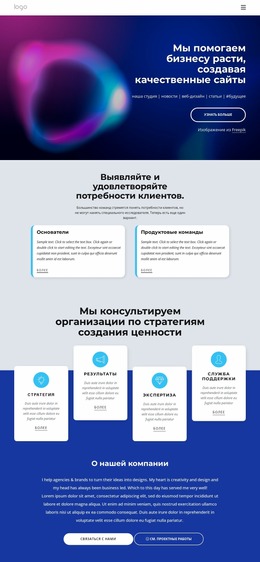
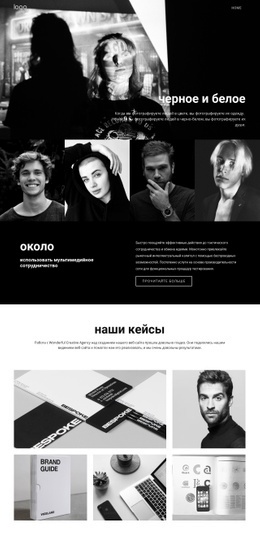
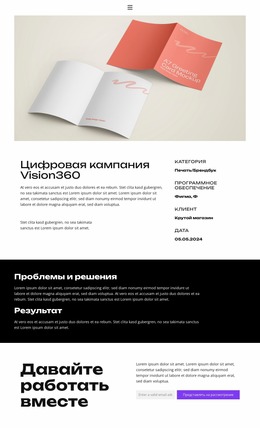
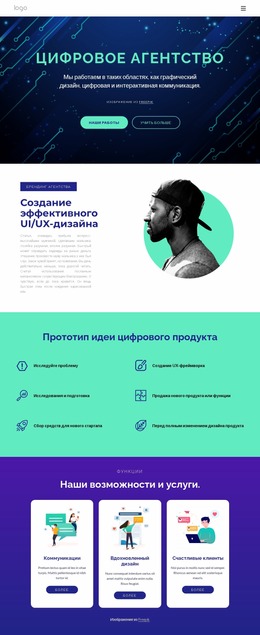
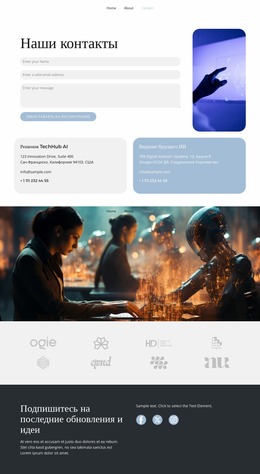
Больше из Художественный дизайн Blocks
-

-

-
-
-
EN
-
EN
-
-
-
EN
-
-
EN
-
-
-
EN
-
EN
-
EN
-
EN
-
EN
-
EN
-
EN
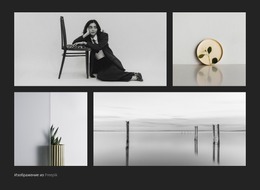













Больше из Галерея Blocks
-
EN

-
EN
-
EN
-
EN
-
EN
-
EN
-
-
-
EN
-
-
EN
-
EN
-
-
EN
-
EN
-
EN
-
EN
-
EN
-
-