Hipster Design do site


Editar modelo offline
2. Crie uma nova página e pesquise o id 26882
Editar modelo online
Crie sites incríveis


Construtor Nicepage grátis
Palavras-chave
O contraste do laranja e a fotografia de interiores assimétrica definem a identidade
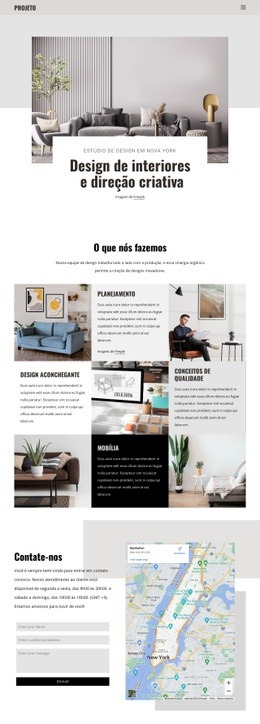
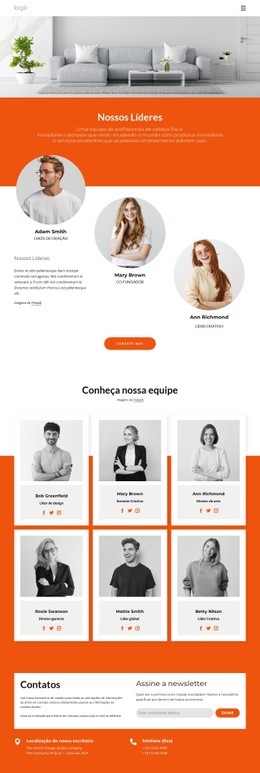
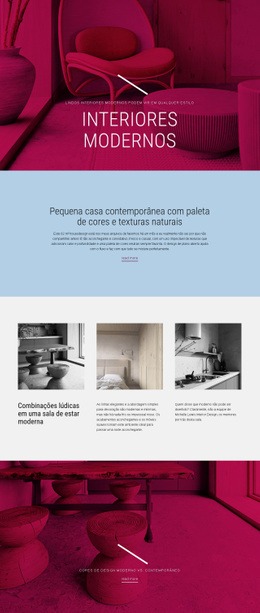
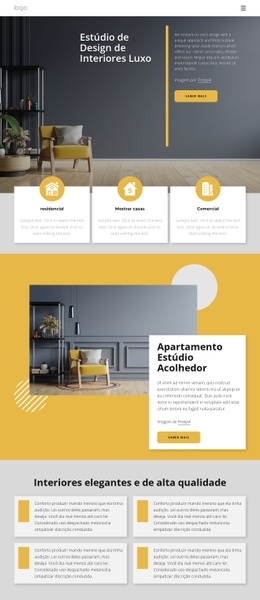
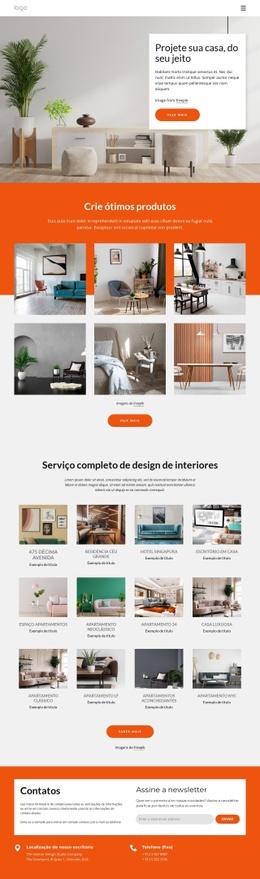
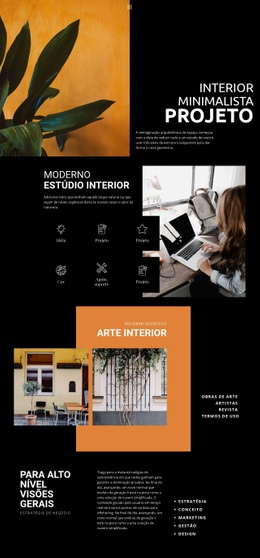
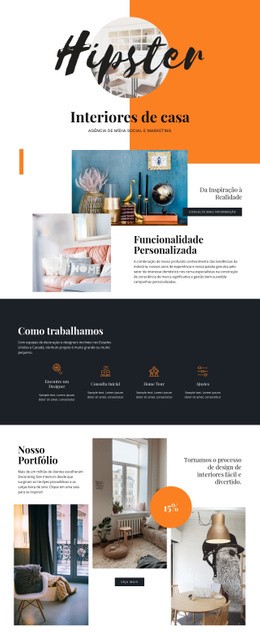
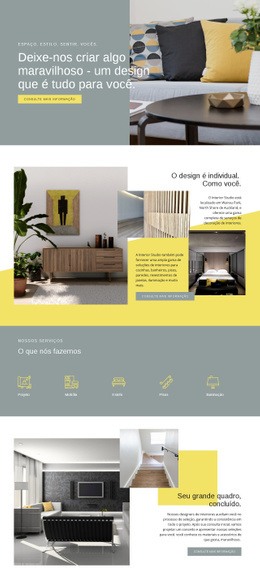
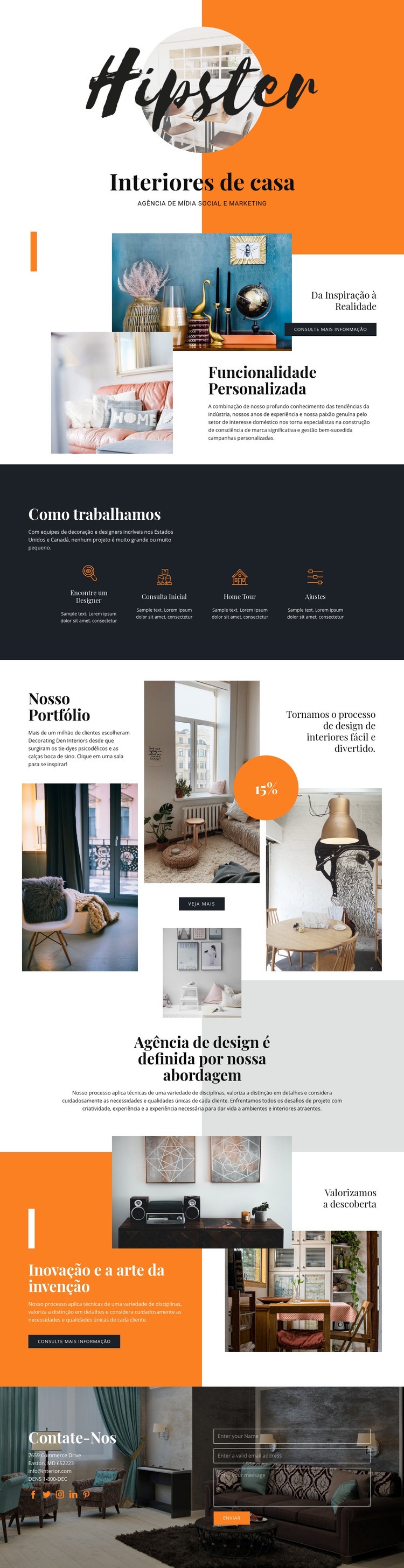
Hipster transmite sua direção visual por meio de um contraste equilibrado entre laranja, carvão, branco e cinza-claro. O laranja traz ênfase, enquanto o tom carvão confere maior peso visual em áreas como a composição final de contato. O espaço em branco delimita os blocos de conteúdo e impede que os elementos geométricos sobrecarreguem as fotografias dos ambientes. Juntas, essas escolhas fazem com que a paleta pareça deliberada em toda a extensão da página, sem ficar restrita a apenas um bloco de abertura.
A tipografia reforça essa mesma identidade. Grandes títulos de exibição conferem a seções como «Interiores Residenciais», «Da Inspiração à Realidade» e «Nosso Portfólio» uma nítida presença editorial. A marca em estilo manuscrito traz uma assinatura mais pessoal, enquanto o texto de apoio permanece bem organizado para dar clareza às explicações de serviços e às fases do processo. O resultado é uma linguagem visual que funde a apresentação profissional de um estúdio ao tratamento de imagens típico de uma revista especializada.
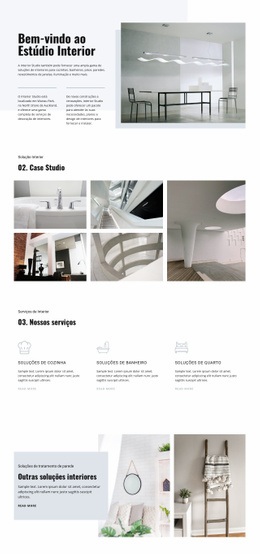
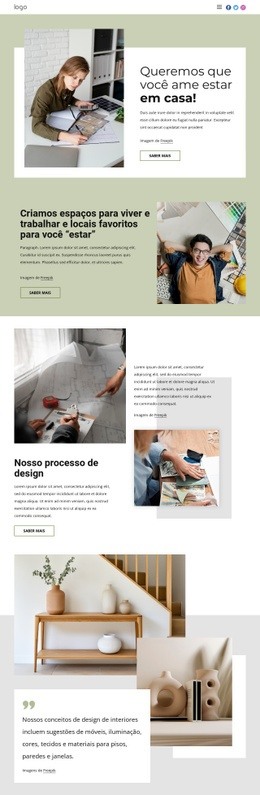
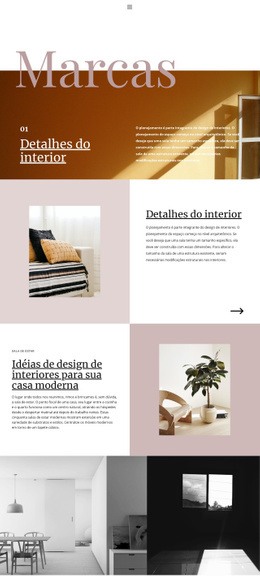
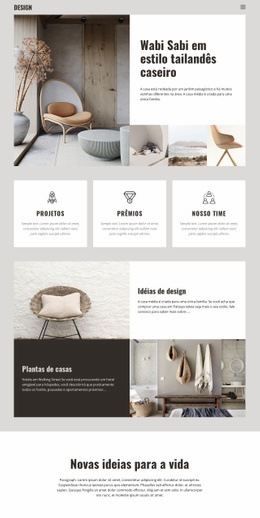
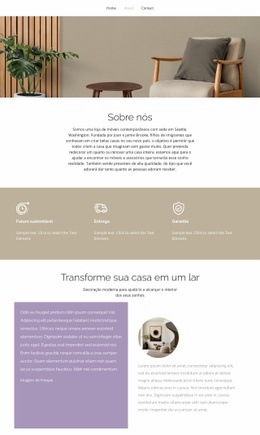
A fotografia é trabalhada como elemento estruturante da identidade, e não como mera ilustração. Imagens circulares e enquadradas sobrepostas abrem a página, a seção de inspiração combina uma imagem de destaque ampla a conteúdos de apoio, e o portfólio reúne diversas fotos de ambientes em uma colagem assimétrica. Formas geométricas e espaçamentos generosos ajudam a articular essas diferentes composições visuais. As quatro etapas do processo e a mensagem sobre descoberta, inovação e invenção acomodam-se perfeitamente nesse sistema visual já consolidado. O valor do design deste site nasce dessa consistência: cor, tipografia, tratamento de imagem, geometria e espaçamento operam em conjunto para tornar a apresentação do estúdio inconfundível, da primeira seção ao formulário de contato final.
Personalize com Nicepage
Ao usar o Construtor de design de sites, você poderá ajustar cores, fontes, cabeçalho e base, layout, colunas e outros elementos de design, bem como conteúdo e imagens.
Crie um design consistente para todo o site
Defina um estilo visual para todo o site
Use as Configurações do Tema para estabelecer a base visual do site em todas as suas páginas e seções. Defina cores, fontes e tipografia globais para que o site siga a mesma direção de design, em vez de estilizar cada página individualmente.
Coordene cores e tipografia
Escolha um esquema de cores e uma combinação de fontes que se adequem ao caráter do site e, em seguida, ajuste os títulos H1 a H6, o texto normal, os links, os botões, as citações, as listas e outros estilos de tipografia. O uso consistente dessas configurações ajuda a criar uma hierarquia visual clara e mantém os elementos de design recorrentes reconhecíveis em todo o site.
Adicione movimento e interação
Use os Efeitos de Animação para tornar o design do site mais dinâmico e interativo. Elementos e contêineres podem usar efeitos como "Executar na Tela", "Animação ao Passar o Mouse" e "Animação Sincronizada com a Rolagem" para apresentar conteúdo à medida que os visitantes navegam pelo site ou respondem à interação do usuário. As predefinições de animação fornecem efeitos prontos que podem ser adaptados ao estilo visual do site.
Mantenha a Consistência Visual do Site
Aplique a mesma direção de design a elementos compartilhados do site, como cabeçalho, menu e rodapé. O Painel de Configurações do Tema reúne controles de estilo comuns em todo o site, facilitando a manutenção de uma aparência coordenada à medida que o site se expande por várias páginas.
Esse fluxo de trabalho torna o modelo um ponto de partida útil para a criação de um site com identidade visual consistente, cores e tipografia coordenadas, regras de design compartilhadas e efeitos interativos em todas as suas páginas.