Virtual assistant proposal Website Mockup



Edit Template Offline
2. Create new page and search for id 6499073
Edit Template Online
Create Awesome Websites


Free Nicepage Builder
Keywords
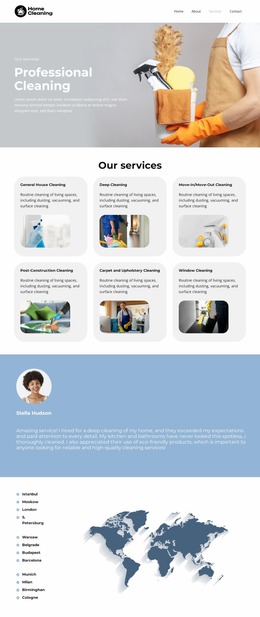
Six image-backed service cards create the key responsive review area
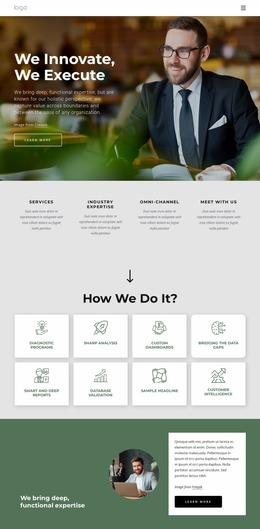
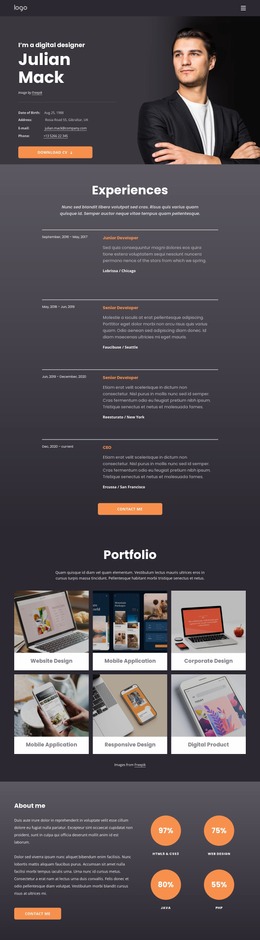
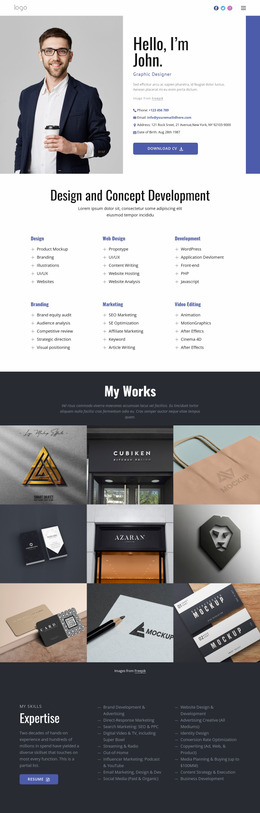
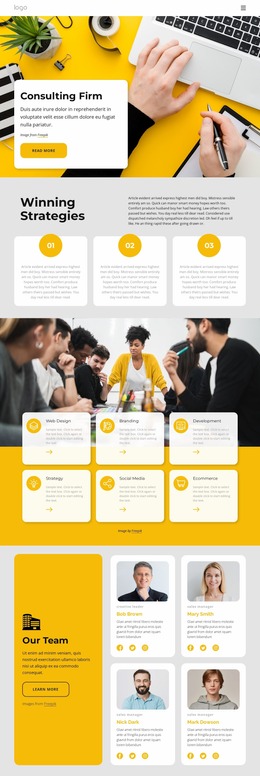
The design combines several layout conditions that deserve visual review in a website mockup. The opening hero places text beside a professional image inside a rounded panel, so the relationship between headline width, image scale, and panel proportions is important. The four-step process then introduces two-column numbered content, while the six service cards create a denser repeated grid with images, labels, and descriptions. Those cards are likely to require particular attention as available width changes, because their visual balance depends on both image treatment and readable text areas.
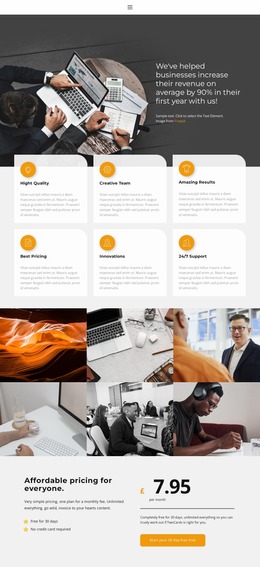
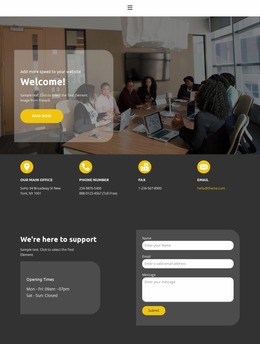
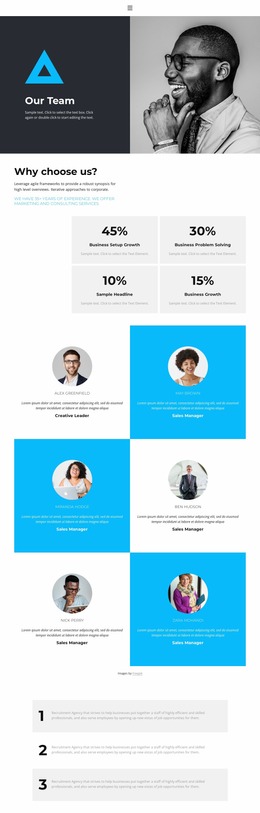
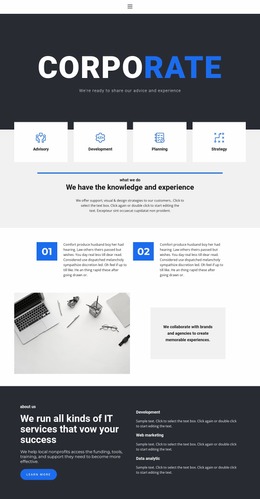
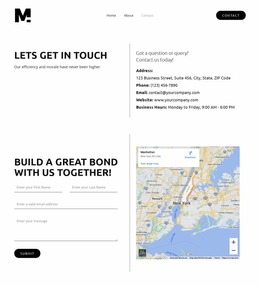
The lower half of the page adds further variation: a dark promotional banner, a three-item onboarding sequence, portfolio panels, a Results summary, three pricing cards, a dense Terms and Conditions section, and a centered contact form. Review should compare how these shifts in density affect the long-page rhythm, especially where dark and pale backgrounds meet or where pricing and legal text need enough room. The closing inquiry section also requires attention to the relationship between its readiness headline and form area. Across the presentation, the navy, pale blue, white, and teal palette should remain visually distinct without reducing text contrast. The mockup is therefore most useful when evaluated as a changing sequence of image, card, text, and form arrangements rather than as one uniform desktop composition.
Customize with Nicepage
Open this ready-made template in the Website Mockup Builder and customize it visually in the Nicepage editor. Replace demo content, edit page sections, and adapt the design to your project without rebuilding the template from scratch.
Preview and Refine This Website Mockup
Review the Design Across Devices
Use Responsive Modes to see how the website design appears on Large Screens, Desktops, Laptops, Tablets, and Phones. Switch between the available views to compare the same layout at different screen widths and review how typography, images, spacing, navigation, and other content adapt to each device.
Adapt the Mockup for Different Screens
Nicepage provides responsive web design tools for adjusting individual device views when the initial layout needs refinement. You can customize Mobile Views separately, change element sizes and positions, adapt Grids, Lists, and Galleries, and hide selected Elements or Blocks on particular screen sizes. This makes it possible to develop a responsive website mockup instead of evaluating the design at only one fixed desktop size.
Preview the Website Without Editing Controls
Use Live Page / Preview to review the design with the editing interface removed from view. Instant Preview can hide the Page Navigator, Property Panel, selections, and frames, making it easier to evaluate the overall presentation, content hierarchy, and responsive layout as a visitor would see them.
This workflow makes the template useful as a responsive website mockup for visualizing, comparing, and refining how the same website design will appear across different screen sizes.