The idea that drives us as management consultants Website Mockup


The Image and Text Panel Are the Key Mockup Review Points
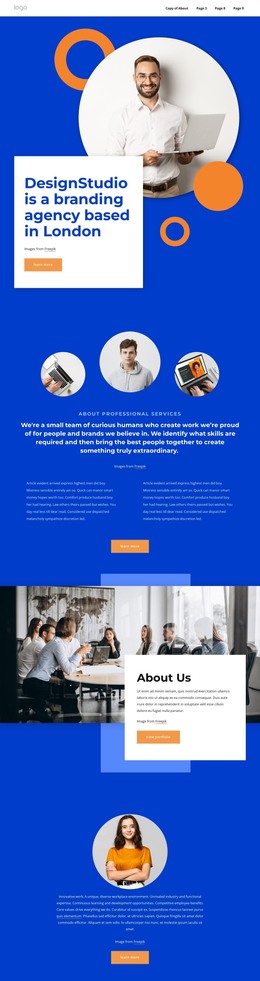
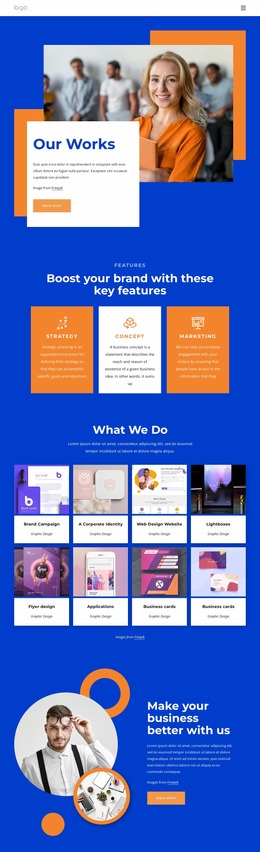
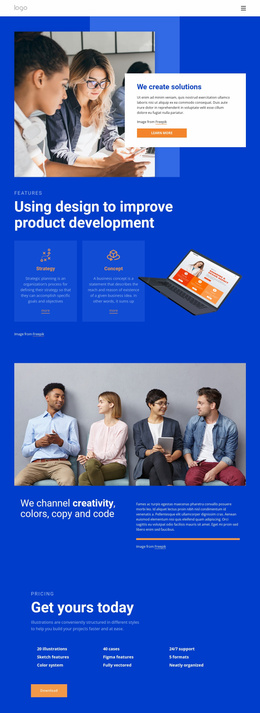
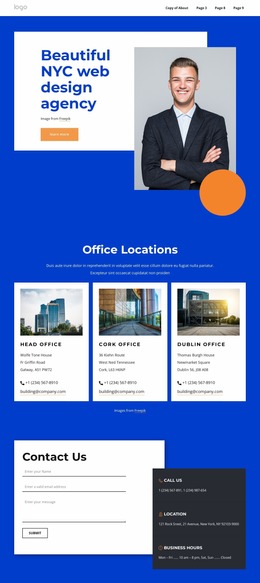
The block depends on the relationship between a large workplace team photograph and a white panel that overlaps its lower-left portion. In a website mockup, that relationship deserves closer review than either element considered alone. The image carries most of the visual area, while the panel must remain large enough for the “Our Team” heading, supporting paragraph, attribution line, and “view portfolio” button to stay readable without losing its connection to the photograph.
The blue and orange horizontal fields add another presentation factor. They frame the composition and can make shifts in image scale, panel position, or vertical spacing more noticeable across screen widths. At narrower sizes, the overlap should be checked carefully so the panel does not obscure too much of the workplace image or force the paragraph and button into an overly compressed area. The bold heading may also wrap differently, changing the balance between the panel and the image.
A responsive mockup review should therefore focus on image proportion, panel placement, text wrapping, button clearance, and the amount of surrounding space. The section is static, so there is no slider or expandable content to evaluate; the main question is whether the same image-to-text relationship remains clear as the layout adapts. When that balance holds, the block can retain its team-introduction role inside a broader page presentation while neighboring sections provide the rest of the page context.
Customize with Nicepage
Open this ready-made template in the Website Mockup Builder and customize it visually in the Nicepage editor. Replace demo content, edit page sections, and adapt the design to your project without rebuilding the template from scratch.
Edit Template Offline
2. Create a new page or select existing
3. Click Add new block, search for id 6188677 and click enter
Edit Template Online
Create Awesome Websites


Free Nicepage Builder
Keywords
Review This Block as Part of a Responsive Website Mockup
Check the Section Across Devices
Use Responsive Modes to inspect how the block appears on Large Screens, Desktops, Laptops, Tablets, and Phones. Focus on the relationships that matter inside the section: column stacking, image scale, text wrapping, card density, spacing, form width, and alignment.
Adapt the Block for Narrower Screens
Nicepage provides responsive web design tools for adjusting individual device views. Refine sizes and positions, adapt Grids, Lists, and Galleries, and hide selected Elements or Blocks on particular screen sizes when the broader page requires it.
Preview the Section Without Editing Controls
Use Live Page / Preview to evaluate the design with editor controls removed. Review the block in the context of the surrounding page rather than treating one desktop screenshot as proof of all responsive states.
This workflow makes the block one responsive unit within a website mockup, with visual review focused on the section's own content relationships and how they adapt across screen widths.