About development tactics Website Mockup


Edit Template Offline
2. Create new page and search for id 6092978
Edit Template Online
Create Awesome Websites


Free Nicepage Builder
Keywords
The Hero, Card Groups, and Logo Row Merit Close Visual Review
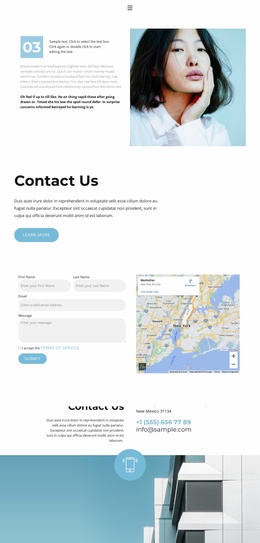
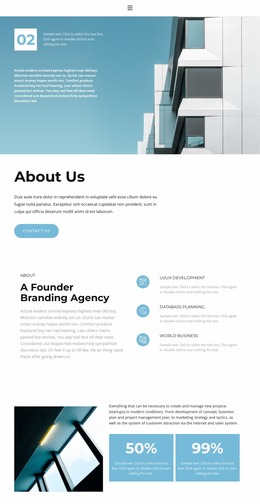
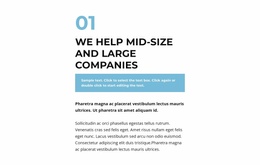
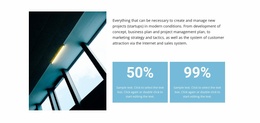
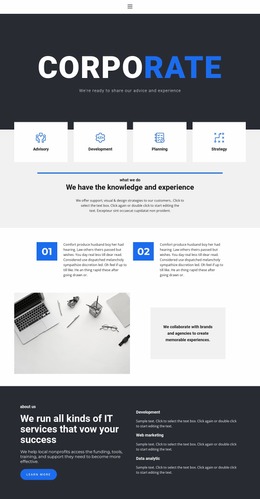
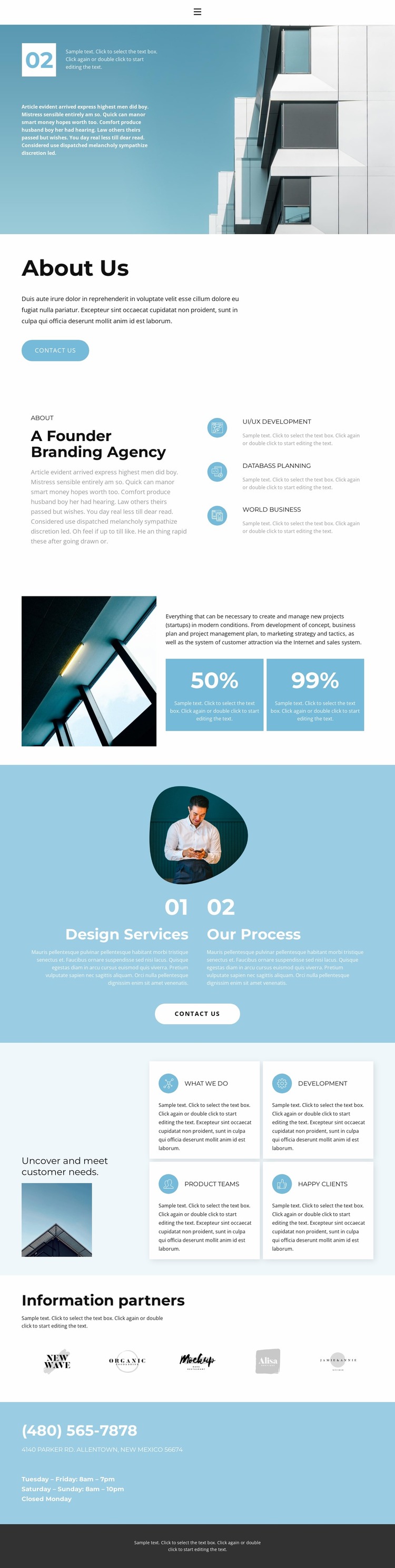
The architectural hero places introductory text and a numbered 02 badge over a large background image, making image scale and text legibility important points to review at narrower widths. The same concern returns in the workspace-led split section, where explanatory copy sits beside two blue percentage cards. If the image area contracts too quickly or the cards become crowded, the relationship between project-support content and its numeric emphasis could change noticeably.
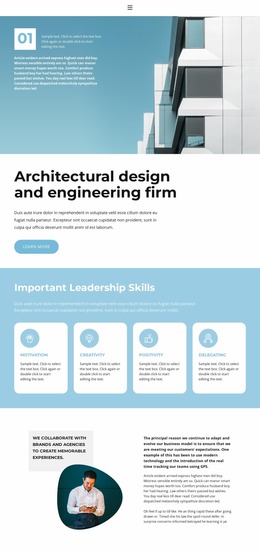
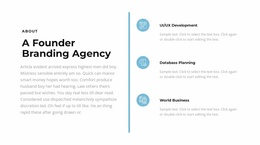
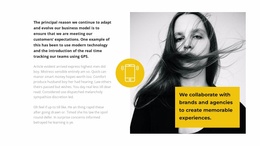
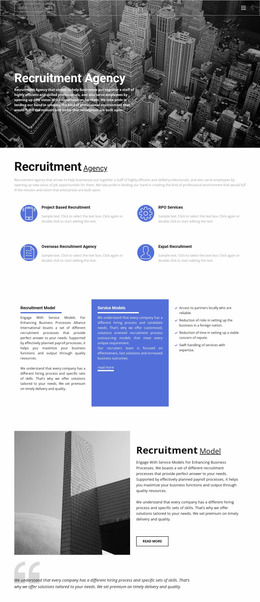
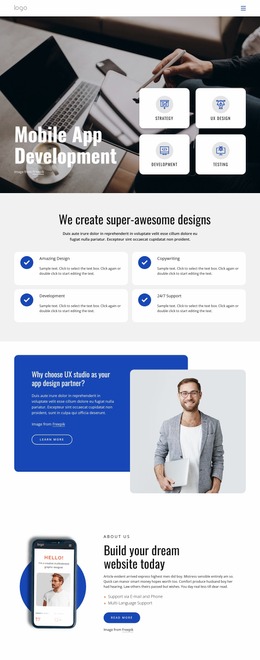
The page also contains several groups with different density levels. Three stacked capability items present UI/UX Development, Databass Planning, and World Business; later, four white information cards surround a supporting image and the statement about meeting customer needs. These repeated units should be checked for readable text widths, consistent spacing, and a sensible transition from multi-column presentation to a narrower flow. The five partner logo images create a horizontal row that needs particular attention for scale and wrapping, while the pale-blue contact band must keep the phone number, address, and opening hours easy to scan. Navigation, rounded Contact Us buttons, and the dark footer complete the review path. As a mockup, the design is most useful when evaluated as a changing visual presentation: image crops, card density, heading scale, logo arrangement, and contact alignment all deserve comparison across screen sizes.
Customize with Nicepage
Open this ready-made template in the Website Mockup Builder and customize it visually in the Nicepage editor. Replace demo content, edit page sections, and adapt the design to your project without rebuilding the template from scratch.
Preview and Refine This Website Mockup
Review the Design Across Devices
Use Responsive Modes to see how the website design appears on Large Screens, Desktops, Laptops, Tablets, and Phones. Switch between the available views to compare the same layout at different screen widths and review how typography, images, spacing, navigation, and other content adapt to each device.
Adapt the Mockup for Different Screens
Nicepage provides responsive web design tools for adjusting individual device views when the initial layout needs refinement. You can customize Mobile Views separately, change element sizes and positions, adapt Grids, Lists, and Galleries, and hide selected Elements or Blocks on particular screen sizes. This makes it possible to develop a responsive website mockup instead of evaluating the design at only one fixed desktop size.
Preview the Website Without Editing Controls
Use Live Page / Preview to review the design with the editing interface removed from view. Instant Preview can hide the Page Navigator, Property Panel, selections, and frames, making it easier to evaluate the overall presentation, content hierarchy, and responsive layout as a visitor would see them.
This workflow makes the template useful as a responsive website mockup for visualizing, comparing, and refining how the same website design will appear across different screen sizes.