Bright page Website Mockup



Edit Template Offline
2. Create new page and search for id 1568357
Edit Template Online
Create Awesome Websites


Free Nicepage Builder
Keywords
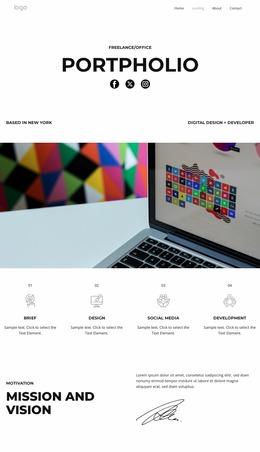
Rounded Collages and Dense Panels Need Careful Screen Review
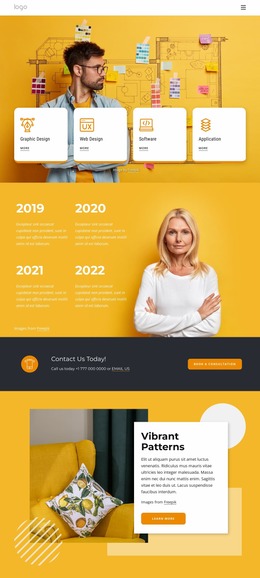
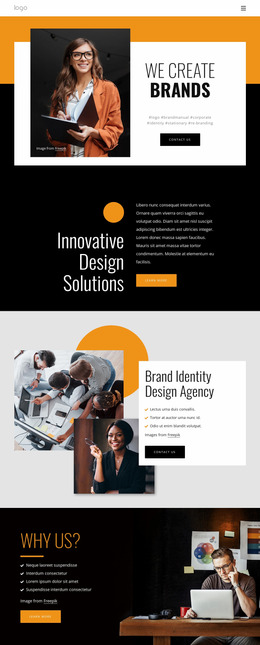
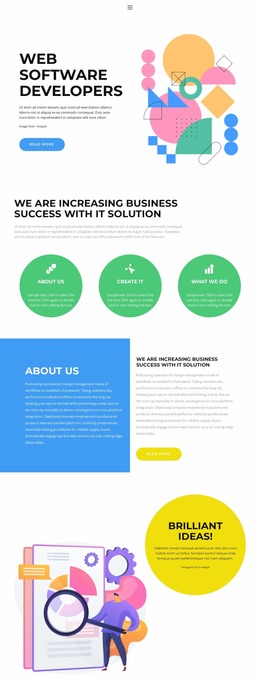
The yellow opening places a large centered headline above four compact cards, so the first review point is the relationship between headline scale, card width, and the surrounding high-contrast background. The portrait-led introduction then changes the density by placing an image above copy and a rounded button. Comparing those areas at narrower widths can show whether the shift from a wide opening to a centered content stack remains visually balanced.
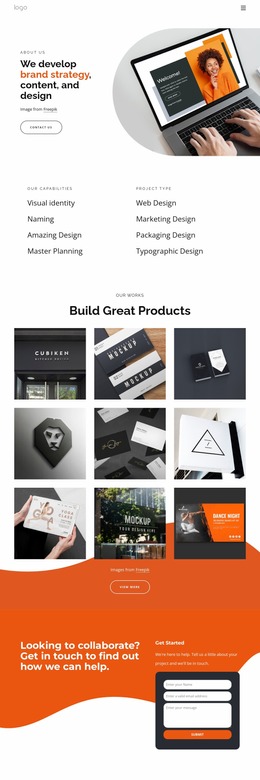
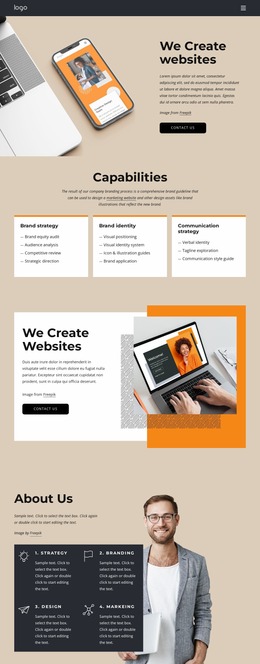
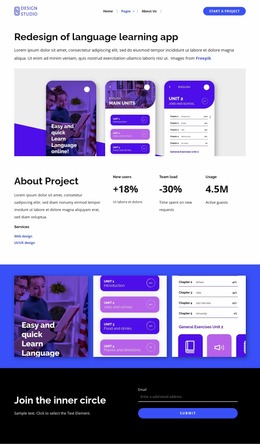
The middle sections contain several presentation-sensitive arrangements. Four capability items are distributed across two rows, while “Architecting the digital” places a large text block beside a contrasting red statement panel and two smaller panels below. The asymmetrical creative collage adds multiple rounded photographs and short statements, creating another area where image scale, gaps, and content order deserve visual attention. The collaboration section introduces a supporting image beside a statement and two numbered process entries, adding a further change in density.
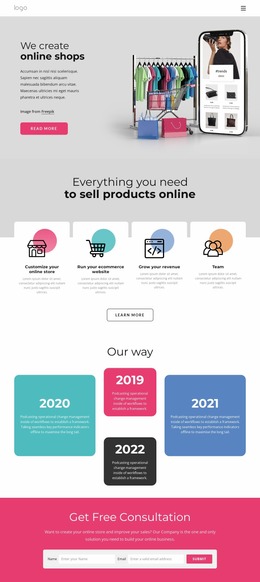
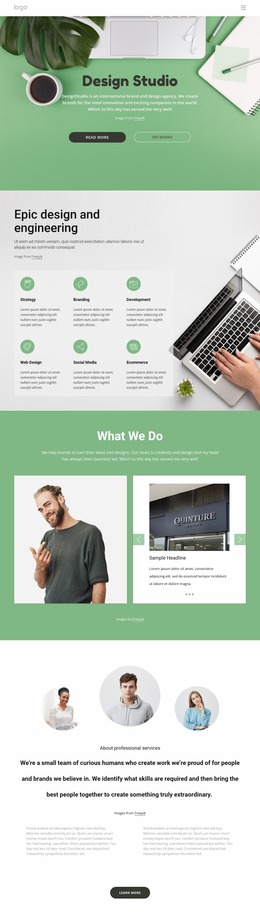
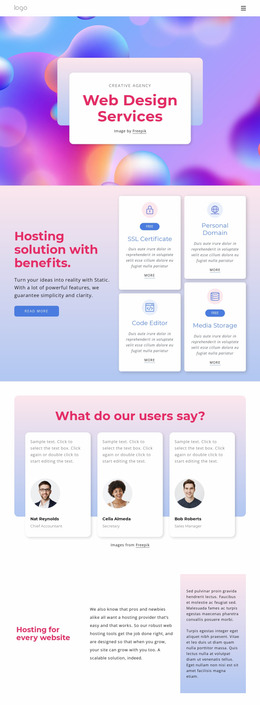
The lower page combines a two-column agency overview with three repeated testimonial cards and circular portraits. These repeated units should be checked for consistent sizing and readable supporting text when the available width decreases. Finally, the two-column contact area needs review around company information, social links, the compact inquiry form, and Submit action. The template’s responsive presentation depends on preserving those contrasts and relationships without allowing the page to become crowded or visually fragmented.
Customize with Nicepage
Open this ready-made template in the Website Mockup Builder and customize it visually in the Nicepage editor. Replace demo content, edit page sections, and adapt the design to your project without rebuilding the template from scratch.
Preview and Refine This Website Mockup
Review the Design Across Devices
Use Responsive Modes to see how the website design appears on Large Screens, Desktops, Laptops, Tablets, and Phones. Switch between the available views to compare the same layout at different screen widths and review how typography, images, spacing, navigation, and other content adapt to each device.
Adapt the Mockup for Different Screens
Nicepage provides responsive web design tools for adjusting individual device views when the initial layout needs refinement. You can customize Mobile Views separately, change element sizes and positions, adapt Grids, Lists, and Galleries, and hide selected Elements or Blocks on particular screen sizes. This makes it possible to develop a responsive website mockup instead of evaluating the design at only one fixed desktop size.
Preview the Website Without Editing Controls
Use Live Page / Preview to review the design with the editing interface removed from view. Instant Preview can hide the Page Navigator, Property Panel, selections, and frames, making it easier to evaluate the overall presentation, content hierarchy, and responsive layout as a visitor would see them.
This workflow makes the template useful as a responsive website mockup for visualizing, comparing, and refining how the same website design will appear across different screen sizes.