Digital solutions Website Mockup



Edit Template Offline
2. Create new page and search for id 1065893
Edit Template Online
Create Awesome Websites


Free Nicepage Builder
Keywords
Overlapping Strategy Cards and Expandable Roles Need Careful Review
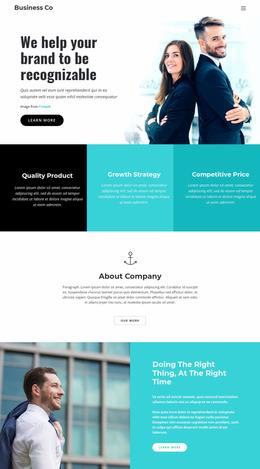
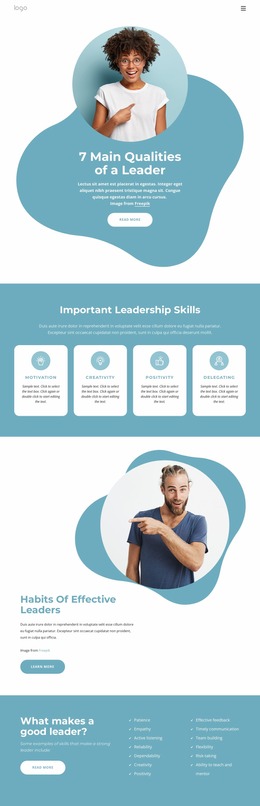
The page combines several layout behaviors that are important to inspect in a website presentation. The split hero balances a circular team image against a headline and Contact Us action, so the relationship between image scale and available text width should remain clear as the viewport narrows. The three service cards introduce an evenly spaced row, while the wide Winning Strategies image carries three numbered cards that overlap its lower edge. That overlap is a particularly visible area for checking spacing, card placement, and content density.
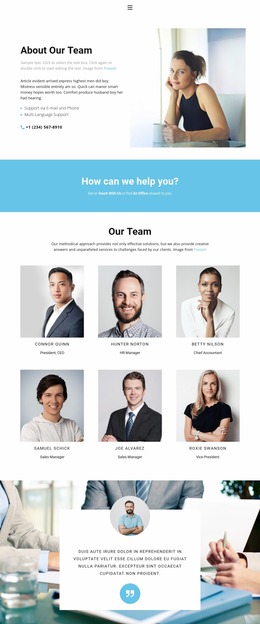
The three portrait-based team cards create another repeated row, but the recruitment section changes to a two-column arrangement with a benefits list beside five expandable job-role entries. Reviewing that transition helps confirm that the page can preserve hierarchy when image-led cards give way to longer text and interactive-looking rows. The closing contact block also deserves attention because its form panel is followed by four contact-information cards, creating a concentrated sequence of fields and supporting details.
At larger widths, the page’s white space, pale aqua fields, rounded cards, and geometric accents produce clear shifts between sections. At narrower widths, those same relationships should be checked for image cropping, card stacking, readable headings, accordion-row height, and contact-form flow. The mockup is therefore most useful as a visual review of how a varied agency page maintains hierarchy when two-column, grid, overlapping, and form-based areas share one presentation.
Customize with Nicepage
Open this ready-made template in the Website Mockup Builder and customize it visually in the Nicepage editor. Replace demo content, edit page sections, and adapt the design to your project without rebuilding the template from scratch.
Preview and Refine This Website Mockup
Review the Design Across Devices
Use Responsive Modes to see how the website design appears on Large Screens, Desktops, Laptops, Tablets, and Phones. Switch between the available views to compare the same layout at different screen widths and review how typography, images, spacing, navigation, and other content adapt to each device.
Adapt the Mockup for Different Screens
Nicepage provides responsive web design tools for adjusting individual device views when the initial layout needs refinement. You can customize Mobile Views separately, change element sizes and positions, adapt Grids, Lists, and Galleries, and hide selected Elements or Blocks on particular screen sizes. This makes it possible to develop a responsive website mockup instead of evaluating the design at only one fixed desktop size.
Preview the Website Without Editing Controls
Use Live Page / Preview to review the design with the editing interface removed from view. Instant Preview can hide the Page Navigator, Property Panel, selections, and frames, making it easier to evaluate the overall presentation, content hierarchy, and responsive layout as a visitor would see them.
This workflow makes the template useful as a responsive website mockup for visualizing, comparing, and refining how the same website design will appear across different screen sizes.