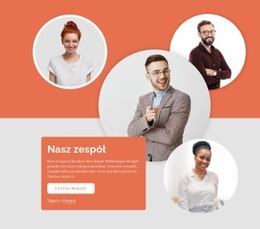
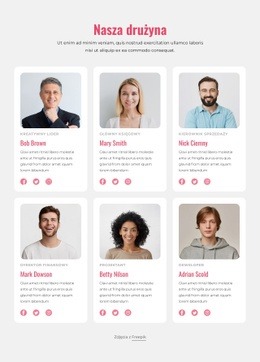
Zwycięska drużyna Projekt strony internetowej


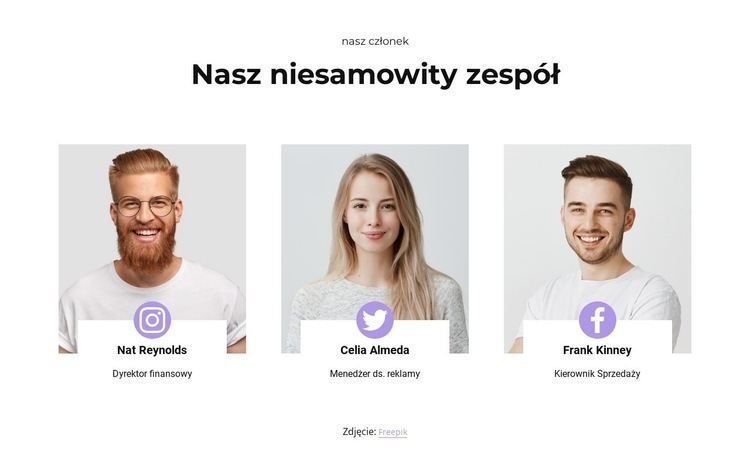
Dostosuj za pomocą Nicepage
Korzystając z Kreator projektów stron internetowych, będziesz mógł dostosowywać kolory, czcionki, nagłówek i fooer, układ, kolumny i inne elementy projektu, a także zawartość i obrazy.
Edytuj szablon w trybie offline
2. Utwórz nową stronę lub wybierz istniejącą
3. Kliknij Dodaj nowy blok, wyszukaj identyfikator 1423268 i kliknij Enter
Edytuj szablon online
Twórz niesamowite witryny internetowe


Darmowy kreator Nicepage
Słowa kluczowe
Stwórz spójny projekt w całej witrynie
Zdefiniuj styl wizualny dla całej witryny
Użyj Ustawień motywu, aby określić wizualne podstawy witryny na wszystkich jej stronach i sekcjach. Ustaw globalne kolory, czcionki i typografię, aby witryna podążała za tym samym kierunkiem projektowania, zamiast stylizować każdą stronę osobno.
Skoordynowanie kolorów i typografii
Wybierz schemat kolorów i kombinację czcionek, które pasują do charakteru witryny, a następnie dostosuj nagłówki H1-H6, zwykły tekst, linki, przyciski, cytaty, listy i inne style typograficzne. Spójne stosowanie tych ustawień pomaga stworzyć przejrzystą hierarchię wizualną i sprawia, że powtarzające się elementy projektu są rozpoznawalne w całej witrynie.
Dodaj ruch i interakcję
Użyj Efektów animacji, aby nadać witrynie bardziej dynamiczny i interaktywny wygląd. Elementy i kontenery mogą korzystać z efektów takich jak „Uruchom przy wyświetlaniu”, „Animacja po najechaniu kursorem” i „Synchronizacja animacji z przewijaniem”, aby wprowadzać treści w miarę poruszania się użytkowników po witrynie lub reagowania na interakcję użytkownika. Predefiniowane ustawienia animacji zapewniają gotowe efekty, które można dostosować do stylu wizualnego witryny.
Zachowaj spójność wizualną witryny
Zastosuj ten sam kierunek projektowania do współdzielonych elementów witryny, takich jak nagłówek, menu i stopka. Panel ustawień motywu łączy w sobie wspólne elementy sterujące stylami dla całej witryny, ułatwiając zachowanie spójnego wyglądu w miarę rozszerzania witryny na wiele stron.
Dzięki takiemu obiegowi pracy szablon staje się użytecznym punktem wyjścia do tworzenia witryny internetowej o spójnej identyfikacji wizualnej, skoordynowanych kolorach i typografii, współdzielonych zasadach projektowania oraz interaktywnych efektach na wszystkich stronach.

Zestaw projektowy (14)
-
EN

-
EN
-
EN
-
-
EN
-
EN
-
EN
-
EN
-
EN
-
EN
-
EN
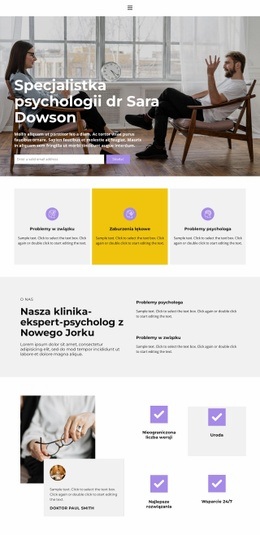


Więcej od Zespół Blocks
-
EN
-
-
EN
-
EN
-
EN
-
EN
-
EN
-
EN
-
EN
-
-
EN
-
EN
-
EN
-
EN
-
-
EN
-
EN
-
EN
-
EN
-