Recycling Today for Tomorrow Web Page Design


Edit Template Offline
2. Create new page and search for id 6453650
Edit Template Online
Create Awesome Websites


Free Nicepage Builder
Keywords
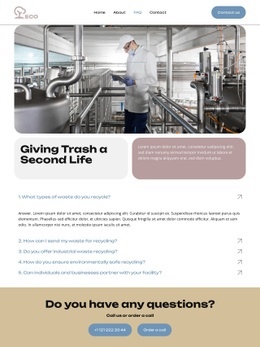
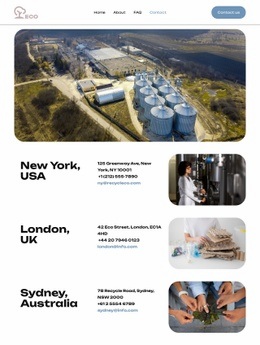
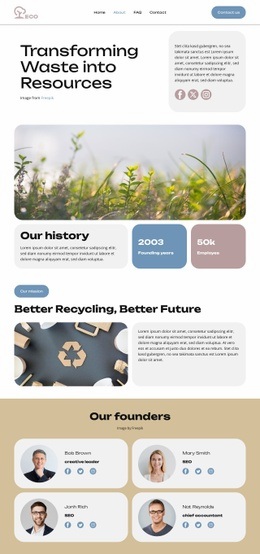
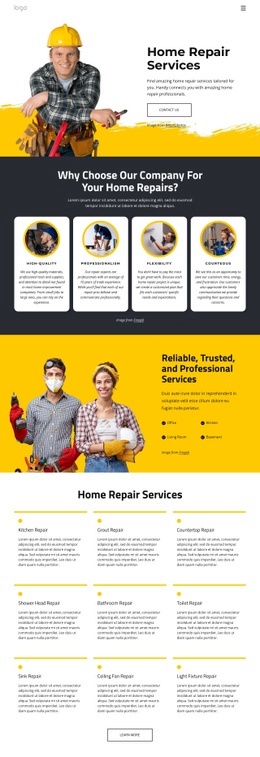
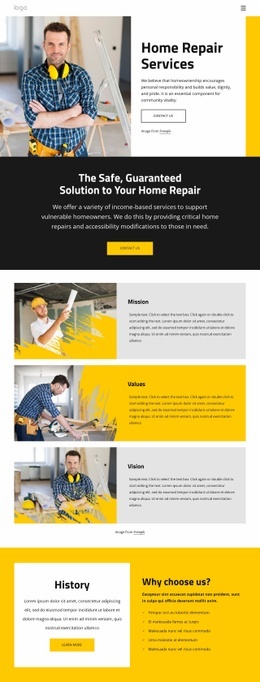
The Hero, Service Matrix, and Photo Banner Control Page Rhythm
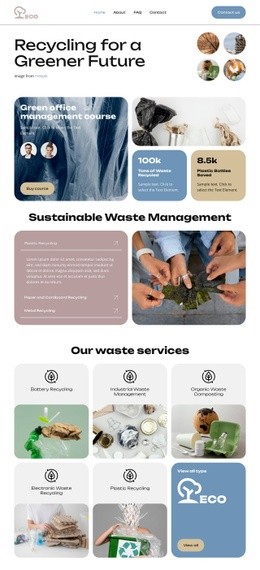
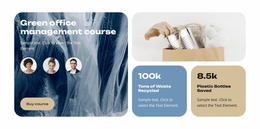
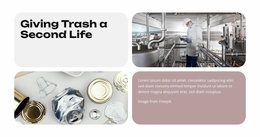
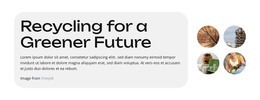
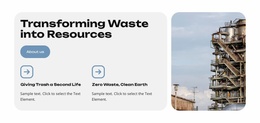
The opening composition places the main recycling headline beside circular imagery, then adds the course card and supporting callouts below, creating a dense but clearly prioritized introduction. A split section follows, pairing a pink informational panel with a large recycling photograph. This change from layered hero content to a simple text-and-image arrangement gives the page an immediate shift in visual density and helps explain the service context before the category grid appears.
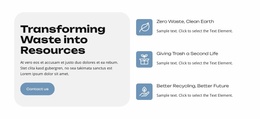
The three-column service matrix is the page’s most regular composition. Five named recycling cards and a view-all tile repeat the same general content rhythm, making the service offer easy to scan without turning the entire page into a uniform grid. The tan benefits band then changes the arrangement again, placing a contact action and explanatory text opposite three illustrated sustainability statements. A centered partner row provides a short pause before the resource and expert-contact sections.
The closing photographic banner expands across the page and gives the “Talk to an expert” message stronger visual emphasis. These transitions—layered hero, split overview, repeated cards, benefit band, partner strip, and full-width CTA—show how the individual page is composed to move between information, categorization, reassurance, and contact.
Customize with Nicepage
Open this ready-made template in the Web Page Design Builder and customize it visually in the Nicepage editor. Replace demo content, edit page sections, and adapt the design to your project without rebuilding the template from scratch.
Design a Web Page Section by Section
Choose a Design for Each Section
Build the page from individual content sections instead of starting with a fixed full-page layout. Use Block Designs to browse ready-made sections for different purposes, including introductions, services, galleries, testimonials, contact forms, pricing, and other common parts of a web page. Search or filter the available designs to find a layout that fits the content you want to add.
Combine Blocks and Page Elements
Add selected Blocks to the page and arrange them in the order that supports the page's purpose. A hero section can introduce the main message, followed by services, benefits, portfolio content, testimonials, calls to action, or contact information.
Inside each section, use Web Page Elements such as Text, Image, Hyperlink, Grid, Gallery, and other elements to build and present the page content. Individual elements can be added and adjusted within the Blocks, giving you more control over the composition of each section without having to create the complete layout from scratch.
Refine the Page Layout and Flow
After assembling the main sections, adjust their content, spacing, backgrounds, images, typography, and element placement in the Nicepage editor. Reorder Blocks when necessary and refine the transition from one section to the next so the information hierarchy and visual flow remain clear throughout the page.
This workflow makes the template useful as a web page design that can be composed from ready-made sections, customized with individual page elements, rearranged, and adapted to the content and purpose of an individual page.